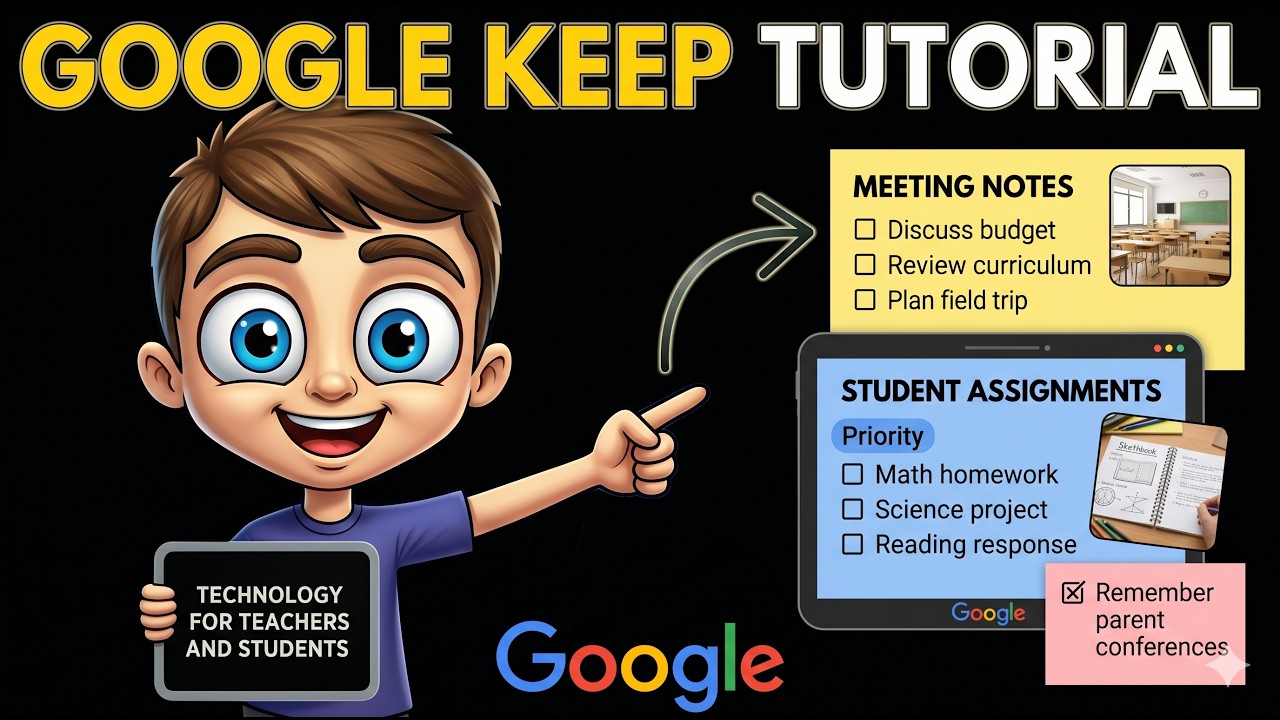
Google Keep Tutorial - Online Notes
video description
Date: 2022-04-08
Related videos



Comments and reviews: 10
drutgat2
Hi,As always, many thanks for this tutorial. I always find your tutorials interesting and helpful.
I have a couple of questions about Google Keep.1. Is it possible to create folders in Google Keep, or is the creation of labels the farthest that a kind of categorization function goes?
2. When using the app on your phone, does the app synchronized with the cloud-based version of Google keep in the same way that Google photos does?
If so, is there any way of deleting a note in the app on your phone, and preserving the note in the cloud version of Google Keep?
I am asking this for two reasons. First, because of limited storage space on my phone, I might want to keep a note in the cloud, but delete it from my phone. Second, I have had significant problems in turning off the synchronization between my phone and Google photos, where I want to delete photos from my phone but still want to keep them in the cloud. I know that this should be possible, but many, many people have had problems with this.
reply
Steven
I like a lot of its features and could see myself using Keep for a lot of things. It would be better for the quick note or things I needed in the -near future-. If I started to amass a very large quantity of notes, though, I think I would have difficulty finding what I was looking for. I think I prefer OneNote or Evernote (because they are more like a notebook) for bigger projects or organizing life.
I do think Keep would be excellent for reminders though. I particularly like the location-based reminder.
Maybe I would do Keep for quick things / location-based reminders and use OneNote or Evernote for anything else.
reply
Christian
Nice video but you didn't mention that the reminders are synced with the Google Calendar. This is for me the most important reason to use Goole Keep as my To-Do list. I have 4 checklists on top (pinned) and I change the reminders each time I completed a task. Very useful.
Also useful: on your mobile device you can add a conversation in a note + the text of the conversation comes in the note!!!
For note taking I prefer Evernote (webclipping, editing a note ... is better)
Sorry for my English; I live in Belgium where we speak Dutch.
reply
Vitali
Nice nifty all-in-one tool that keeps being improved. There are a few things I dislike about Keep. One - the voice recorder / memo / transcriber stops the record too fast - it cuts me in the middle of my sentence if I am speaking too slow. I am wondering if there is a way to fix that. Now, of course I can just use the native text to speech embedded in the keyboard on my android phone. That one doesn't stop unless I press stop. But the audio is not saved to the keep note. So I won't be able to listen to it.
reply
Kyle
Great tutorial. Didn't know about accessing Keep directly thru Google Docs. I also love how easy it is to drag/drop items into order on a list. It allows me to brainstorm everything I need to do in a day and then easily shift them around in the order of priority. Then I just start at the top and work my way down. Thanks for the video!
reply
Tom
Thanks, I'm a retired physicist & drowning in books, papers, drawings, notes, etc, etc, etc. Keep & the rest of the Google's apps are light at end of a tunnel. TomB
PS: Oh, your presentation/brief was better than most I had in the pentagon. I just might start trying to hang out with teachers.
reply
Ric
Using Google Keep with Google Docs is a feature I often use. There is one issue, Google Keep notes moved to Archive are not available in Google Docs, Tools > Keep Notepad. To access those Archive notes open Google Keep outside of Docs, then copy paste that note; cannot drag/drop.
reply
F-licie
Please i need help! I made a search inside keep and it showed a searching circle but since then none of my notes are still there!!
I don't know what to do they just desapears ... I had important note for work inside... I'm just lost
Thanks for your help
reply
loida
great tutorial! very clear, precise, direct to the point, yet comprehensive. i learned and understood how to use Google Keep in just a few minutes. it kept me glued right to the end because the approach is from the point of view of the user and his needs!
reply
Paul
How come every tutorial I watch on Google Keep totally skips what I think is the coolest feature....The ability to set reminders based on location...For example, set a reminder to pick up milk when you're at the grocery store. Nonetheless, nice tutorial.
reply
Add a review, comment
Other channel videos