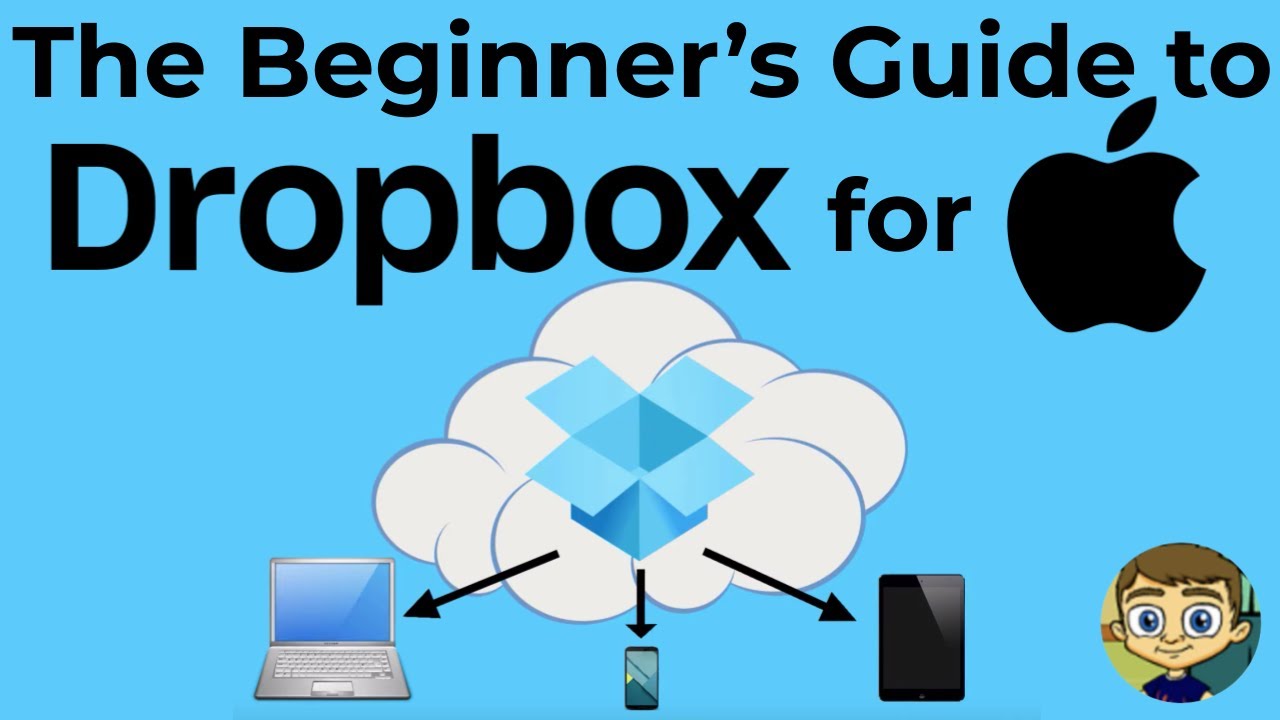
The Beginner's Guide to Dropbox for Mac - Cloud Storage
video description
Date: 2022-04-08
Related videos





Comments and reviews: 7
Chad
Nicely presented video on how to get started with Dropbox. Could you please do videos for intermediate and advanced Dropbox users? Cover Dropbox Paper. Third party add ins. Badge? Dropbox does a poor job of explaining its products and they seem to modify them often. There is a real need for what you do so well here.
reply
Louise
I am so confused about dropbox.....I had artwork scanned and saved in dropbox.....I can't access dropbox files from my tablet......I logged onto a public computer and the first dropbox screen has me baffled.....I need to be able to upload 9 artworks onto a POD website.....I am stuck.....
reply
-Snip-Snip
I can't tell what is better: Google Drive or Dropbox but I just both because they offer Standard option for people who just want free cloud storage and syncing without paying monthly fees and using only 20 MB of size for apps
reply
Joe
I was hoping to get some help; my Mac says cannot send message your account does not have a preferred outgoing mail server.
This happens when I try to send a file to someone.
reply
Pat
Great information on Dropbox. Very nice video/presentation. Also... I am super excited about command + T. So fun to learn some super helpful random thing. Thanks!!
reply
France
You mentioned at beginning of this video that you will share how to upgrade it without pay extra. You didnt do it. Please let me know. Thanks for your video.
reply
Morgan
When I send things the people I-m sending it to don-t receive it, even though I sent it and know I-m sending it correctly what can I do to help them?
reply
Add a review, comment
Other channel videos