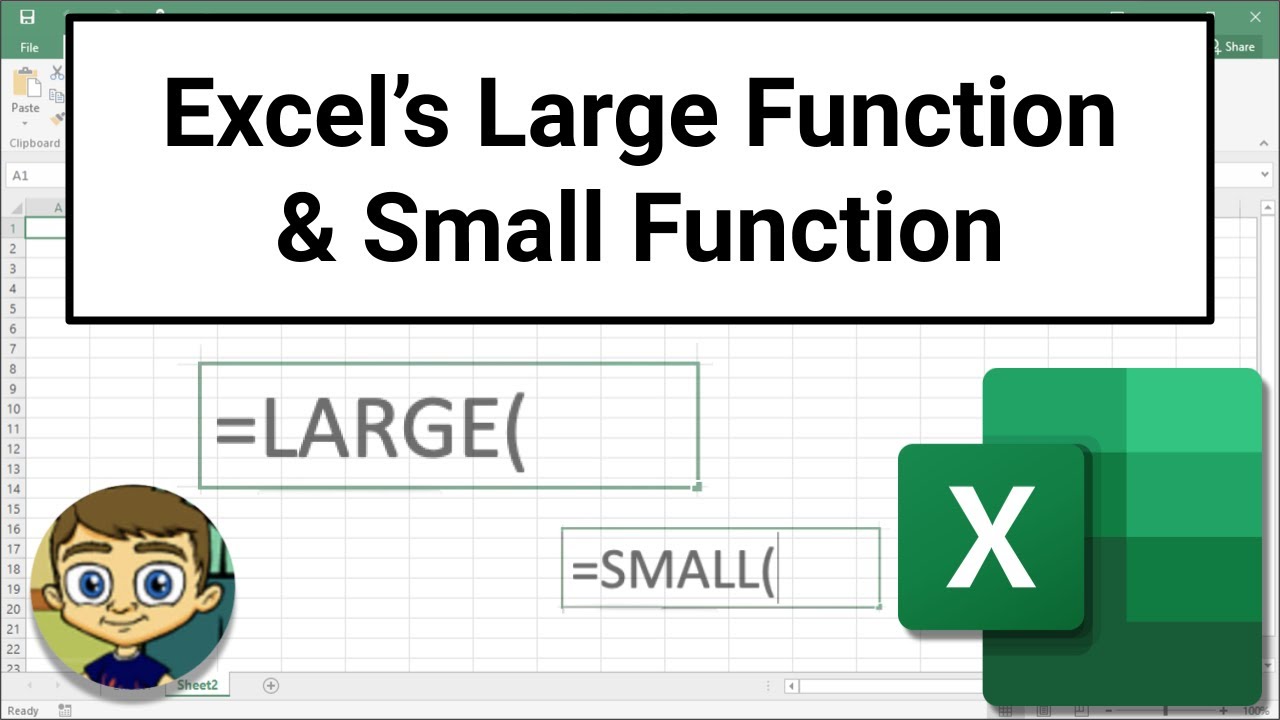
Excel's LARGE Function and SMALL Function
video description
USD $ :
100050.20
ONE LAKH FIFTY AND CENTS TWENTY ONLY --( This line has been Proper way to convert USD Dollar to word)
( I WAS used Powerutility add-ins but every time change Formula , Im scared, totaly time Wasting every time ..........
Show above the result.......
pleased make this VB module File......
Date: 2022-04-08
Related videos






Comments and reviews: 3
Drake
Is there a reason why my search is returning the inverse of the numbers? I'm using the large function, and when It pulls the largest number, in the original chart it's 12345, but in the cell with the large function, it's populating as -12345
reply
Ian
Hello there is there a function I can use in case I want to make all characters in a column even. E.g if I have a list of numbers which should all have 9 characters (779336688) but some have less than 9 characters (779300).
reply
KEJIYA
Hi sir small doubt if i need names with marks..wat is the formula for that... Which means need both students name nd their Marks...?
reply
Add a review, comment
Other channel videos