• Vehicles • Fashion • Recipes • Blogs • Hunt • Travels • Sport • Fun • Handmade • IT • Education
Mini-Games
x

x
zakruti.com » Knowledge, science, education » Technology for Teachers and Students
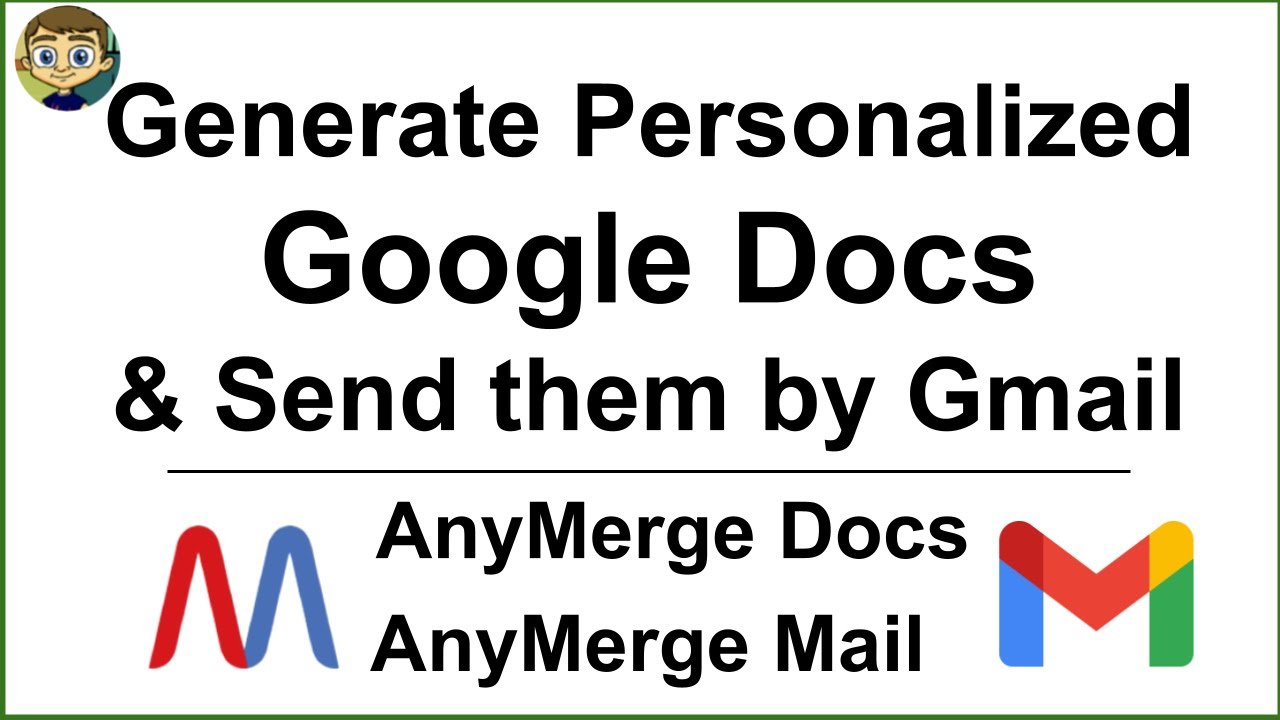
How to Generate Personalized Google Documents and Send Them as Gmail Attachments

How to Generate Personalized Google Documents and Send Them as Gmail Attachments

FBTwitterReddit

video description

Rating: 4.0; Vote: 1
Learn how to create personalized Google documents and then send them in a mail merge through Gmail. To accomplish this, you'll need the AnyMerge Docs and AnyMerge Mail Google Add-Ons. --Install AnyMerge Docs from the Google Workspace Marketplace: http://bit.ly/anymergedocs --Install AnyMerge Mail from the Google Workspace Marketplace: http://bit.ly/anymergemail --AnyMerge Website: http://www.anymerge.com/ --Use this discount code: 2021T4TS --Schools can request free activation for their education doman: http://bit.ly/schooldomainrequest
Date: 2022-04-08

Comments and reviews: 2


Learning is for a life time, thank you for your very clear and well understood explanation video. Got to share it via my blog if you allow me doing so. Cheers!
reply

Very informative video. Thank you very much!
Is there anything similar to this available for Microsoft Outlook, Excel, and Word?

reply
Add a review, comment


Other channel videos