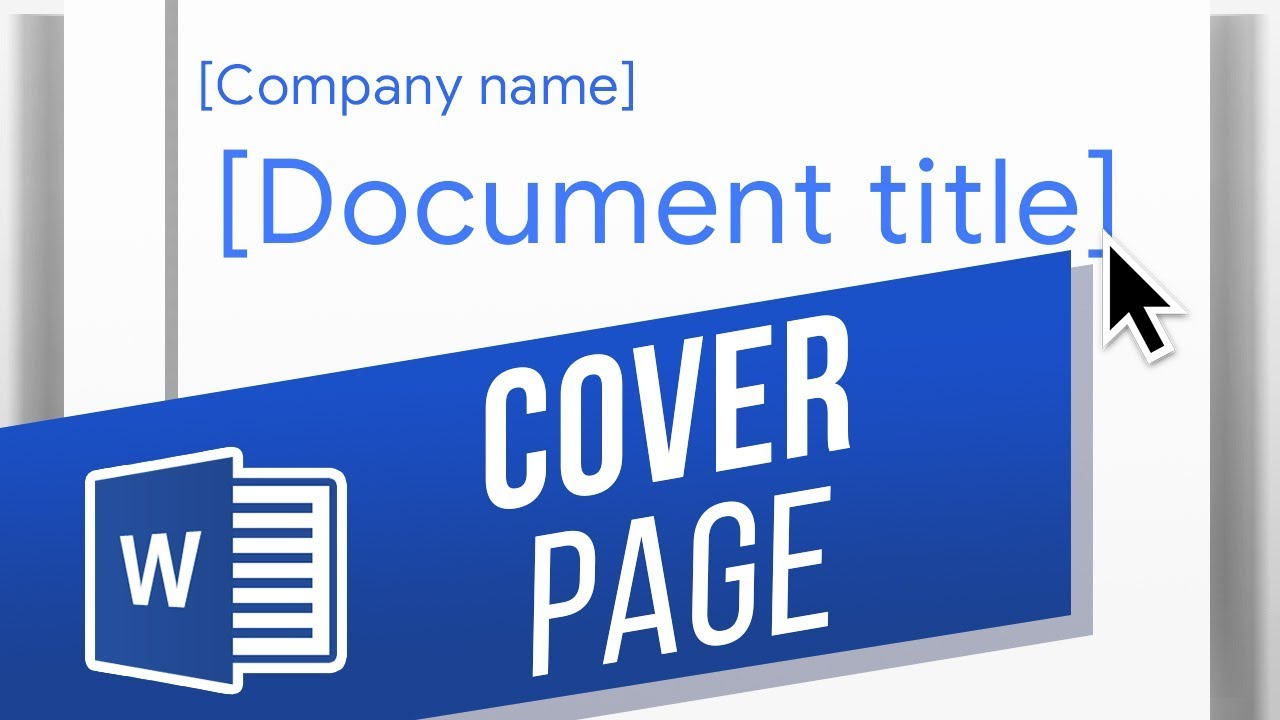
Insert a pre-made cover page. You can either insert a pre-made cover page or make your own if there are specifications you need to adhere to.
Click Insert then click Cover Page to insert a suitable cover page for your manuscript.
If you wish to make your own cover page from scratch, simply place your cursor at the uppermost left point and press Ctrl+Enter to insert a page break and give you a full empty page at the beginning.
Now you can begin creating your cover page to your professors or publishers specifications. If its a specific style its worth looking it up, whether MLA, APA, or Chicago style.
What are you making a cover page for? Please let us know in comments Date: 2023-07-08