In this video tutorial we will show you how to add page numbers to a PDF.
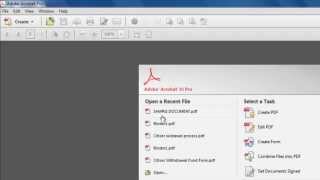
This tutorial will show you how to add page numbers to pdf in Acrobat. This tutorial will be using Acrobat XI.
Step # 1 -- Opening the Pages Options
Start Acrobat XI and make sure that you have the PDF you want to add page numbers to open. Click the Tools option and at the top of the menu and from the options that appear click on the Pages option.
Step # 2 -- Giving the Pages Numbers
In this section find the Head & Footer option and click on it. In the menu that pops up click Add Header & Footer. A window will appear that will allow you to create a header or footer which can be a page number. Click the Insert Page Number button and you will see a number surrounded by symbols appear in the Left Header Text box, cut and paste this to another box if you want it somewhere else on the page. Here we are placing it at the Right Footer. Click OK.
Step # 3 -- Checking the Page Numbers
You will now see on the pages of the PDF that page numbers have appeared and that is how to add page numbers to pdf
Seneca: What about creating different page numbers for the table of contents and then restarting at page 1 with a different page numbers for the body, also starting at page 1? How do you do that? Date: 2023-07-08