How to Calculate Simple Interest in Excel Future Value based on Simple Interest
FBTwitterReddit
video description
Rating: 4.0; Vote: 1
we will cover how you can calculate simple interest in excel.
This type of interest usually applies on small-term loans where we multiply the rate with the principal amount and duration. When calculating simple interest payments, we only calculate the interest amount based on the original principal amount.
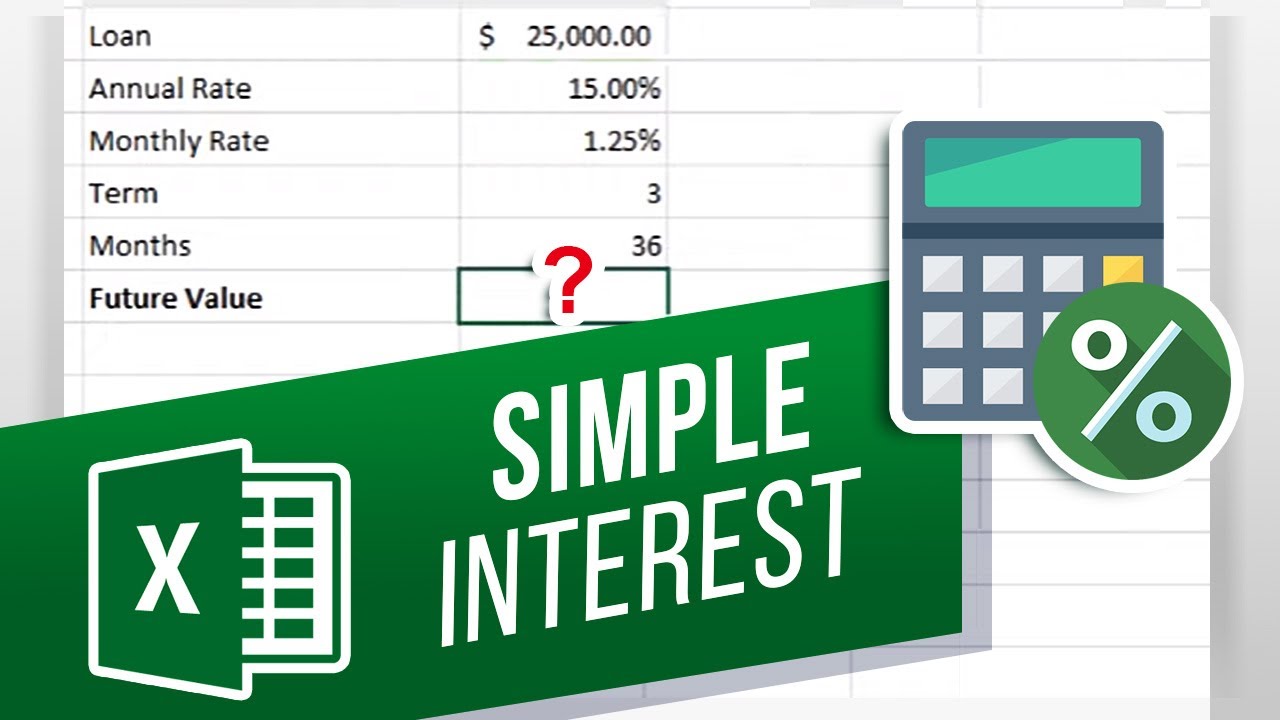
Lets say we want financing for Twenty-Five Thousand dollars with an annual rate of Fifteen Percent, for a total of 3 years.
The borrowed amount here will be positive, because you are getting the money.
We will use the future value function to find out the simple interest paid against the loan.
So, lets start by entering the equals to sign and typing in FV for future value followed by brackets open.
First is the rate, which will be the interest rate for the loan. But since this is simple interest, there will be no rate as it doesnt increase at all. Remember, we are only going to calculate the interest amount based on the original principal. So, lets type in 0 for the rate.
Next, lets move to NPER, which is the total number of payments that are made. In this case, it will be one payment for each month. Therefore, lets select the cell with total months here.
Next is PMT. In this case, we will calculate the monthly interest amount. So lets add a parentheses here and within the brackets, lets multiply the loan amount with the monthly interest rate.
Next is the present value, which is the total amount we are getting financed. Since we are only interested in calculating simple interest over here and not the future value of the loan we wont be taking into account the money we are receiving against this loan. So, lets leave it blank.
Last of all you have the type. There are cases where payments are required to be made at the beginning of each month, for example when calculating leases etc. In that case, you can enter one over here. Loan payments are usually at the end of the period, so we can leave it blank.
Now simply hit enter and the function will automatically calculate the simple interest paid over 3 years.
And thats it!
Which excel function would you like to know more about? Date: 2023-07-08



 3:12
3:12