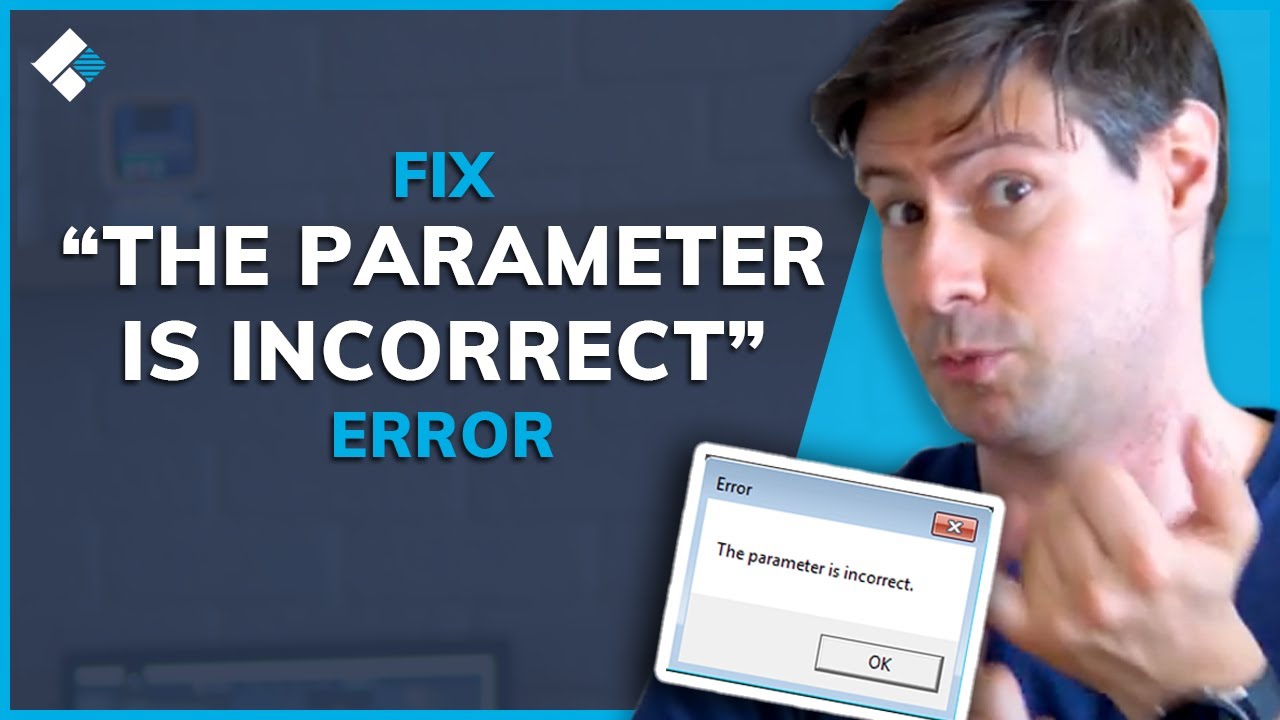
How to Fix -The Parameter is Incorrect- Error on External Hard Drive in Windows 10/8/7?
video description
Date: 2022-03-21
Related videos


Comments and reviews: 10
Melody
Hai...,I can't format my 2tb harddrive,
CHKDSK is not work it's through -windows can't directly access drive- ,I try all methods you Sayed .but it's won't work my drive.two days ago I copying some files from my pc after 70% is copy system is shown -copying error- i click try again butten that system is getting hang .I plugged out my harddrive to my system.again I plug my harddrive. System is getting hang .I can't get properties dialogue box for my drive. I gonna take right click button and click format butten system can't show format dialogue box. after I plugged out my harddrive system is show all of my activities like popup format dialogue box. properties dialogue box are appear . please help me -----
reply
Hai...,I can't format my 2tb harddrive,
CHKDSK is not work it's through -windows can't directly access drive- ,I try all methods you Sayed .but it's won't work my drive.two days ago I copying some files from my pc after 70% is copy system is shown -copying error- i click try again butten that system is getting hang .I plugged out my harddrive to my system.again I plug my harddrive. System is getting hang .I can't get properties dialogue box for my drive. I gonna take right click button and click format butten system can't show format dialogue box. after I plugged out my harddrive system is show all of my activities like popup format dialogue box. properties dialogue box are appear . please help me -----
reply
Kayne
my WD external drive is giving me a headache, deleted the files/movies inside coz it keeps lagging on tv and laptop. after deleting everything i formatted the drive and there comes the problem..
i can't open the drive.
-the parameter is incorrect-
-the volume is dirty-
-the request could not be performed because an I/O device error-
-Windows unable to complete the format-
tried again yesterday, formatted with exFAT file system and it worked i can open the drive again. starting to copy one movie right now.. gonna observe if there's another problem that will occur -
reply
my WD external drive is giving me a headache, deleted the files/movies inside coz it keeps lagging on tv and laptop. after deleting everything i formatted the drive and there comes the problem..
i can't open the drive.
-the parameter is incorrect-
-the volume is dirty-
-the request could not be performed because an I/O device error-
-Windows unable to complete the format-
tried again yesterday, formatted with exFAT file system and it worked i can open the drive again. starting to copy one movie right now.. gonna observe if there's another problem that will occur -
reply
Terry
I have several hard drives that I am trying to look at but I only saw one drive once(showing some missing files) and when I tried to recover the drive the recoverit software said it had been disconnected when I plugged another one in. I restarted and now it can't see any of the drives and they don't appear via disk management. It had been asking me to download UBackit and that did not work at all.
reply
I have several hard drives that I am trying to look at but I only saw one drive once(showing some missing files) and when I tried to recover the drive the recoverit software said it had been disconnected when I plugged another one in. I restarted and now it can't see any of the drives and they don't appear via disk management. It had been asking me to download UBackit and that did not work at all.
reply
Craft-V
I just bought a Toshiba 4TB external and today started getting this error, though last night it wasn't really working right. I'm trying the chkdsk method right now and when I hit enter it said the type of file is ntsf, unable to determine volume version and state. Anyone else have this issue and what solved it? Thank you so much!
reply
I just bought a Toshiba 4TB external and today started getting this error, though last night it wasn't really working right. I'm trying the chkdsk method right now and when I hit enter it said the type of file is ntsf, unable to determine volume version and state. Anyone else have this issue and what solved it? Thank you so much!
reply
Fery
its work, but not that other of this video, so my hardisk stuck at stage 4, and the cmd say -an error has been occured- , and i tried the 2nd attempt with sfc /scannow, and then try one again with chdsk /f/r and it worked. it took a day less for my 500 gb hardisk
reply
its work, but not that other of this video, so my hardisk stuck at stage 4, and the cmd say -an error has been occured- , and i tried the 2nd attempt with sfc /scannow, and then try one again with chdsk /f/r and it worked. it took a day less for my 500 gb hardisk
reply
Maitri
I have a Seagate hard drive, it blinks yellow light but does not show up on the computer. Will that crash my data or could this be a USB cable issue?
thanks in advance
reply
I have a Seagate hard drive, it blinks yellow light but does not show up on the computer. Will that crash my data or could this be a USB cable issue?
thanks in advance
reply
DVPresentations
If running check disc on an external hard drive, can I use files stored on my computer? The scan is on stage 5 but it seems to be taking a long time.
reply
If running check disc on an external hard drive, can I use files stored on my computer? The scan is on stage 5 but it seems to be taking a long time.
reply
Jack
Seeing people say here it takes hours but it chkdsk works, I'm hopeful and still waiting. But it seems to be stuck at 13% for hours now. Any suggestions?
reply
Seeing people say here it takes hours but it chkdsk works, I'm hopeful and still waiting. But it seems to be stuck at 13% for hours now. Any suggestions?
reply
Grace
I right clicked my drive but it is so slow, loading and the -the peremeter is incorrect- will show up,
Is there a way to fix this problem
reply
I right clicked my drive but it is so slow, loading and the -the peremeter is incorrect- will show up,
Is there a way to fix this problem
reply
TheShellex
After running chkdsk D: /f/r, Windows says -Both copies of the boot information for this volume are corrupt.- -Chkdsk cannot continue.-
reply
After running chkdsk D: /f/r, Windows says -Both copies of the boot information for this volume are corrupt.- -Chkdsk cannot continue.-
reply
Add a review, comment
Other channel videos



 4:0
4:0