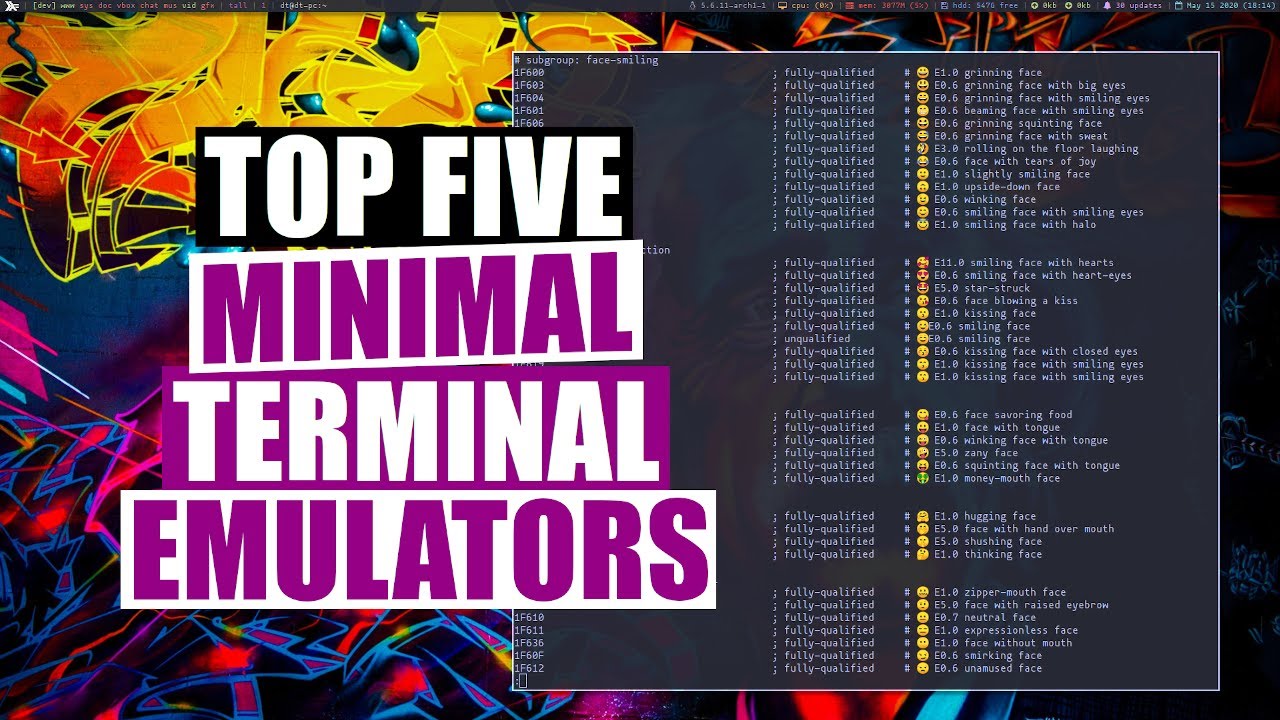
My Top Five Minimal Terminal Emulators DistroTube
video description
Date: 2022-03-30
Related videos


Comments and reviews: 10
Xen
I also ran through pretty much all of those in my years. Urxvt was just a pain in the ass. After dabbing in alacritty and kitty for a while I finally switched to xfce-terminal.
Alacritty and kitty are great and all but they had two problems. At the time my graphics driver was not working all the time and this meant that all my terminals would freeze occasionally because they were rendered on the GPU. The other issue is that with these -obscure- terminal emulators, if you ssh into a lot of machines, copying over your terminfo entries to all your hosts gets really annoying.
xfce-terminal does all I want, it has transparency, unicode and emoji support and the terminfo is on every distro out there so I never have to copy over any terminfo files. So in terms of convenience, it just works.
reply
I also ran through pretty much all of those in my years. Urxvt was just a pain in the ass. After dabbing in alacritty and kitty for a while I finally switched to xfce-terminal.
Alacritty and kitty are great and all but they had two problems. At the time my graphics driver was not working all the time and this meant that all my terminals would freeze occasionally because they were rendered on the GPU. The other issue is that with these -obscure- terminal emulators, if you ssh into a lot of machines, copying over your terminfo entries to all your hosts gets really annoying.
xfce-terminal does all I want, it has transparency, unicode and emoji support and the terminfo is on every distro out there so I never have to copy over any terminfo files. So in terms of convenience, it just works.
reply
noam65
xterm was one of my favorites. There is nothing minimal with xterm, really. It has extensive menus, which at least in ubuntu can be had by using ctrl + mouse buttons. You can change font size with the menu, down to something called noseprint. meaning it is so small it cannot be read. I guess you could start a command that takes a long time to complete, that has copious output, use noseprint font to see if the command is completed. It has terminal log files, and reverse video, meaning white letters on black background, my favorite. After using that, gnome-terminal is okay, but not quite as good as xterm.
reply
xterm was one of my favorites. There is nothing minimal with xterm, really. It has extensive menus, which at least in ubuntu can be had by using ctrl + mouse buttons. You can change font size with the menu, down to something called noseprint. meaning it is so small it cannot be read. I guess you could start a command that takes a long time to complete, that has copious output, use noseprint font to see if the command is completed. It has terminal log files, and reverse video, meaning white letters on black background, my favorite. After using that, gnome-terminal is okay, but not quite as good as xterm.
reply
Shubham
I watched this video couple of months ago and thought hmm - Urxvt is this bad,lets see.
Installed and configured it to my liking.
Can confirm that it supports every character, unicode, emoji.
Just use the proper hint, alias, and pixelsize. Because sometimes if you don't configure proper pixelsize for the specific font it just doesn't work then.
The only thing urxvt doesn't have is Ligature support which I really like so I switched to kitty for Ligature, tabs and splits.
Kitty pretty bloated but I use urxvt as a backup terminal.
reply
I watched this video couple of months ago and thought hmm - Urxvt is this bad,lets see.
Installed and configured it to my liking.
Can confirm that it supports every character, unicode, emoji.
Just use the proper hint, alias, and pixelsize. Because sometimes if you don't configure proper pixelsize for the specific font it just doesn't work then.
The only thing urxvt doesn't have is Ligature support which I really like so I switched to kitty for Ligature, tabs and splits.
Kitty pretty bloated but I use urxvt as a backup terminal.
reply
Andrew
Alacritty is my daily driver. But, have you ever dealt with wezterm? It is fantastic! Built in multiplexer (which is great cuz I use tmux a lot)... I don't know how -minimal- it is, but it is a fantastic terminal.
EDIT: looked at the installed size of wezterm,,, almost 70 Mb, so yeah. I retract my recommendation (unless you are looking for a multiplexing, ligature rendering terminal emulator).
reply
Alacritty is my daily driver. But, have you ever dealt with wezterm? It is fantastic! Built in multiplexer (which is great cuz I use tmux a lot)... I don't know how -minimal- it is, but it is a fantastic terminal.
EDIT: looked at the installed size of wezterm,,, almost 70 Mb, so yeah. I retract my recommendation (unless you are looking for a multiplexing, ligature rendering terminal emulator).
reply
Gabe
Are terminal emulators good beginner tool to learn bash and the basics of the linus terminal? Or is it meant for something else? I have a crappy laptop that in no way could run a virtual machine and I don-t like the idea of fiddling around with a real operating system. It-s nice to just be able to start over when something goes wrong and try stuff out. Is there an emulator/simulator like this?
reply
Are terminal emulators good beginner tool to learn bash and the basics of the linus terminal? Or is it meant for something else? I have a crappy laptop that in no way could run a virtual machine and I don-t like the idea of fiddling around with a real operating system. It-s nice to just be able to start over when something goes wrong and try stuff out. Is there an emulator/simulator like this?
reply
Roshak
25:52 -Lines of Code- count is a plausible measure for developers (not modders!) which indicates the ease of maintainability of that software and therefore the higher probability of getting updates, fixes and feature extensions faster and at lower costs! And also it's a joy to work on 'em. The intelligence of creating the same thing simpler is also respectable.
reply
25:52 -Lines of Code- count is a plausible measure for developers (not modders!) which indicates the ease of maintainability of that software and therefore the higher probability of getting updates, fixes and feature extensions faster and at lower costs! And also it's a joy to work on 'em. The intelligence of creating the same thing simpler is also respectable.
reply
Demonic
St is good, but the only problem I have with it is that, in dwm it has a really weird size. It's left and bottom side is showing unwanted gaps. Same problem with xterm.
Though I have also noticed that, this problem doesn't in other window managers. So, I'm guessing it is a dwm problem rather than st problem.
Any idea how to fix it?
reply
St is good, but the only problem I have with it is that, in dwm it has a really weird size. It's left and bottom side is showing unwanted gaps. Same problem with xterm.
Though I have also noticed that, this problem doesn't in other window managers. So, I'm guessing it is a dwm problem rather than st problem.
Any idea how to fix it?
reply
Nerdnotawheep
Not sure if you are aware of Xiki or not! Its an amazing shell console, well more than a shell. Runs inside terminal. Its not related to this video but thought I might bring this up. Still works, though its very old, i guess was released 8 years ago. Give it a go, who knows, u may like it.
reply
Not sure if you are aware of Xiki or not! Its an amazing shell console, well more than a shell. Runs inside terminal. Its not related to this video but thought I might bring this up. Still works, though its very old, i guess was released 8 years ago. Give it a go, who knows, u may like it.
reply
Мстислав
Most important is how easy is copy and past in terminal. Use different buffers, key combinations.
Would be interesting to see them in comparation. Specially because tilling window managers and key navigation becomes so popular among advanced linux users.
reply
Most important is how easy is copy and past in terminal. Use different buffers, key combinations.
Would be interesting to see them in comparation. Specially because tilling window managers and key navigation becomes so popular among advanced linux users.
reply
Thomas
Great video, thanks a lot for sharing the wisdom. I have a question though. How do you get that status line in vim? I have used both Vim 8.1 and Neovim 0.5 but I cannot get that status line.
Is that how it looks in Arch Linux? Please let me know. Thanks!
reply
Great video, thanks a lot for sharing the wisdom. I have a question though. How do you get that status line in vim? I have used both Vim 8.1 and Neovim 0.5 but I cannot get that status line.
Is that how it looks in Arch Linux? Please let me know. Thanks!
reply
Add a review, comment
Other channel videos






 15:47
15:47