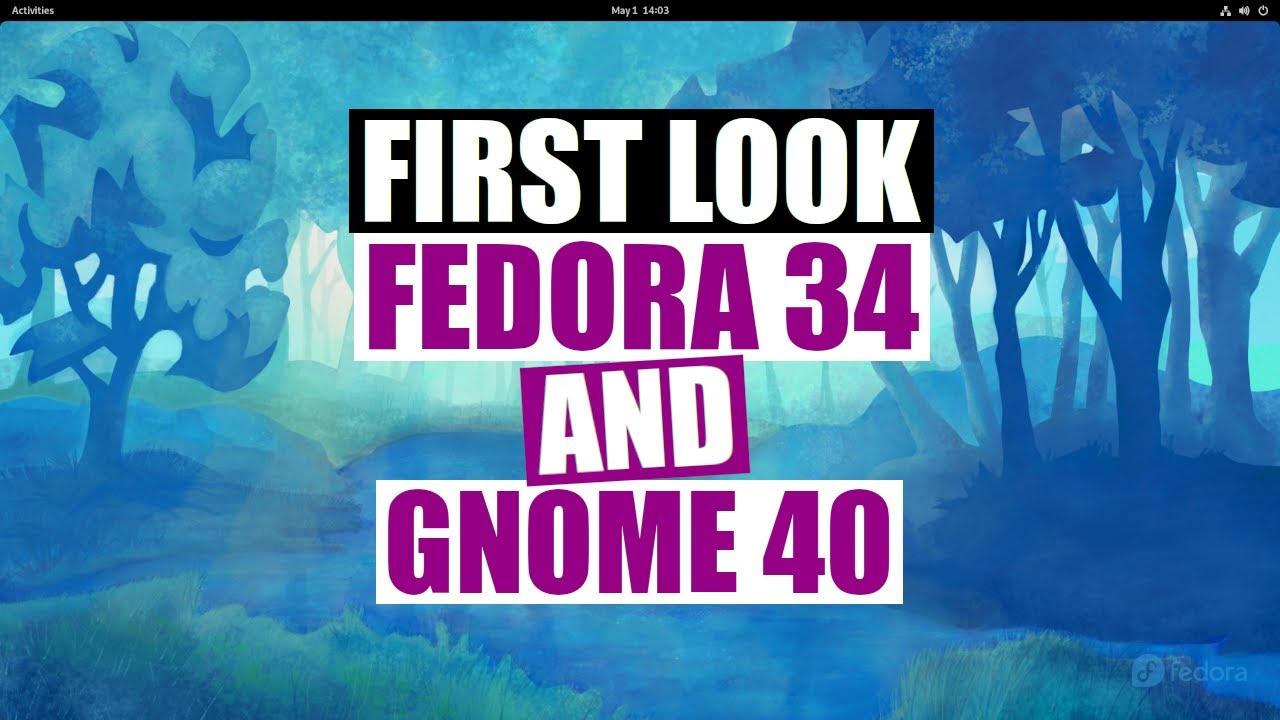
My First Look At Fedora 34 (and GNOME 40) DistroTube
video description
Date: 2022-03-30
Related videos





Comments and reviews: 10
BlizzGMX
It looks nice but I can't stand all the extra steps either. You have to toggle on the minimize button instead of having it on by default with the option to toggle it off, which to me makes no sense at all. I am also more familiar with the keyboard shortcuts from other distros, and I don't want to spend the time relearning or setting up all the shortcuts the way I like them. I guess if I started with this OS I would feel differently, so it all depends on individual preferences and familiarity. I don't see any reason to spend the time fixing things on fedora to work the way I want them to, when I can just get a great out of the box experience using another distro. I can understand why people like this OS though, it does look clean like mac os almost. I also don't like mac so maybe that's another reason Fedora doesn't appeal to me.
reply
It looks nice but I can't stand all the extra steps either. You have to toggle on the minimize button instead of having it on by default with the option to toggle it off, which to me makes no sense at all. I am also more familiar with the keyboard shortcuts from other distros, and I don't want to spend the time relearning or setting up all the shortcuts the way I like them. I guess if I started with this OS I would feel differently, so it all depends on individual preferences and familiarity. I don't see any reason to spend the time fixing things on fedora to work the way I want them to, when I can just get a great out of the box experience using another distro. I can understand why people like this OS though, it does look clean like mac os almost. I also don't like mac so maybe that's another reason Fedora doesn't appeal to me.
reply
Antiquity
I tried Fedora 34 today and found that it set up my printer for me and said it was ready. It could not print even the test page and setup crashed 4 times! Printer is HP CP1025nw. Linux Mint & Manjaro Print out of the box. However, they will not print legal size paper - even though the print preview is perfect they only print as far down the page to where a letter size page would end and the rest is blank. For as long as I can remember, Linux has poor printer support and apparently this has not changed. Windows prints perfectly to my printer. I really would like to use Linux instead of Windows but printing is a basic need and if an O/S cannot do that reliably, it is of no use to me. I really hope Linux distros get their act together and solve these issues. That's my 2 cents worth.
reply
I tried Fedora 34 today and found that it set up my printer for me and said it was ready. It could not print even the test page and setup crashed 4 times! Printer is HP CP1025nw. Linux Mint & Manjaro Print out of the box. However, they will not print legal size paper - even though the print preview is perfect they only print as far down the page to where a letter size page would end and the rest is blank. For as long as I can remember, Linux has poor printer support and apparently this has not changed. Windows prints perfectly to my printer. I really would like to use Linux instead of Windows but printing is a basic need and if an O/S cannot do that reliably, it is of no use to me. I really hope Linux distros get their act together and solve these issues. That's my 2 cents worth.
reply
Chris
The thing about Gnome 3 and later, it seems to favor tablets as far as app launch managment. KDE and Cinnamon are closer to the Windows start button.
As far as the installer, when you select the drive to install to, the drive is selected. The screen makes it so you can select the method of partioning. If you want the automatic partioning, just click done. Otherwise, clicking on the disk deselects it, and that's why you end up havung to click on it a couple of times.
DNF - it allows you to confirm the space requirements or other parmeters before commiting to the install. Most times, I'll put the -y switch in to automatically respond -yes- to that prompt. Actually, I use -by4 (b = use the closest mirror, y = answer -yes- to yes/no prompts, 4 = use IPv4).
reply
The thing about Gnome 3 and later, it seems to favor tablets as far as app launch managment. KDE and Cinnamon are closer to the Windows start button.
As far as the installer, when you select the drive to install to, the drive is selected. The screen makes it so you can select the method of partioning. If you want the automatic partioning, just click done. Otherwise, clicking on the disk deselects it, and that's why you end up havung to click on it a couple of times.
DNF - it allows you to confirm the space requirements or other parmeters before commiting to the install. Most times, I'll put the -y switch in to automatically respond -yes- to that prompt. Actually, I use -by4 (b = use the closest mirror, y = answer -yes- to yes/no prompts, 4 = use IPv4).
reply
Rayzor28
You don't actually need to know that the video application is totem. If you don't know what you need to execute a random file on your computer, Familiarize yourself with this command: xdg-open -filename-. This command will automatically open the file with the default viewer based on what type of file you are trying to open. On my computer, the default photo viewer is eye of gnome and I would need to type -eog- plus the name of the photo to view it. But say I didn't know eog was the default. I would just need to type xdg-open and it would run eog for me by default. You're welcome.
reply
You don't actually need to know that the video application is totem. If you don't know what you need to execute a random file on your computer, Familiarize yourself with this command: xdg-open -filename-. This command will automatically open the file with the default viewer based on what type of file you are trying to open. On my computer, the default photo viewer is eye of gnome and I would need to type -eog- plus the name of the photo to view it. But say I didn't know eog was the default. I would just need to type xdg-open and it would run eog for me by default. You're welcome.
reply
HeiderTV
The things that happen in Windows 10/Mac OS today will be happen in Linux weeks later --. Microsoft and Apple draw the line and Linux Devs following up blindly ---.Gnome become slower because Windows 10 and Mac OS become slower. 7:16 because u r using VM but in real disk drive it will take 2.8GB of RAMS. 8:11 it is not about what the user install or the minimum requirement of SW/Packages to run the OS, but it is all about what is running in the background:
systemctl list-unit-files --state=enabled --no-pager
reply
The things that happen in Windows 10/Mac OS today will be happen in Linux weeks later --. Microsoft and Apple draw the line and Linux Devs following up blindly ---.Gnome become slower because Windows 10 and Mac OS become slower. 7:16 because u r using VM but in real disk drive it will take 2.8GB of RAMS. 8:11 it is not about what the user install or the minimum requirement of SW/Packages to run the OS, but it is all about what is running in the background:
systemctl list-unit-files --state=enabled --no-pager
reply
codeartha
First time seeing gnome in a while, it's polished but i just dont like the feel and usability of it. Though it is probably a good start for new linux users as everything looks great out of the box.
I should try out fedora with another DE myself. But i'm not sure if i have a reason to go to fedora. I don't have a reason not to. I'm just never able to answer the question (DE asside) what does this distro gives me over this other one.
reply
First time seeing gnome in a while, it's polished but i just dont like the feel and usability of it. Though it is probably a good start for new linux users as everything looks great out of the box.
I should try out fedora with another DE myself. But i'm not sure if i have a reason to go to fedora. I don't have a reason not to. I'm just never able to answer the question (DE asside) what does this distro gives me over this other one.
reply
that
You can just type and search for apps directly after pressing super or clicking activities, the all apps view is secondary. That is why it shows you the virtual desktops up front, the primary purpose is to move and select running apps. Thus it is ment to be more keyboard driven as you prefer, you just didn't know it.
reply
You can just type and search for apps directly after pressing super or clicking activities, the all apps view is secondary. That is why it shows you the virtual desktops up front, the primary purpose is to move and select running apps. Thus it is ment to be more keyboard driven as you prefer, you just didn't know it.
reply
Milianor
I'm a fedora user and Fedora has many crash reports is quit annoying, seens like this distro is unstable, i thinking to move to Pop os or distros based on Arch.
Any recommendations? i want a distro for games and development, i will to stop use Windows this year.
reply
I'm a fedora user and Fedora has many crash reports is quit annoying, seens like this distro is unstable, i thinking to move to Pop os or distros based on Arch.
Any recommendations? i want a distro for games and development, i will to stop use Windows this year.
reply
Aleksander
To be fair, the default config of my wm of choice (awesome) is horrible.
If i spent the same time configuring gnome as i spent making awesome to my taste, it would perhaps fit me just fine :D
reply
To be fair, the default config of my wm of choice (awesome) is horrible.
If i spent the same time configuring gnome as i spent making awesome to my taste, it would perhaps fit me just fine :D
reply
Urip
I have a Ryzen 5 16Gb of ram and SSD, I got random lags with this distro, and the pipewire sound quality is terrible, I always got random cracking when playing music online and offline.
reply
I have a Ryzen 5 16Gb of ram and SSD, I got random lags with this distro, and the pipewire sound quality is terrible, I always got random cracking when playing music online and offline.
reply
Add a review, comment
Other channel videos


 4:17
4:17