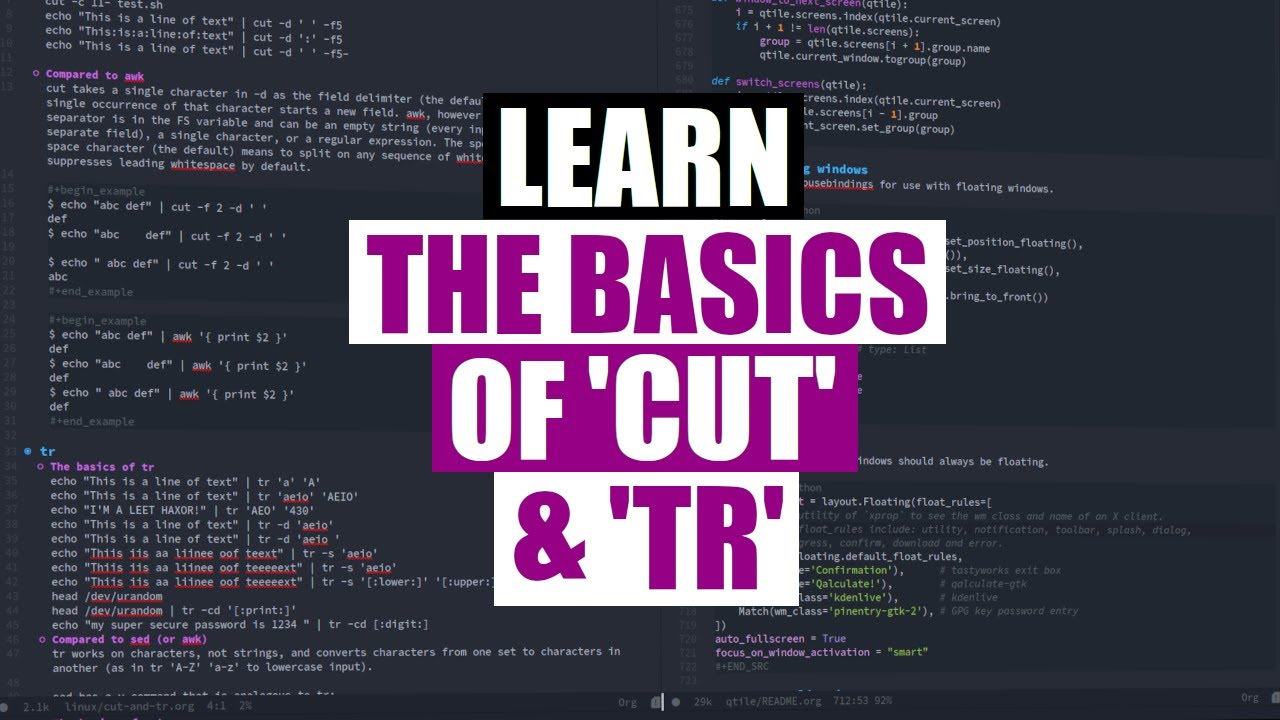
Two Powerful Command Line Utilities 'cut' And 'tr' DistroTube
video description
Date: 2022-03-30
Related videos


Comments and reviews: 7
omar
really like this video but would like to note that sed would can pretty much do what tr did through basic regex knowledge for example you can replace lower case to upper case with this command:
-echo -This is a line of text- - sed 's/[a-z]/\U&/g'-
and upper to lower with this one:
-echo -This is a line of text- - sed 's/[A-Z]/\L&/g'-
you could also replicate the compliment function with the carrot symbol - inside square brackets like so:
-echo -this is some text and numbers 1234- - sed 's/[-0-9]//g'- (This means that anything that is not a digit replace it with empty string)
but of course using tr for these tasks would probably be a better idea
reply
really like this video but would like to note that sed would can pretty much do what tr did through basic regex knowledge for example you can replace lower case to upper case with this command:
-echo -This is a line of text- - sed 's/[a-z]/\U&/g'-
and upper to lower with this one:
-echo -This is a line of text- - sed 's/[A-Z]/\L&/g'-
you could also replicate the compliment function with the carrot symbol - inside square brackets like so:
-echo -this is some text and numbers 1234- - sed 's/[-0-9]//g'- (This means that anything that is not a digit replace it with empty string)
but of course using tr for these tasks would probably be a better idea
reply
Terminalforlife
That was a fairly good example of using AWK over cut(1) - the one with all the whitespaces.
Fun fact: the following bit of PERL will do what you did with cut(1)'s --c- functionality:
perl -ne 'chomp(); printf(-%s\n-, substr($_, 0, 10))' -/.bashrc
And with AWK:
awk '-printf(-%s\n-, substr($0, 0, 10))-' -/.bashrc
AWK is actually a bit smarter here, because it knows to handle empty lines accordingly. AWK is a lot like PERL in its syntax and approach, at least with respect to PERL's -while- loop iterating over lines in a file.
reply
That was a fairly good example of using AWK over cut(1) - the one with all the whitespaces.
Fun fact: the following bit of PERL will do what you did with cut(1)'s --c- functionality:
perl -ne 'chomp(); printf(-%s\n-, substr($_, 0, 10))' -/.bashrc
And with AWK:
awk '-printf(-%s\n-, substr($0, 0, 10))-' -/.bashrc
AWK is actually a bit smarter here, because it knows to handle empty lines accordingly. AWK is a lot like PERL in its syntax and approach, at least with respect to PERL's -while- loop iterating over lines in a file.
reply
Ravi
This series you are doing DT is awesome, especially if someone is interested in shell scripting. These techniques even though basic are quite powerful when complemented with the power of shell scripting. Please continue with this series. Thank You.
reply
This series you are doing DT is awesome, especially if someone is interested in shell scripting. These techniques even though basic are quite powerful when complemented with the power of shell scripting. Please continue with this series. Thank You.
reply
Vikram
Hi,
Why not -xdotools-? its quite useful for keyboard and mouse automation. I am excited for video on xdotools and creative ideas to use it for productivity. Hope DistroTube will bring videos on xdotools.
Thanks,
reply
Hi,
Why not -xdotools-? its quite useful for keyboard and mouse automation. I am excited for video on xdotools and creative ideas to use it for productivity. Hope DistroTube will bring videos on xdotools.
Thanks,
reply
SlideRSB
I would have included -paste- in this video since it's basically the inverse utility of -cut-. I also think -paste- is a very useful and often overlooked utility.
reply
I would have included -paste- in this video since it's basically the inverse utility of -cut-. I also think -paste- is a very useful and often overlooked utility.
reply
Mark
You should do something like a quick fire overview of utilities like shuf, tac, nl etc most people could use these but won't know about them!
reply
You should do something like a quick fire overview of utilities like shuf, tac, nl etc most people could use these but won't know about them!
reply
aehjr1
Not even finished viewing the video, and still say, -Nicely done! You neatly avoid the (usual) UUOC seen in many UNIX/Linux primers.-
reply
Not even finished viewing the video, and still say, -Nicely done! You neatly avoid the (usual) UUOC seen in many UNIX/Linux primers.-
reply
Add a review, comment
Other channel videos