How to Use Jump List in Microsoft Windows 10 / 8.1 Tutorial - The Teacher
FBTwitterReddit
video description
Rating: 4.0; Vote: 1
How to Use Jump List in Microsoft Windows 10 / 8.1 Tutorial - The Teacher
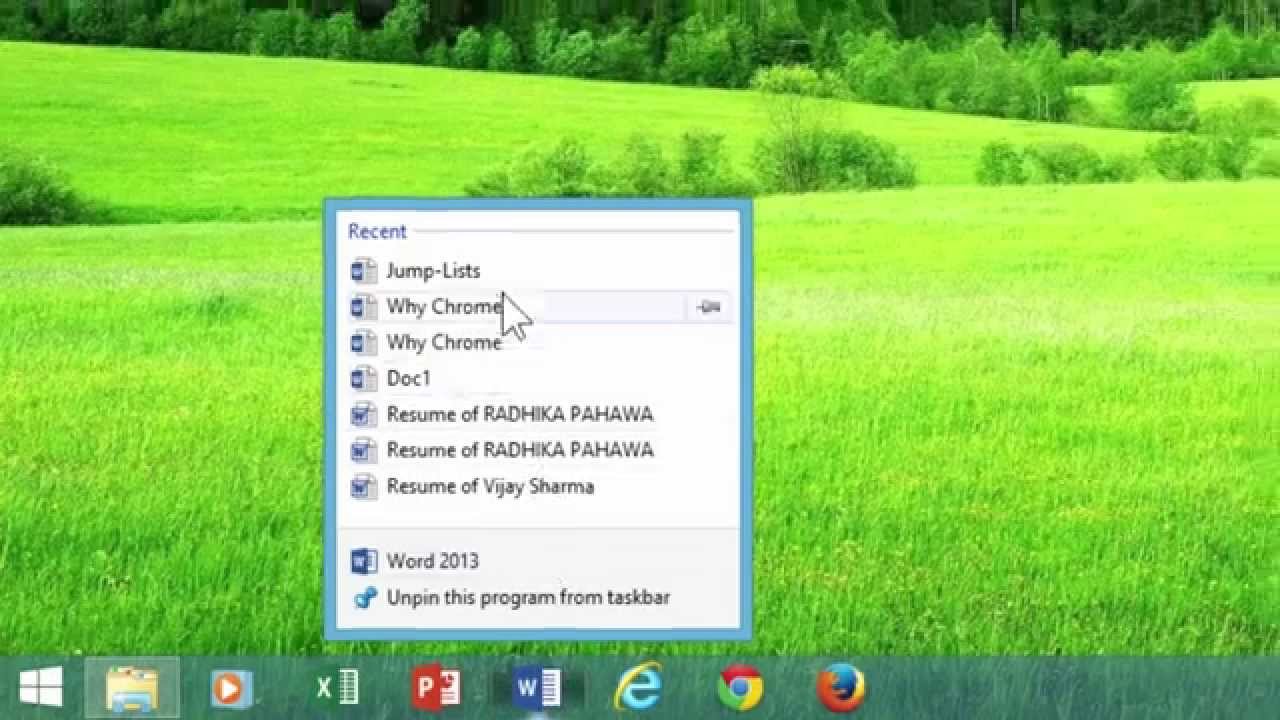
Jump Lists in Windows 8 / 8.1 are used to access your favorite files and folders quickly. You can access Jump Lists just by right-clicking on the taskbar button of any application. You can also drag and drop files on your taskbar to add them into jump lists. Moreover, you can configure how many files you want to see in the jump lists.
In Windows 8 / 8.1, you can also configure the numbers of items to be displayed in jump lists but unfortunately the same jump lists configuration option is still yet not available in Windows 10.
Information Applies To:
Windows 8 / 8.1
Windows 10 Date: 2022-03-31