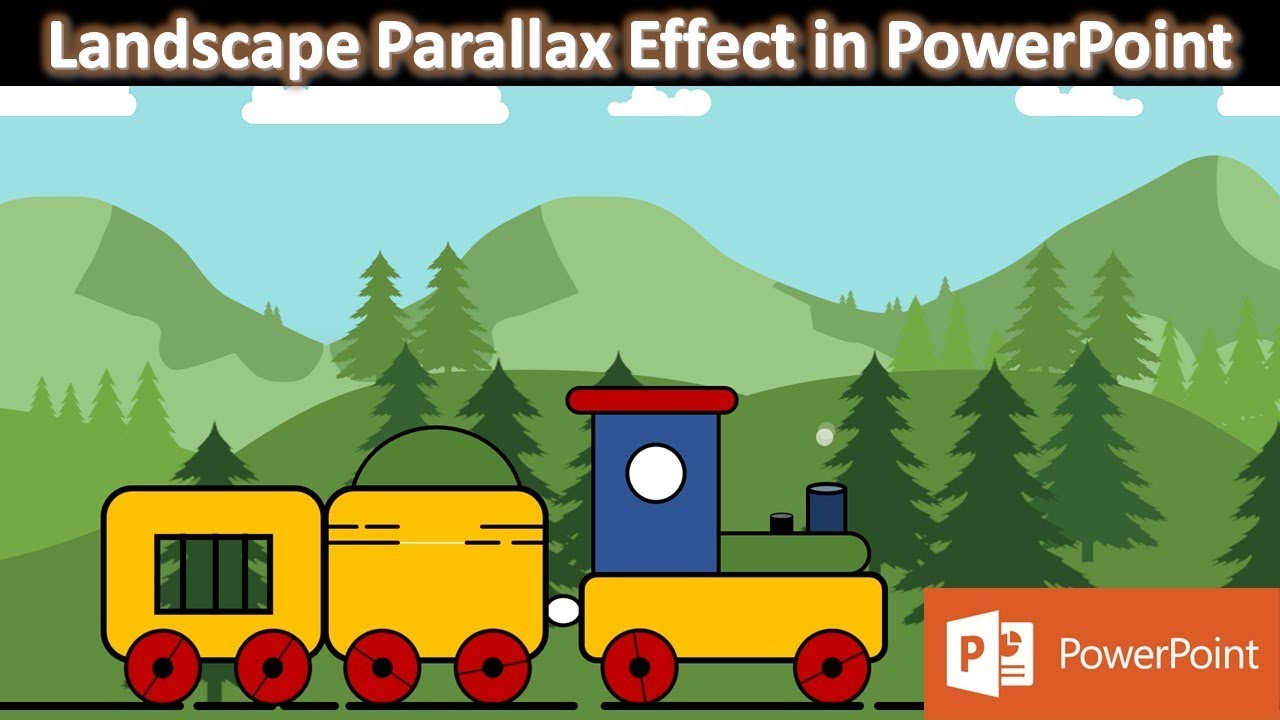
Landscape Parallax Animation in PowerPoint The Teacher
FBTwitterReddit
video description
Rating: 4.0; Vote: 1
Landscape Parallax Animation in PowerPoint The Teacher
In this video, you will learn how to make Landscape Parallax Animation in PowerPoint using a few simple techniques of Motion Path applied to the pictures.
- Learn More and Download the Landscape Parallax Effect PowerPoint Presentation (PPT) -
https://www.theteacherpoint.com/landscape-parallax-animation-in-powerpoint/
- About Landscape Parallax Animation PPT
1. Download all the required PNG (Transparent) Pictures from the link.
2. Insert the first Cloud picture and make a duplicate.
3. Group them together and apply the Left Motion Path and adjust the path length. The most important thing in this animation is adjusting the Path lengths exactly, so while making the Loop using Repeat Until End of the Slide, the animation doesn't flicker at all and will make an Endless loop.
4. Insert the Second Mountain picture and make 2 further duplicates. Flip each of them Horizontally from the Rotate drop-down menu and group all 3 pictures together.
5. Apply the Left Motion Path again and adjust the path length.
6. We are not using any Smoothness and Repeating all the animations of the Picture Until End of the Slide.
7. Insert the 3rd picture and use Animation Painter to replicate the animation effect from the 2nd picture onto the 3rd one.
8. Insert the 4th picture and repeat the same steps as we did for the 3rd picture.
9. Add more elements to the slide like I am adding a Toy Tray (Link in the description and cards).
Information also applies to the following versions:
PowerPoint 2007 / 2010 / 2013 / 2019 / Office 365
- Original Animation Inspiration
-Flat Pack FX - https://youtu.be/KP0MVG8wA78
- Recommended Videos
How To Make Kids Toy Train Animation in PowerPoint Tutorial -
https://youtu.be/QGJb6kWWwHw Date: 2022-03-31