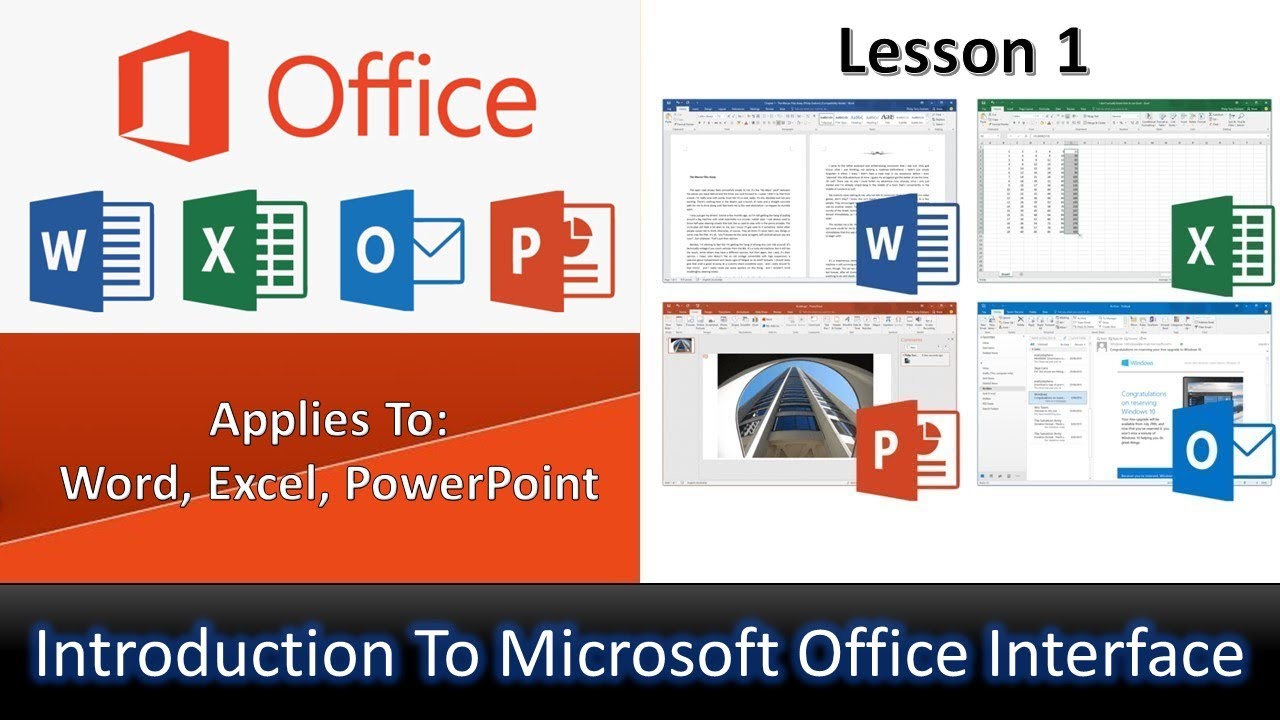
Introduction to Welcome Screen in Microsoft Office Lesson 1 - The Teacher
FBTwitterReddit
video description
Rating: 4.0; Vote: 1
Introduction to Welcome Screen in Microsoft Office Lesson 1 - The Teacher
In this Microsoft Office 2019 tutorial video, we will learn about the Start / Welcome Screen; which is the first most screen when you run any of Microsoft Office applications like Word, Excel, or PowerPoint. So, all the options described in this tutorial will also work similarly in other Office applications.
- About the Microsoft Office Welcome Screen Tutorial
1. We will discuss the Recent Files list and Pinned Documents List
2. How to Enable or Disable the Welcome Screen
3. Customize other Advanced - Display - options related to Start Screen like
a. Show this number of Recent Documents
b. Quickly access this number of Recent Documents
c. Show this number of unpinned Recent Folders
- Recommended Videos
How to Use Office 2019 Ribbon Display Options - Lesson 2
https://youtu.be/buOh92EZAFU
Sarthak: How did you upgraded ms office? Is it now permanent in your pc (I mean does it require further paid activation in future)? Date: 2022-03-31