Using VMware Workstation (And Player) Unity Mode - OnlineComputerTips
FBTwitterReddit
video description
Rating: 4.0; Vote: 1
Using VMware Workstation (And Player) Unity Mode - OnlineComputerTips
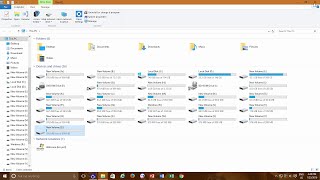
VMware Workstation and VMware Player have a feature called Unity Mode which allows you to run the programs and apps from your virtual machines within your host computer's desktop session. The programs are still running on the VM but they appear to be running on your host computer and you can move and resize the windows as well as open and close new programs using the virtual machine's start menu from your actual computer. We also show you a workaround for the Ctrl-Shift-U keyboard command not working to open the VMs start menu Date: 2022-03-31