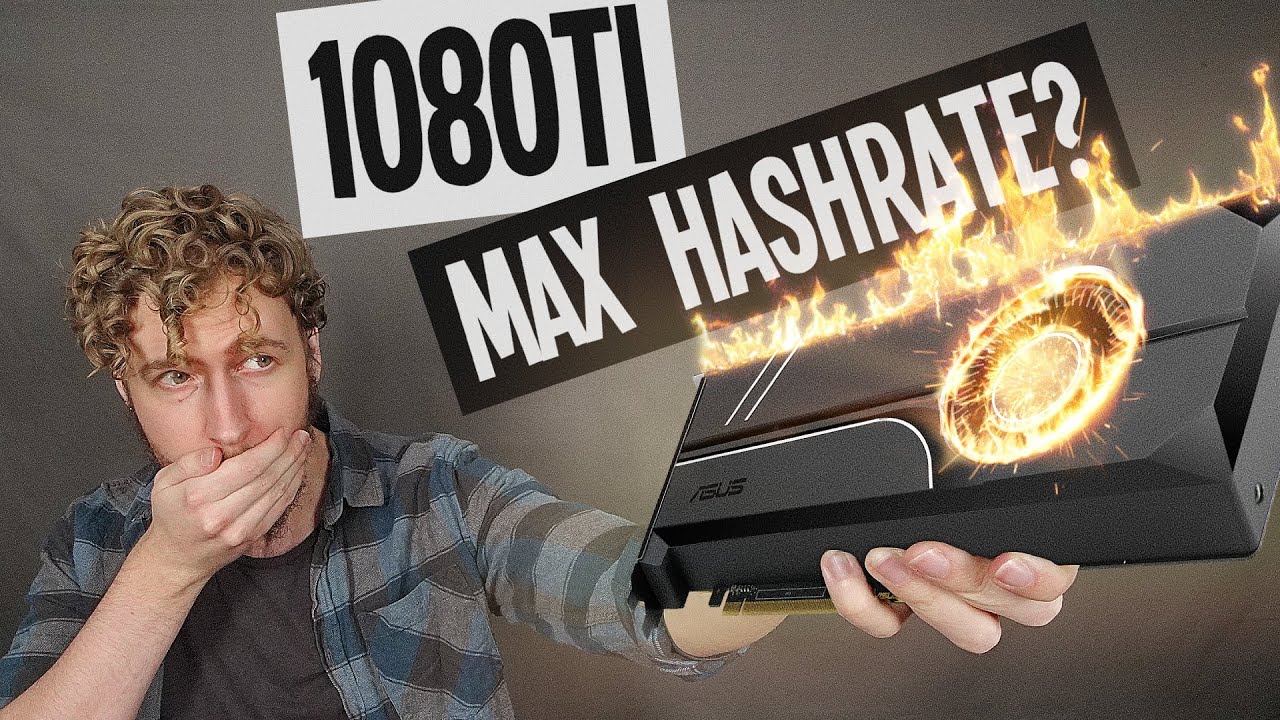
GTX 1080 Ti Overclocking for Mining Ethereum (How to MAXIMIZE HASHRATE) - Sebs FinTech
video description
Date: 2022-04-19
Related videos


Comments and reviews: 10
Milan
I have two different GPUs: Asus (Strix) and Gigabyte. Gigabyte is better card, so overclock setting is:
Gigabyte GTX 1080 ti:
power: 80%
core clock: +210
mem clock: -400
--hashrate on Bminer is 43.95 - 44.10 with reported power consumption of about 195 - 210W
--temperature is 48C with 100% fan speed (on automatic)
(all overclocking over that values results in crash)
ASUS (Strix) GTX 1080 ti:
power: 61%
core clock +170
memory clock: -450
--hashrate on Bminer is 37.10 - 37.19
--temperature 61C with 100% fan speed (manual - this card has bad heatsink - too big and poor thermal connection)
(also this is somewhat maximum setting, although - if room is cold, I can rise power to 62%)
People, enable voltage measurement (voltage monitoring) on MSI Afterburner. Not voltage adjustment! Be sure that voltage does not go over 1000 mV, then the card will be stable. Only thing is if it works hard, any program started will reset Bminer (probably other miners too) and it will briefly drop hashrate to zero for several seconds, then it will recover.
Detach bottom waveforms and observe FB usage (Frame Buffer) - It should be 100% or close to that.
Found something interesting: ETHlargementPill says that window should be open all the time. WRONG!!! First run ETHlargementPill, then miner. Watch for FB usage, if some program is started, even if you click to search or anything else, it will drop to zero for few seconds, then it will rea-adjust WITHOUT ETHlargementPill running. So, this program searching for the optimum memory tweaking, but after that... it does NOT re-adjusting anything, as they claim 'constantly'. No, it does not.
I suspect that this program occasionally 'steal' shares, not sure but after shutting down (after it does adjust everything), noticed great improvement in Income during the last 1000 rounds on Ethermine page (under Payouts). No more 'stale' shares.
reply
I have two different GPUs: Asus (Strix) and Gigabyte. Gigabyte is better card, so overclock setting is:
Gigabyte GTX 1080 ti:
power: 80%
core clock: +210
mem clock: -400
--hashrate on Bminer is 43.95 - 44.10 with reported power consumption of about 195 - 210W
--temperature is 48C with 100% fan speed (on automatic)
(all overclocking over that values results in crash)
ASUS (Strix) GTX 1080 ti:
power: 61%
core clock +170
memory clock: -450
--hashrate on Bminer is 37.10 - 37.19
--temperature 61C with 100% fan speed (manual - this card has bad heatsink - too big and poor thermal connection)
(also this is somewhat maximum setting, although - if room is cold, I can rise power to 62%)
People, enable voltage measurement (voltage monitoring) on MSI Afterburner. Not voltage adjustment! Be sure that voltage does not go over 1000 mV, then the card will be stable. Only thing is if it works hard, any program started will reset Bminer (probably other miners too) and it will briefly drop hashrate to zero for several seconds, then it will recover.
Detach bottom waveforms and observe FB usage (Frame Buffer) - It should be 100% or close to that.
Found something interesting: ETHlargementPill says that window should be open all the time. WRONG!!! First run ETHlargementPill, then miner. Watch for FB usage, if some program is started, even if you click to search or anything else, it will drop to zero for few seconds, then it will rea-adjust WITHOUT ETHlargementPill running. So, this program searching for the optimum memory tweaking, but after that... it does NOT re-adjusting anything, as they claim 'constantly'. No, it does not.
I suspect that this program occasionally 'steal' shares, not sure but after shutting down (after it does adjust everything), noticed great improvement in Income during the last 1000 rounds on Ethermine page (under Payouts). No more 'stale' shares.
reply
bgtubber
Very informative. Thanks! I have an ASUS Founders Edition 1080 Ti and it behaves very similar to yours - lower memory clock gives me higher hash rate. My current settings in MSI afterburner at the time of writing this are: Power Limit 72%, Core clock +165 Mhz, Memory Clock -200 Mhz, Fan Speed 55%. This gives me 40.5 Mh/s at 180W which is efficiency of 225 Kh/J. GPU core temp is 56C and GPU hot spot temp is 70C. This is with Phoenix Miner and the straps option set to 2 in the miner. Also, this GPU is connected to my monitors so hash rate should be a bit higher if the card was not connected to any monitors.
reply
Very informative. Thanks! I have an ASUS Founders Edition 1080 Ti and it behaves very similar to yours - lower memory clock gives me higher hash rate. My current settings in MSI afterburner at the time of writing this are: Power Limit 72%, Core clock +165 Mhz, Memory Clock -200 Mhz, Fan Speed 55%. This gives me 40.5 Mh/s at 180W which is efficiency of 225 Kh/J. GPU core temp is 56C and GPU hot spot temp is 70C. This is with Phoenix Miner and the straps option set to 2 in the miner. Also, this GPU is connected to my monitors so hash rate should be a bit higher if the card was not connected to any monitors.
reply
John
I have 3 zotac geforce gtx 1080 Ti cards & I am using HiveOS so the clocking is different (I used to have 4, but one crashes the pc every time I plug it in, so I've removed it completely)
I have one card which seems pretty stable no matter what I do. I have one which seems to work OK regardless of the clocking, but just stops working every so often for no obvious reason and one which seems stable when the settings are -700 clock, -700 memory and PL=150W
I will experiment after watching this video and see what happens...
reply
I have 3 zotac geforce gtx 1080 Ti cards & I am using HiveOS so the clocking is different (I used to have 4, but one crashes the pc every time I plug it in, so I've removed it completely)
I have one card which seems pretty stable no matter what I do. I have one which seems to work OK regardless of the clocking, but just stops working every so often for no obvious reason and one which seems stable when the settings are -700 clock, -700 memory and PL=150W
I will experiment after watching this video and see what happens...
reply
Jaroslav
my graphic card is so wierd if i underclock memory i see around 41MHS if i do +100on the momory it starts diping to 38MHS if i go to +500 its back on 43MHS but i cant do it how you overclock your cards i need to increase core to +50 to see this hapening on the memory on just heat up the graphic card on 0 and 0 to just get higher tempeture.
On the underclocked memory i can go down with power limit for same MHS
and Note: if i go over +80 core = crash if i go and set the power limit to 80 i can go on 150 no problem
reply
my graphic card is so wierd if i underclock memory i see around 41MHS if i do +100on the momory it starts diping to 38MHS if i go to +500 its back on 43MHS but i cant do it how you overclock your cards i need to increase core to +50 to see this hapening on the memory on just heat up the graphic card on 0 and 0 to just get higher tempeture.
On the underclocked memory i can go down with power limit for same MHS
and Note: if i go over +80 core = crash if i go and set the power limit to 80 i can go on 150 no problem
reply
My
PLEASE CONTACT! Need help figuring out Maxwell 2.0 Memory on my Titan X and 980Ti.
Won't mine! Cuda Error on both T-rex and Phoenix! Please help Cash invested in Cards with no ROI!
PS this is how I found you! trying to solve this issue! Now I'm a huge Fan like a 32er and T-rex is outstanding. New nothing about T-rex B4 I found you!
Can you FB me RyanJamesJohnson1975
Cheers and Love from Canada! RJ.
PSS. No reply from; Red Panda, Mining Chamber or VoskCoin I'm assuming PM got lost in the crowd.
reply
PLEASE CONTACT! Need help figuring out Maxwell 2.0 Memory on my Titan X and 980Ti.
Won't mine! Cuda Error on both T-rex and Phoenix! Please help Cash invested in Cards with no ROI!
PS this is how I found you! trying to solve this issue! Now I'm a huge Fan like a 32er and T-rex is outstanding. New nothing about T-rex B4 I found you!
Can you FB me RyanJamesJohnson1975
Cheers and Love from Canada! RJ.
PSS. No reply from; Red Panda, Mining Chamber or VoskCoin I'm assuming PM got lost in the crowd.
reply
StevO
right now on my 1080 ti im using 90 core and 650 in mem with enlargement pill in hiveos but im wondering maybe i can enter memory tweak command in the miner aswell right now im at 44.73 mhs and power limit is 210w. The card is Geforce GTX 1080 ti Evga SC2. Is there something else i can do to get aither better watt eff or getting higher mhs? thx for a good video. Kanon bra video. // cheers from sweden
reply
right now on my 1080 ti im using 90 core and 650 in mem with enlargement pill in hiveos but im wondering maybe i can enter memory tweak command in the miner aswell right now im at 44.73 mhs and power limit is 210w. The card is Geforce GTX 1080 ti Evga SC2. Is there something else i can do to get aither better watt eff or getting higher mhs? thx for a good video. Kanon bra video. // cheers from sweden
reply
My
I got 2 1080Ti's. (1) Hybrid EVGA = P=80%, Fan=Auto, CC=+110, MC= +730 = 46.5 MH/s
I got 2 1080Ti's. (2) Giga P=90%, Fan=100, CC=+190, MC= +730 = 45.0 MH/s
;) PS. Tks for the Vid's Cheers and keep up the great work!
This is with Phoenix Miner & Afterburn! working on T-Rex now converting ! Will keep you updated when I get new #'ers from T-rex with NO Afterburn for stability!
reply
I got 2 1080Ti's. (1) Hybrid EVGA = P=80%, Fan=Auto, CC=+110, MC= +730 = 46.5 MH/s
I got 2 1080Ti's. (2) Giga P=90%, Fan=100, CC=+190, MC= +730 = 45.0 MH/s
;) PS. Tks for the Vid's Cheers and keep up the great work!
This is with Phoenix Miner & Afterburn! working on T-Rex now converting ! Will keep you updated when I get new #'ers from T-rex with NO Afterburn for stability!
reply
it_industry
Hey there! I've watch SO MANY mining video from content creators. I will say though, you are the gold standard. You and Mining Chamber for me are top notch for tutorial. Nobody does it better than you. I've never seen anyone communicate and illustrate the complexities of this process in such an easy way to follow. Just brilliant. I sure appreciate what you do.
reply
Hey there! I've watch SO MANY mining video from content creators. I will say though, you are the gold standard. You and Mining Chamber for me are top notch for tutorial. Nobody does it better than you. I've never seen anyone communicate and illustrate the complexities of this process in such an easy way to follow. Just brilliant. I sure appreciate what you do.
reply
AMD
I got a Aorus 1080ti and it is realy strange. At +250 on the ram it has 34.58mh, but at +300 it drops to 33.16mh. Strange. I also tried +600 but than it crashes the system. But sometimes when i play games it even boosts over +1200 on the ram without any overclock from my side. Realy strange card.
reply
I got a Aorus 1080ti and it is realy strange. At +250 on the ram it has 34.58mh, but at +300 it drops to 33.16mh. Strange. I also tried +600 but than it crashes the system. But sometimes when i play games it even boosts over +1200 on the ram without any overclock from my side. Realy strange card.
reply
Nicolas
I tried several settings on my MSI GTX 1080 ti and the best memory clock for me is.... default :) with the mt at 6 of course. I just need to adjust the core clock to 150 in order to reach 45MH/s. After that i adjusted the CC to 175 and now i reach 48MH/s with no crashes
reply
I tried several settings on my MSI GTX 1080 ti and the best memory clock for me is.... default :) with the mt at 6 of course. I just need to adjust the core clock to 150 in order to reach 45MH/s. After that i adjusted the CC to 175 and now i reach 48MH/s with no crashes
reply
Add a review, comment
Other channel videos