How to Change the Automatic Calculation in Excel Control the Mode of Calculation
FBTwitterReddit
video description
Rating: 4.0; Vote: 1
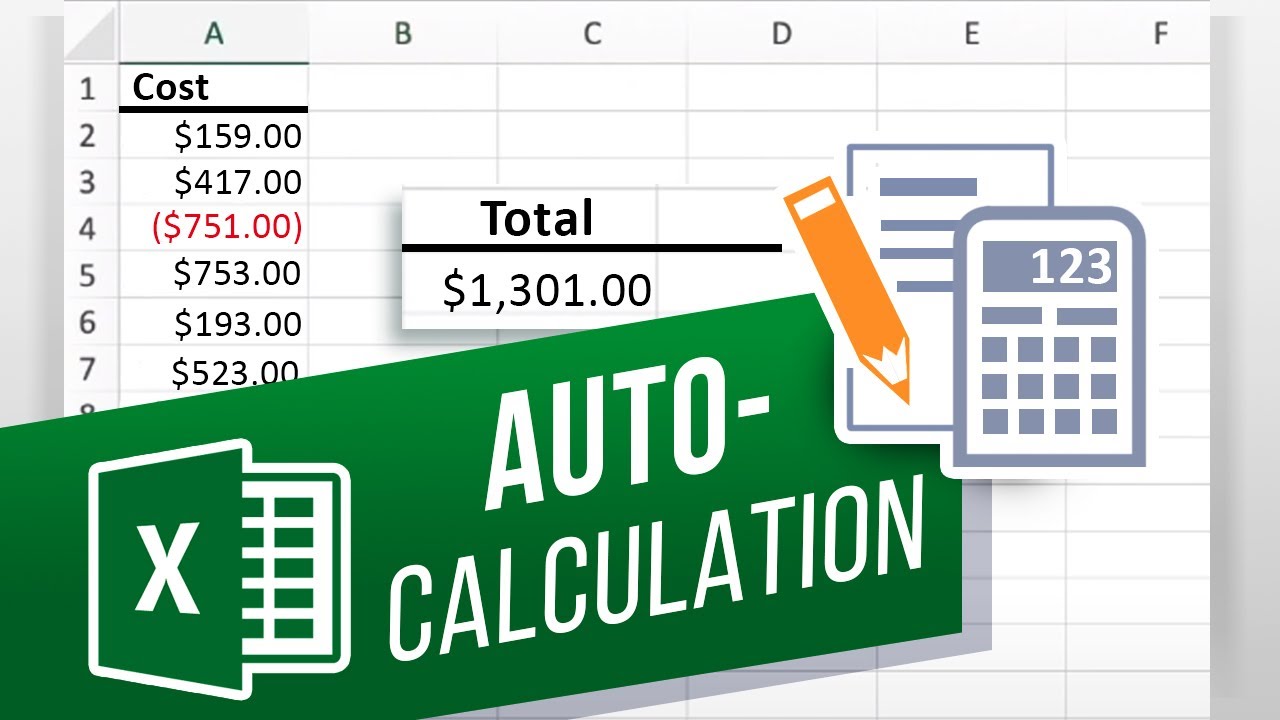
well be showing you how to change the automatic calculation in Excel.
Automatic calculation means that whenever the workbook is updated, even if you are just typing in a far-off cell, then all formulas are recalculated. Automatic calculation can slow down a large workbook. Lets change Excels calculation from automatic to manual.
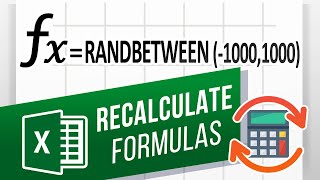
1. I set up random formulas here so you can see the changes and when Excel automatically recalculates the formulas.
2. To go to manual mode, click Formulas at the top - Calculation Options - Manual.
3. Now to update the formulas, you have to click Calculate Now or Sheet.
4. To make it easier, you can press F9 to calculate, or Shift+F9 to calculate just the sheet.
Just dont forget to calculate when you need to!
What other ways do you manage large workbooks? Date: 2023-07-08