How To Change Default Web Browser Settings in Windows 10 The Teacher
FBTwitterReddit
video description
Rating: 4.0; Vote: 1
How To Change Default Web Browser Settings in Windows 10 The Teacher
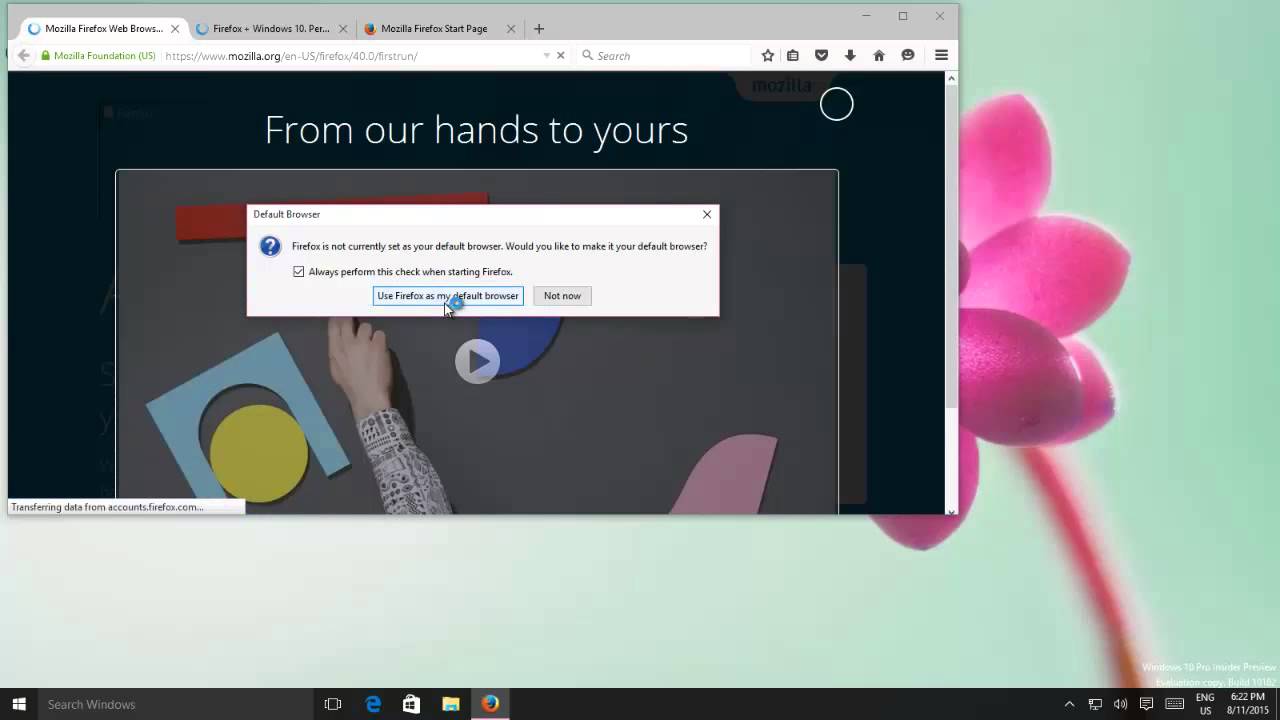
In this Microsoft Windows 10 Tutorial, you will learn How to Change the Default Browser in Windows 10. The lesson will also discuss Download and Installing the latest version of Mozilla Firefox 40 for Windows 10 and when the installation is completed it will automatically ask you if you want to make Firefox your default browser.
But what if you already have installed Firefox or want to set any other browser as your default browser, then you can change it from Default Apps settings in Windows 10 Date: 2022-03-31







 9:15
9:15 12:16
12:16
