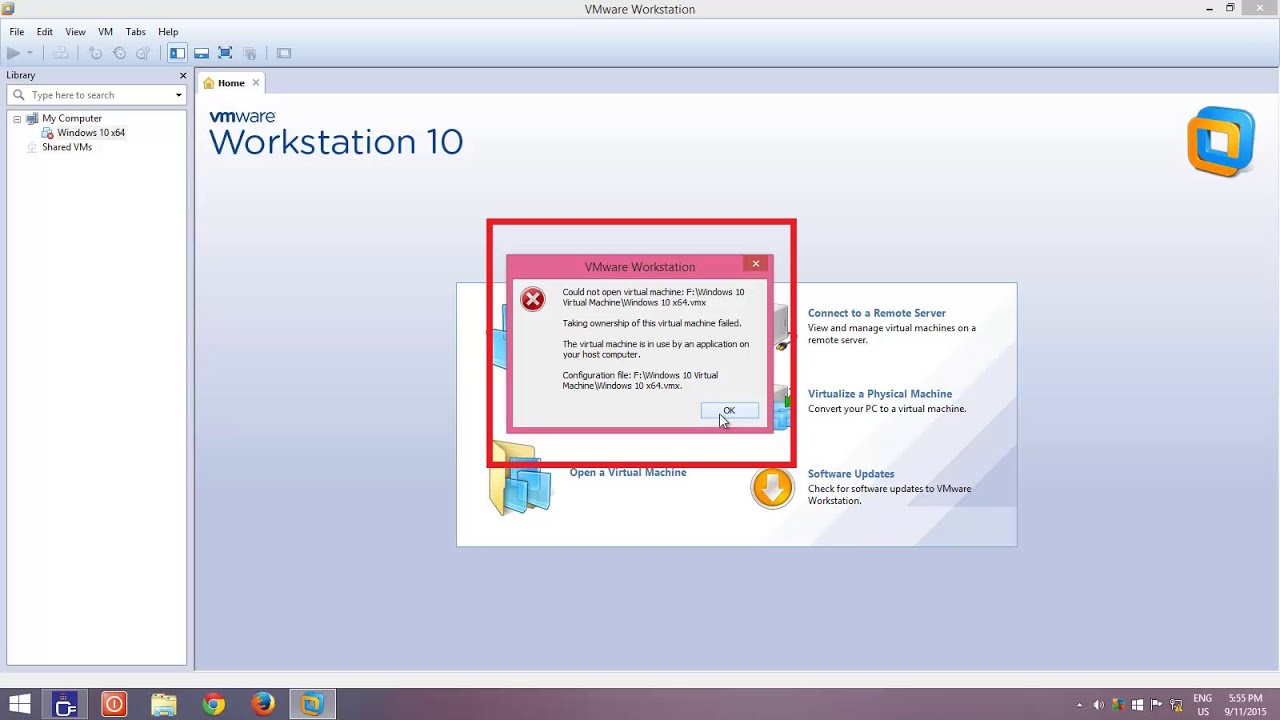
Taking Ownership of Virtual Machine Failed in VMWare Workstation The Teacher
FBTwitterReddit
video description
Rating: 4.0; Vote: 1
Taking Ownership of Virtual Machine Failed in VMWare Workstation The Teacher
VMware: Taking Ownership of this Virtual Machine Failed & This Virtual Machine Appears To Be In Use, is the most common error in VMWare Workstation. It usually occurs because of an unclean shutdown either by the host or guest. To resolve this problem, you need to follow a few simple steps. In this tutorial, you will learn to overcome this problem by deleting -.LCK files from the folder where your Virtual Machine is saved
Lip: Hi, even after i remove all the .lck files, i still have the error of Error while powering on: VMware Player cannot connect to the virtual machine. Make sure you have rights to run the program, access all directories the program uses, and access all directories for temporary files.- The VMware Authorization Service is not running. can you please advise? Date: 2022-03-31





 10:21
10:21