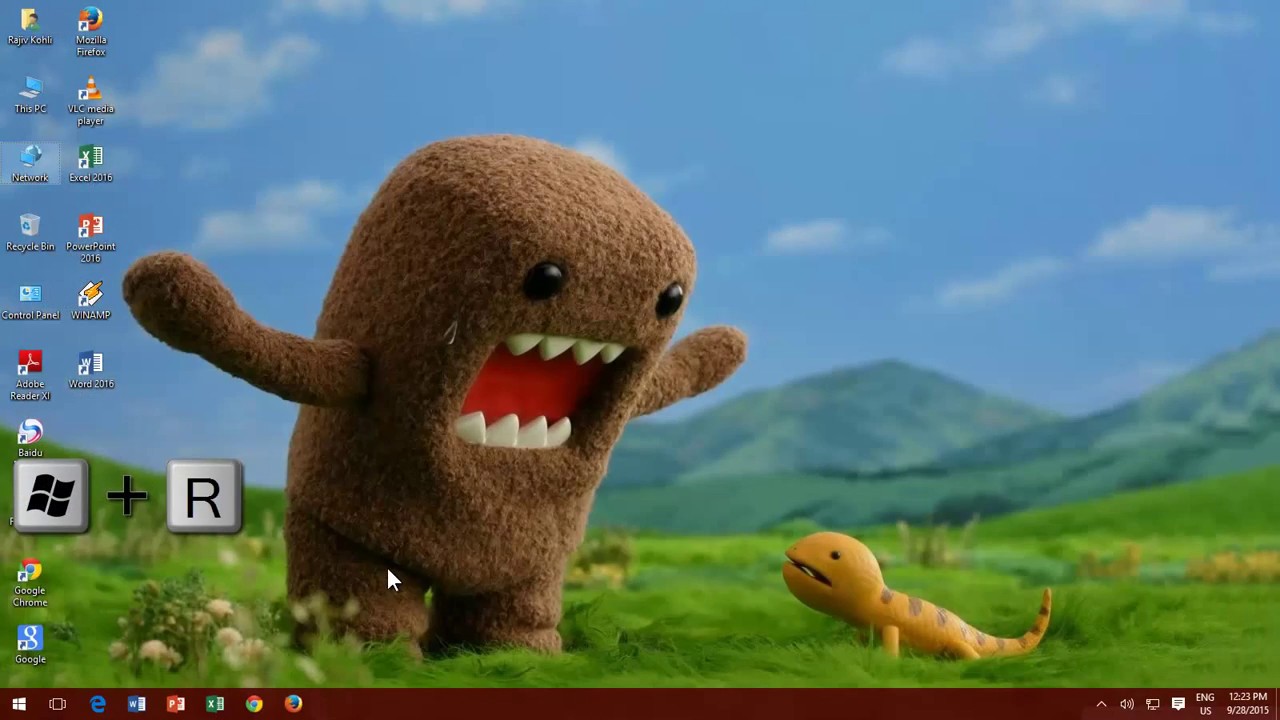
How To Create A Hidden Share Folder Fpr Network in Windows 10 - The Teacher
FBTwitterReddit
video description
Rating: 4.0; Vote: 1
How To Create A Hidden Share Folder Fpr Network in Windows 10 - The Teacher
You can apply an extra bit of security for your shared network resources by creating Hidden Shares in Microsoft Windows 10. Hidden Shares are only accessible by those users to who you've given the UNC path of the shared resources. However, hidden shares do not ensure that they can't be accessed. So you must also apply extra network securities to them.
In Windows, you can easily create a hidden shared folder just by applying a $ (dollar) sign in the end of the share name. In this tutorial, you will learn how to create and access hidden shared folders in Windows Date: 2022-03-31