How To Have An Animated Desktop Background Wallpaper on Windows 10 The Teacher
FBTwitterReddit
video description
Rating: 4.0; Vote: 1
How To Have An Animated Desktop Background Wallpaper on Windows 10 The Teacher
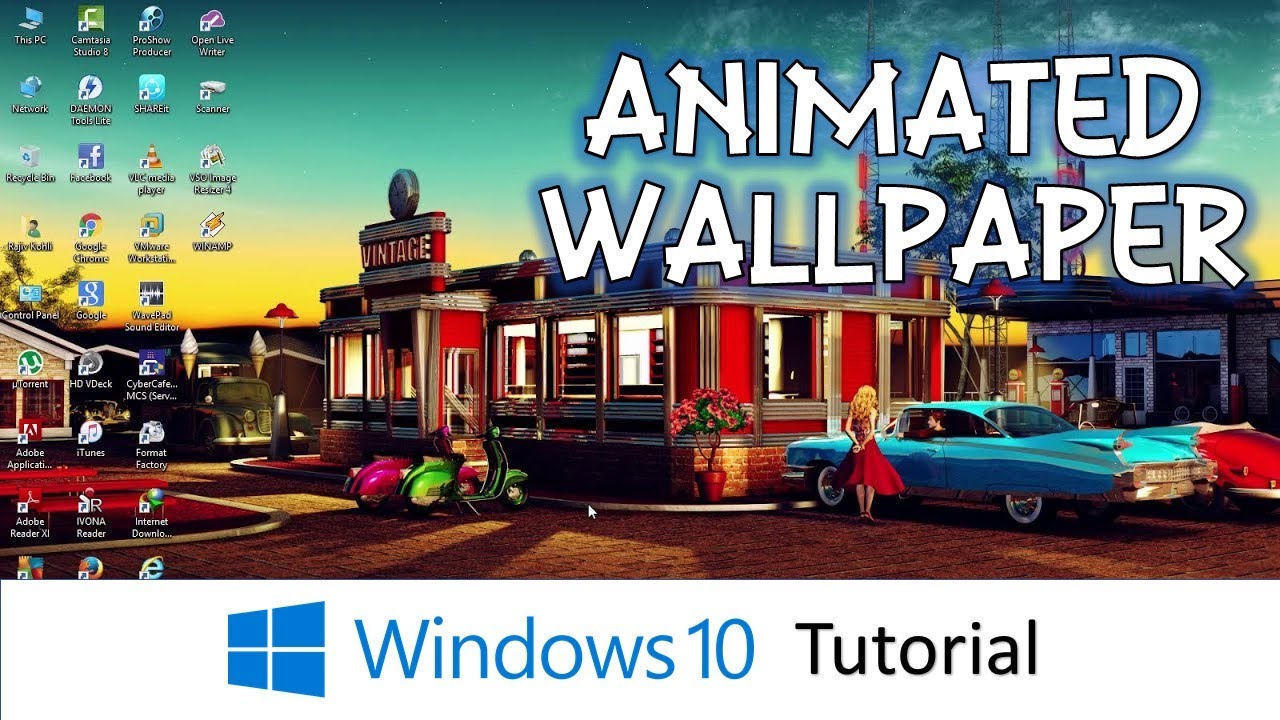
In this Windows 10 Tutorial, you will learn to place an Animated Wallpaper on your Desktop Background. Windows do not have an inbuilt capability to place an animated background on the desktop and even if you place a GIF file it still is a still image.
You have to use a third-party tool to have an animated background. In this tutorial, we are using DESKSCAPES to place beautiful animated wallpapers on the desktop. You can download DESKSCAPES from the link below:
- Download Deskscapes
http://www.stardock.com/products/deskscapes/
- Download More Free Animated Wallpapers:
http://www.wincustomize.com/explore/dream/sort/popular
Deskscapes is a simple but powerful tool that lets you easily place animation on your desktop. You can pause or resume the animation at any time. Moreover, it let you add your favorite video clips to the collection, and then you can place them on your desktop.
Information also applies to the following versions of Windows:
Windows 7
Windows 8 / 8.1
Windows 10
- Recommended Videos
How to Extend / Stretch Wallpaper Across Multiple / Dual Monitors in Windows 10 Tutorial
https://youtu.be/fqbaRAauqxE
How to Set Different Wallpapers on Multi / Dual Monitors - Microsoft Windows 10 Tutorial
https://youtu.be/hH_OpD9FZnI
panchreston: this Indian man has an app called mware station in his background and it might just be an antivirus but I cant trust that Date: 2022-03-31



 7:54
7:54