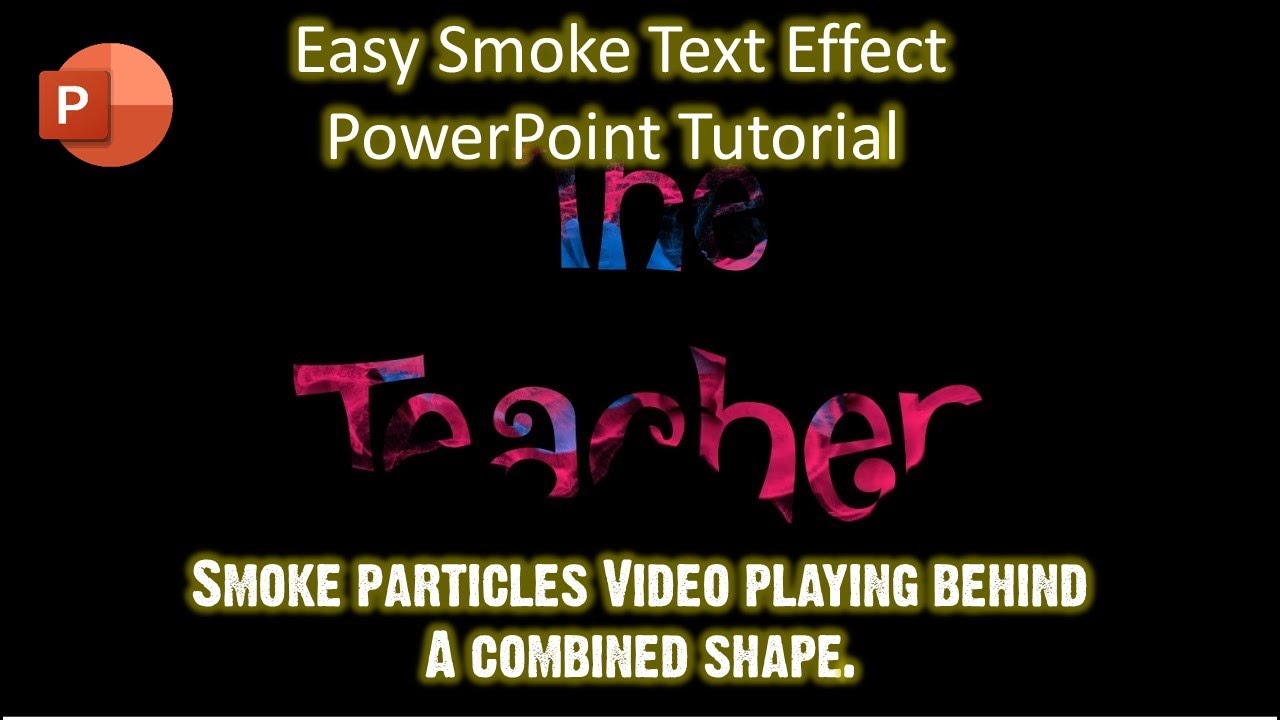
Smoke Text Effect with Just Combine Command + A Background Video - PowerPoint Animations The Teacher
FBTwitterReddit
video description
Rating: 4.0; Vote: 1
Smoke Text Effect with Just Combine Command + A Background Video - PowerPoint Animations The Teacher
This is another quick method to apply the Smoke Text Effect in PowerPoint 2016. The idea is to first draw a rectangle with the fill color black. Then write your Channel Name or Slogan using Word Art. Then Combine both the Rectangle and Wordart using the Combine command from the Format menu by selecting the rectangle first and then Wordart. The last step is to insert the Trailing Particles video and send it behind the rectangle. That's it
jsun1200: i have 64bit MS 2013, and i have installed quick time as well. The issue is video gets inserted as object, its doesnt combine with the text, whats wrong ? Date: 2022-03-31