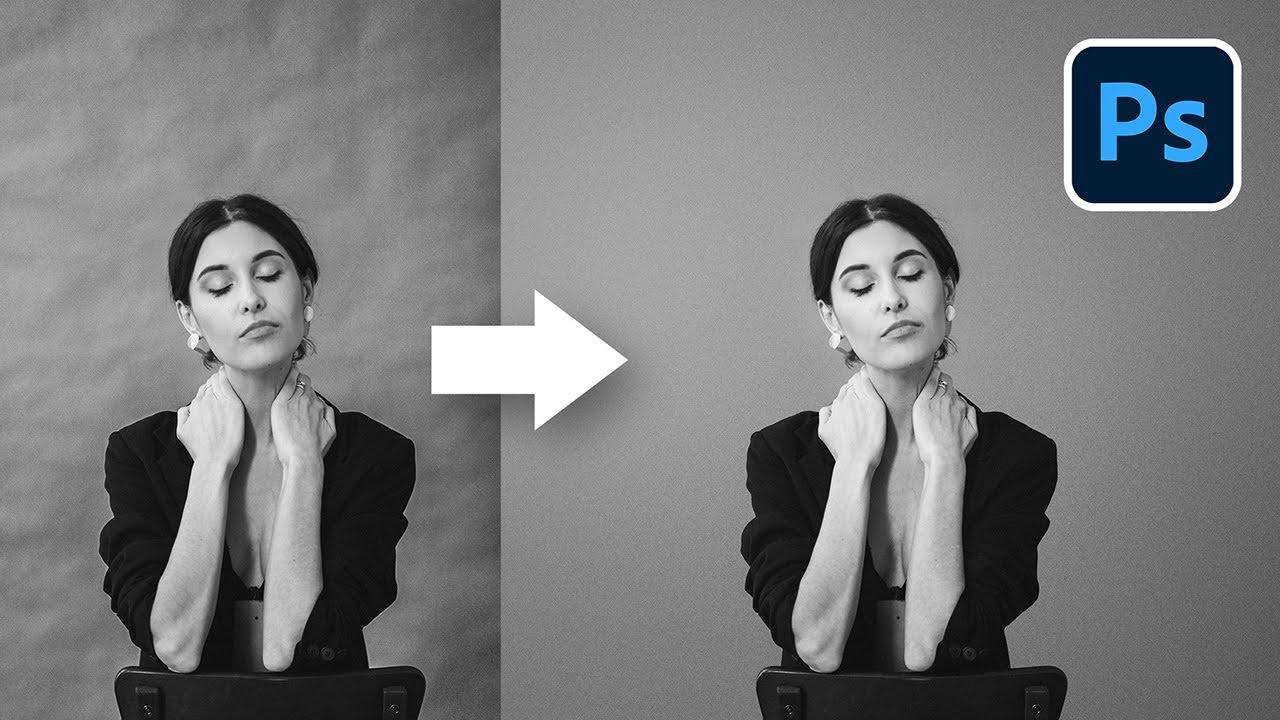
Discover a straightforward technique to easily clean wrinkled or dirty backdrops in Photoshop! We'll learn how to separate the backdrop from the subject and apply filters and texture to make it clean and seamless. We will also talk about batch processing and cleaning backdrops from multiple photos using professional plugins.
Alexander: Dust & Scratches Filter: Filter > Noise > Dust & Scratches filter works well also as opposed to gaussian blur, (push settings into the higher number range) I like to use this when it is difficult to for the background erase method you are showing here, as Dust & Scratches filter doesnt spread the color of what you are trying to remove out as much. Most importantly it preserves the shadows from the subject on the backdrop well, and does not spread them out as much as gaussian blur does. It is very similar but is cleaner IMHO. Awesome video, thanks! Date: 2023-01-30