10 Ways AI Transformed My Photoshop Techniques!
video description
Date: 2025-05-10
Related videos



Comments and reviews: 20
turitamasnyirbator
What happens if someone refuses to learn how to use traditional, offline tools The moment they lose internet connectivity, they won't be able to use new cloud features. Essentially, all of their knowledge will become worthless because they've relied completely on AI, which is not a very good mindset. There's always a situation where we're offlineand then they're in big trouble. That's why it's essential to learn the legacy modes too. Creative photo manipulation is also about mastering a mindset. There will always be moments where something doesn't turn out perfectly (e.g., a selection), and if someone doesn't know how to correct this manually, they won't be competitive. Simply put, there are things where human intervention is indispensable.
reply
What happens if someone refuses to learn how to use traditional, offline tools The moment they lose internet connectivity, they won't be able to use new cloud features. Essentially, all of their knowledge will become worthless because they've relied completely on AI, which is not a very good mindset. There's always a situation where we're offlineand then they're in big trouble. That's why it's essential to learn the legacy modes too. Creative photo manipulation is also about mastering a mindset. There will always be moments where something doesn't turn out perfectly (e.g., a selection), and if someone doesn't know how to correct this manually, they won't be competitive. Simply put, there are things where human intervention is indispensable.
reply
Olichi60
I work in real estate photography and Photoshop AI saves me hours when it comes to removing unwanted objects. I used to move things like garbage bins at the time of taking. Now I do it after the fact with a simple click. Recently I removed a whole shed that was being built in a driveway with one click. Stray wires and cords are another thing that I remove with AI. I used to spend a long time with the clone brush getting each wire, now they are gone in an instant. Also. if a house is by the ocean I now sometimes add in a passing sail boat.
reply
I work in real estate photography and Photoshop AI saves me hours when it comes to removing unwanted objects. I used to move things like garbage bins at the time of taking. Now I do it after the fact with a simple click. Recently I removed a whole shed that was being built in a driveway with one click. Stray wires and cords are another thing that I remove with AI. I used to spend a long time with the clone brush getting each wire, now they are gone in an instant. Also. if a house is by the ocean I now sometimes add in a passing sail boat.
reply
AG_before
Upskill our traditional skills. Reskill by learning how to augment AI into the workflow. Use upskilled traditional skills to perfect the AI imperfections. End result - happier clients with faster turnaround times, and more time for us to pursue more projects. And we'll still be marketable assets. We're _well_ past the time of sitting on the sidelines whining about AI not having a soul and not being 'perfect'. No tool comes with a soul, and we're responsible for bringing 'perfection'. Thanks, as always, Unmesh.
reply
Upskill our traditional skills. Reskill by learning how to augment AI into the workflow. Use upskilled traditional skills to perfect the AI imperfections. End result - happier clients with faster turnaround times, and more time for us to pursue more projects. And we'll still be marketable assets. We're _well_ past the time of sitting on the sidelines whining about AI not having a soul and not being 'perfect'. No tool comes with a soul, and we're responsible for bringing 'perfection'. Thanks, as always, Unmesh.
reply
samdamzy
Hi guys, i have a problem with photoshop and I can't tutorial to fix it
So when I open photoshop to start a new document, the first view is always darker until, I go to VIEW==> PROOF COLOUR ==> then the workspace light up and the colour goes back to normal.
Let's say I'm done with with the photo editing and I try to use Camera Raw filter, the preview then goes back to being dark and this time I can't even click on View/Proof colour.
Please if you know a way to fix this or reset, I'll appreciate
reply
Hi guys, i have a problem with photoshop and I can't tutorial to fix it
So when I open photoshop to start a new document, the first view is always darker until, I go to VIEW==> PROOF COLOUR ==> then the workspace light up and the colour goes back to normal.
Let's say I'm done with with the photo editing and I try to use Camera Raw filter, the preview then goes back to being dark and this time I can't even click on View/Proof colour.
Please if you know a way to fix this or reset, I'll appreciate
reply
jameswburke
Great guide. I'll be using the colorise filter for old family snaps and WW1 military portraits. A bit of local desaturation & your colour brush tip and they're pretty good and look nicely retro. Also if you select 'new colour layer' then you can erase and brush in colour to fine tune leaking in that layer. AI colorise seems to have problems with hands and they usually need repairing but it does the heavy lifting for you.
reply
Great guide. I'll be using the colorise filter for old family snaps and WW1 military portraits. A bit of local desaturation & your colour brush tip and they're pretty good and look nicely retro. Also if you select 'new colour layer' then you can erase and brush in colour to fine tune leaking in that layer. AI colorise seems to have problems with hands and they usually need repairing but it does the heavy lifting for you.
reply
jackprice7828
I do a lot of photo background editing. The combination of the beta subject select and background generative AI has made my work flow so much faster and more fun. It doesn't mean I use generative AI exclusively, but it usually does a pretty good job. Even if I use my own background layer, with the beta selection being so good, it makes it so much better quality.
reply
I do a lot of photo background editing. The combination of the beta subject select and background generative AI has made my work flow so much faster and more fun. It doesn't mean I use generative AI exclusively, but it usually does a pretty good job. Even if I use my own background layer, with the beta selection being so good, it makes it so much better quality.
reply
Terru830
I always have the same issue with Select Subject. Yes, it is fast, but when I check it usualy doesn't do hard edge selection. On the borders is not white selected, rather it is gray. So I end up redoing all the selection myself. I am not sure if this is completely necesary. How to know when to do it and when to just stick with the automated one even when its not perfect
reply
I always have the same issue with Select Subject. Yes, it is fast, but when I check it usualy doesn't do hard edge selection. On the borders is not white selected, rather it is gray. So I end up redoing all the selection myself. I am not sure if this is completely necesary. How to know when to do it and when to just stick with the automated one even when its not perfect
reply
ahsankhan-nc6wd
Honestly, ever since AI entered the world of graphic design, I’ve never enjoyed it this much. It feels so fulfilling. I've been doing graphic design for over 10 years, but working with AI has brought a whole new level of excitement. It's like having a personal assistant who knows everything and works seamlessly with you.
reply
Honestly, ever since AI entered the world of graphic design, I’ve never enjoyed it this much. It feels so fulfilling. I've been doing graphic design for over 10 years, but working with AI has brought a whole new level of excitement. It's like having a personal assistant who knows everything and works seamlessly with you.
reply
jayc853
Love your videos! I don't know if it's possible, but if so, could you do a video on reverse color averaging That is, taking a color and splitting it into two of its exact constituent colors. For example, taking a purple and splitting it into two of the exact shades of red and blue that would create it if averaged together.
reply
Love your videos! I don't know if it's possible, but if so, could you do a video on reverse color averaging That is, taking a color and splitting it into two of its exact constituent colors. For example, taking a purple and splitting it into two of the exact shades of red and blue that would create it if averaged together.
reply
piximperfect
Incredible content as always! If anyone here is looking to take their photos to the next level, I highly recommend Image Edit Expert for professional photo editing. Whether you're into portraits, landscapes, or product photography, they bring out the best in every shot. Check them out and elevate your visuals!
reply
Incredible content as always! If anyone here is looking to take their photos to the next level, I highly recommend Image Edit Expert for professional photo editing. Whether you're into portraits, landscapes, or product photography, they bring out the best in every shot. Check them out and elevate your visuals!
reply
povi.official
Plugin Heal was not found or was cancelled, try disabling plugin search in settings
Error message: Plugin Heal was not found or was cancelled, try disabling plugin search in settings
Target function: checkPluginCancelled
Filename: Local PluginsAPIError
Version: 1.43
What problem Pls Help Pro
reply
Plugin Heal was not found or was cancelled, try disabling plugin search in settings
Error message: Plugin Heal was not found or was cancelled, try disabling plugin search in settings
Target function: checkPluginCancelled
Filename: Local PluginsAPIError
Version: 1.43
What problem Pls Help Pro
reply
annaconsta
AI is a gem in removing unwanted objects or generating objects which I can't find or paint. But I will always love the traditional tools as well, due to the immense flexibility they offer. GenAI does wonders, but without the skills to manually correct what it has created, you only end up with mediocre art.
reply
AI is a gem in removing unwanted objects or generating objects which I can't find or paint. But I will always love the traditional tools as well, due to the immense flexibility they offer. GenAI does wonders, but without the skills to manually correct what it has created, you only end up with mediocre art.
reply
syedmubeen1759
Hello Bro ............ After Photoshop's April updates, the two options under the reference image feature (Replace Object and Insert Object) are not working like the old version. I'm finding it very difficult to change the background using the reference image for Generative Fill ... plz guide
reply
Hello Bro ............ After Photoshop's April updates, the two options under the reference image feature (Replace Object and Insert Object) are not working like the old version. I'm finding it very difficult to change the background using the reference image for Generative Fill ... plz guide
reply
prophetseven728
You are having people use Ai. But there going to be a point where Ai will replace them and you! Ai is very Evil. Careful on promoting a thing that will make you obsolete. Just because it will save you time. At some point you will have nothing but time being out of work!
reply
You are having people use Ai. But there going to be a point where Ai will replace them and you! Ai is very Evil. Careful on promoting a thing that will make you obsolete. Just because it will save you time. At some point you will have nothing but time being out of work!
reply
maya20092008
Your Full Skin Treatment action with retouch4me was installed in my PS. But after a recent update, it stopped working, especially because it says the Set Command does not support it anymore. Do you have an updated action I can install or a different solution Thank you.
reply
Your Full Skin Treatment action with retouch4me was installed in my PS. But after a recent update, it stopped working, especially because it says the Set Command does not support it anymore. Do you have an updated action I can install or a different solution Thank you.
reply
ballestaedits
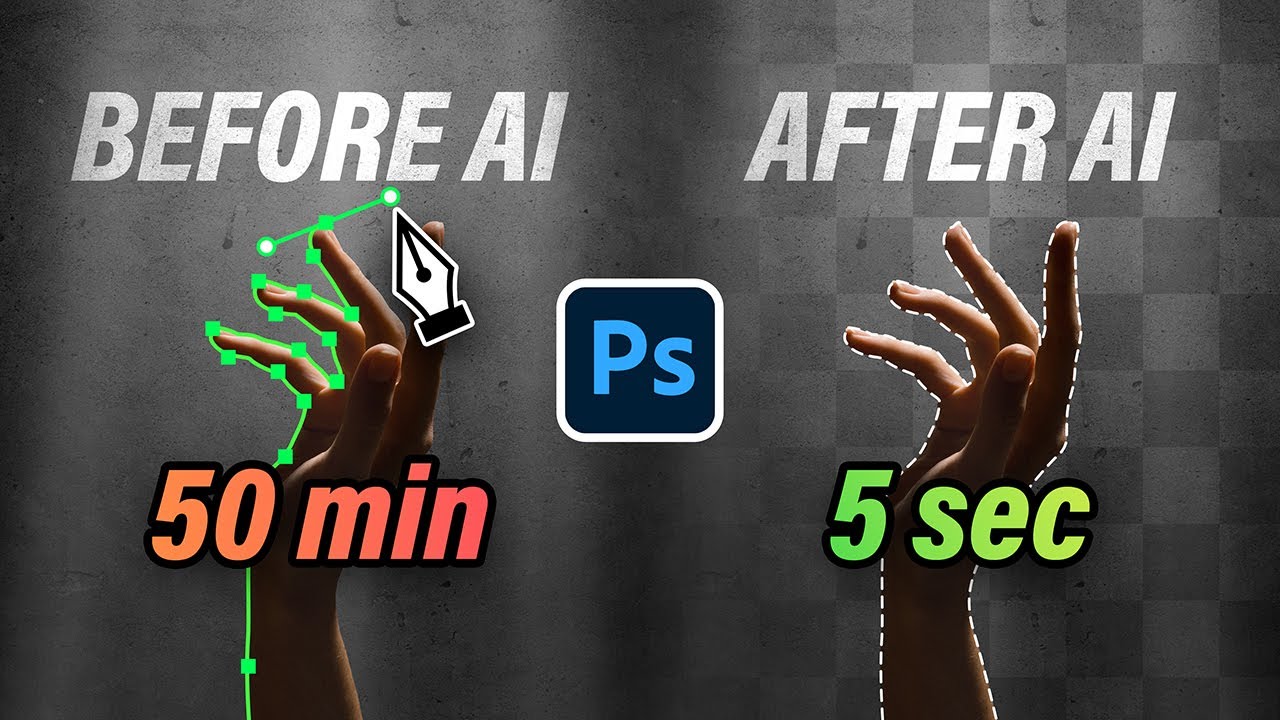
I do motorcycle edits and the the process with creating a mask with the pen tool took a hot minute because of the spokes, brakes, etc. but with the cloud select subject in PS beta has made things so much faster with the improved selection! Mind blown!
reply
I do motorcycle edits and the the process with creating a mask with the pen tool took a hot minute because of the spokes, brakes, etc. but with the cloud select subject in PS beta has made things so much faster with the improved selection! Mind blown!
reply
RogerEberhard-k4w
Have you ever tried to undo a cmyk color raster when re-photographing an offset printed photo when photographing a printed image you can see the cmyk color dots/separation. Is there a way to blend them all together again to have a continuous tone
reply
Have you ever tried to undo a cmyk color raster when re-photographing an offset printed photo when photographing a printed image you can see the cmyk color dots/separation. Is there a way to blend them all together again to have a continuous tone
reply
piotrpiko2538
I do product photography for 12 years. The preccision of the select subject tool made me leave hi-key photoshoots. I got much better results whith edges and contrast thanks to that and save a lot of time.
Thank You for many great tutorials.
reply
I do product photography for 12 years. The preccision of the select subject tool made me leave hi-key photoshoots. I got much better results whith edges and contrast thanks to that and save a lot of time.
Thank You for many great tutorials.
reply
Re3gis
the thing is this can be done without any cloud shenanigans, locally! but adobe doesn't want the sail version to have this feature too, almost all of these ai ( except generative) can be done locally if adobe ever wants to.
reply
the thing is this can be done without any cloud shenanigans, locally! but adobe doesn't want the sail version to have this feature too, almost all of these ai ( except generative) can be done locally if adobe ever wants to.
reply
astephena
AI is for uncreative types with no ideas. Period. Why be in a hurry to rush art For money For client approval The moment we let AI do all the work we cease to make art that reflects humanity. Corporate content is not art
reply
AI is for uncreative types with no ideas. Period. Why be in a hurry to rush art For money For client approval The moment we let AI do all the work we cease to make art that reflects humanity. Corporate content is not art
reply
Add a review, comment
Other channel videos