How to Use the IF Function in Excel How to Make an Excel IF Statement
FBTwitterReddit
video description
Rating: 4.0; Vote: 1
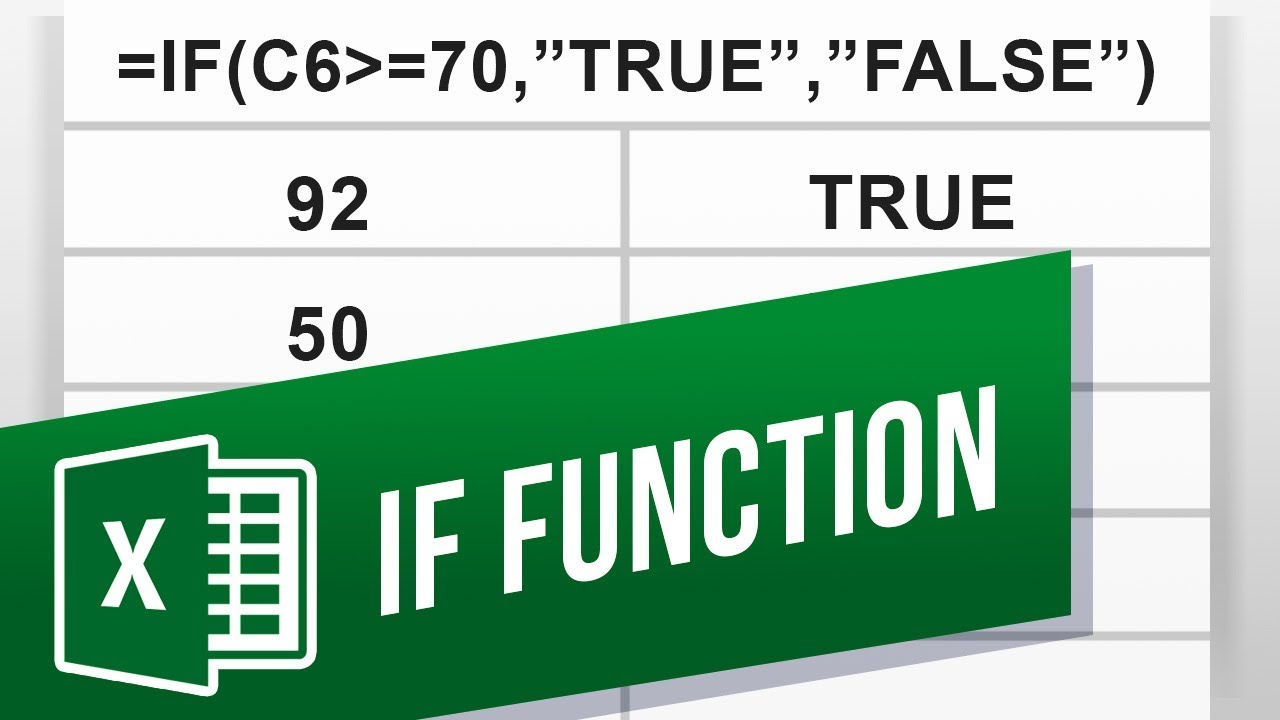
well be showing you how to write an Excel IF Function.
IF statements check whether or not the value in a certain cell meets a condition, and then it does something in that cell or another cell. For example, if a cell contains a students grade greater than or equal to 90, then write in the nearby cell the letter A.
Lets say you have the number grades of a number of students and you want to quickly and easily set letter grades for each of them in an Excel sheet. IF statements are the way to go.
We will go through the steps to write an IF function in Excel.
Well start with a simple example. We want to know whether or not a grade passes or fails.
In the cell you want the Pass or Fail to be in, type this formula in: (formula in the video) and replace B2 with the cell that has the grade inside.
Select the cell with the formula, and hover the cursor over the bottom-right corner of the cell so that it changes cursors and drag down to cover all your data to copy the formula.
If you want more control over the result and not just a binary Pass or Fail, but perhaps different letter grades you are going to need to do what is called nesting IF functions.
Start with the maximum or minimum range, at A or at F. In this example we will be starting at A and then working our way down to F.
Use this formula to output a letter grade value: (formula in the video)
It may look complicated at first, but it really is just a bunch of IF statements inside each other. IF the grade is greater than or equal to 90 output an A, IF its not, then go through this other IF statement and so on.
IF functions are one of the most common functions in Excel and very powerful. Their value can increase drastically when used together by nesting them inside one another.
What Excel functions do you use the most? Date: 2023-07-08