How to Find the Page and Word Count in Google Docs Display Word Count While Typing in Google Docs
FBTwitterReddit
video description
Rating: 4.0; Vote: 1
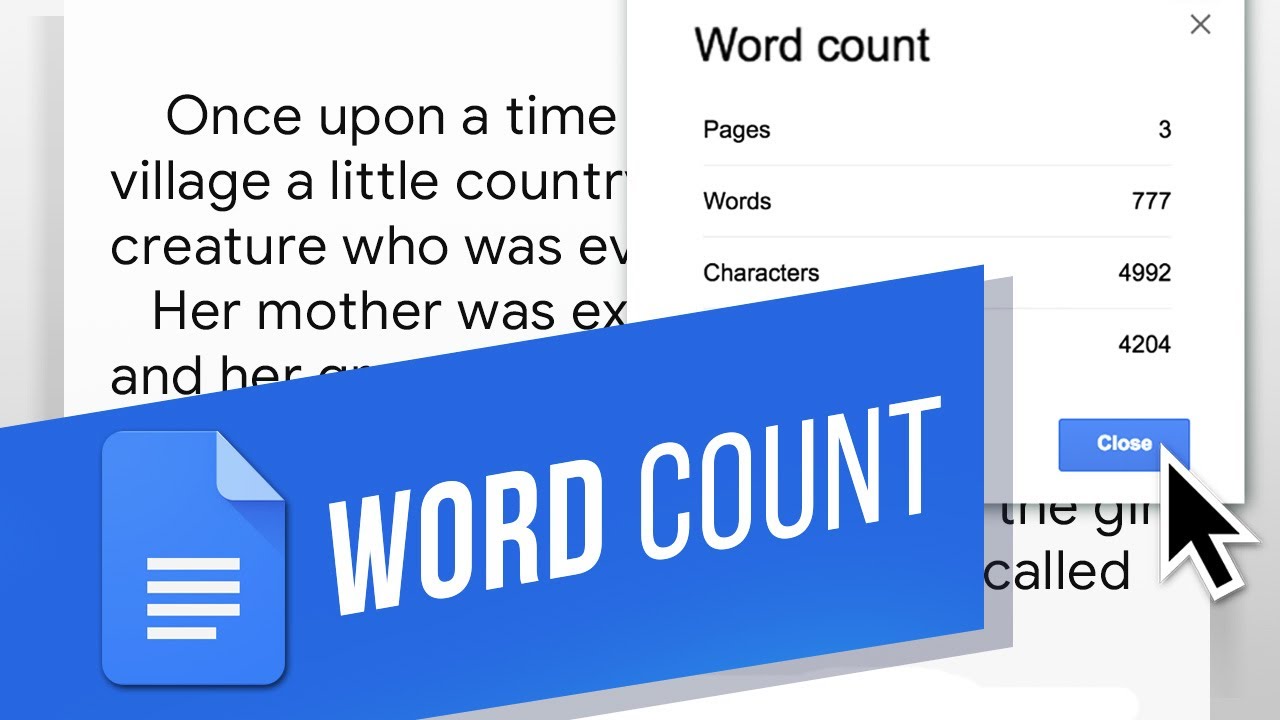
well be showing you how to find the page and word count in Google Docs.
Page and Word Counts are handy for showing you how much progress youve made, especially if an assignment requires a specific number for either. Well show you where the Page and Word Count menu is. Lets open the menu.
1. Click Tools in the top bar.
2. Hit Word Count.
3. This menu includes both the Word Count and the Page Count.
4. You can also use the shortcut Ctrl+Shift+C to bring this menu up.
5. Or check the Display word count while typing box to have the word count in the bottom left.
Now you can check your Word and Page Counts!
What other ways do you keep track of or measure your Documents? Date: 2023-07-08



 2:17
2:17