How to Create Fillable Forms in Word with Developer Tools Make a Word Document Fillable
FBTwitterReddit
video description
Rating: 4.0; Vote: 1
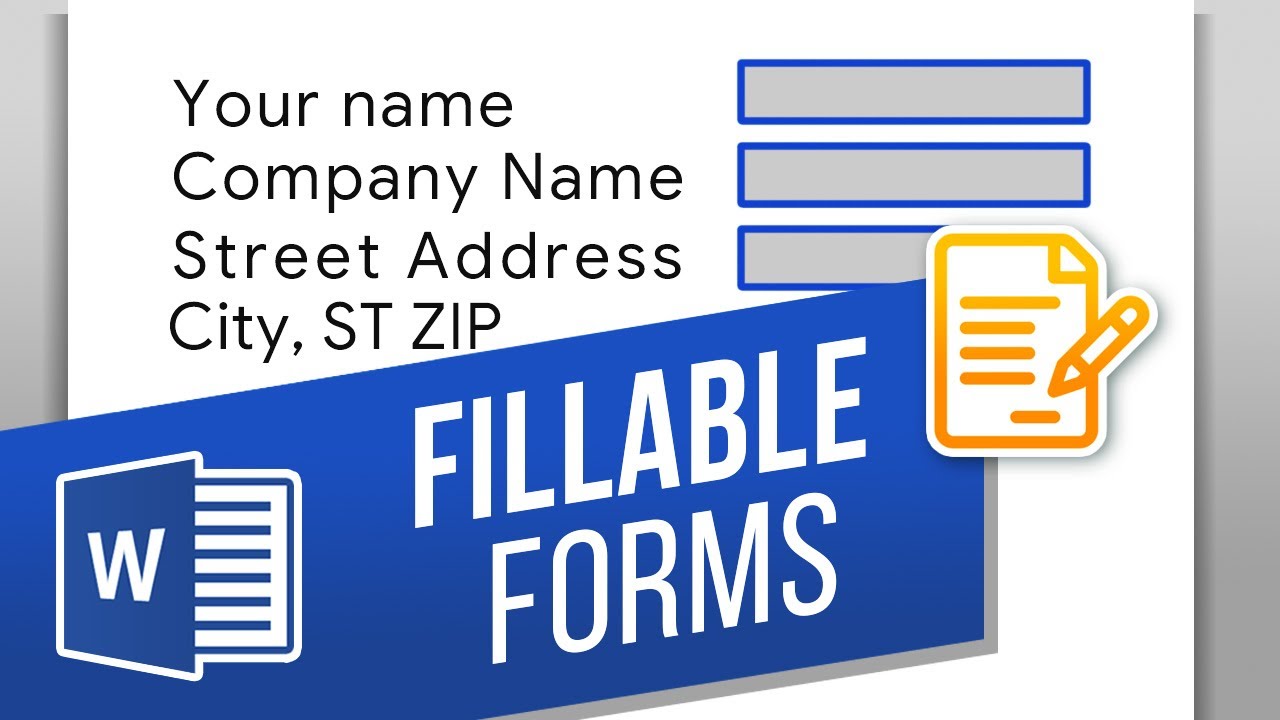
well be showing you how to create fillable forms in Microsoft Word.
Fillable forms are like questionnaires that a user can fill in according to your specifications. Theyre tricky to get to, but well show you how to create them. Lets create a fillable form in this document.
1. Click File - Options - Customize Ribbon.
Then click the Developer checkbox on the right. Finally, hit OK.
2. Click the Developer tab at the top.
3. Here are the content controls we can choose from.
4. Lets start with a spot to fill in their name. Click the Plain Text control.
5. With the control selected, click Properties at the top.
6. Here we can give it a Title, change the color, and change the style.
7. We can also add a drop-down control. Insert it and then click Properties.
8. We can edit it like the plain text control, but then we can add options for the users to choose from.
9. Click Add and add in each of your options.
10. Now the user can only choose from those options.
Its worth checking each of the content controls at the top and seeing what each one does!
What other Developer features would you like to learn? Date: 2023-07-08