
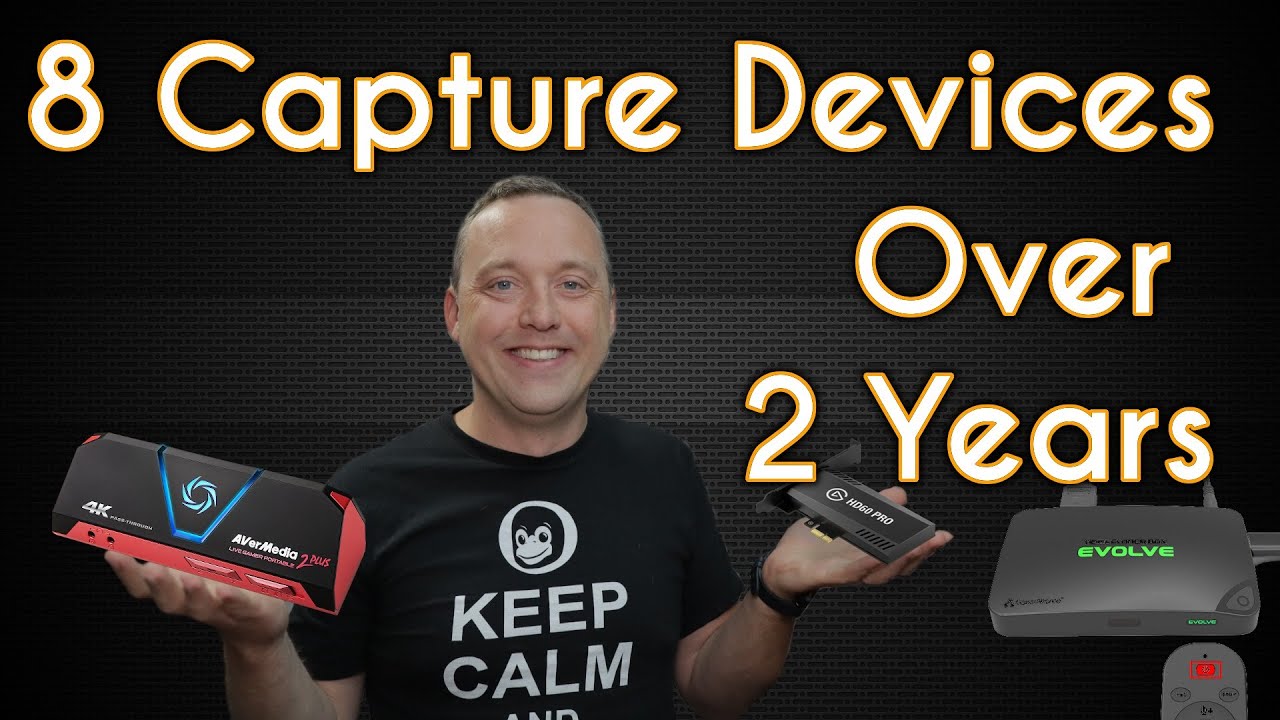
8 Capture Devices for Streaming - Windows and Linux - Chris Titus Tech
video description
Date: 2022-03-21
Related videos


Comments and reviews: 10
Alkaris
I've been looking around for capture cards so I can record and stream game consoles, so I've been struggling to find something that will just work.
As for the Elgato cards, I came across a repo ages ago called Elgato GCHD it's a workable Elgato driver for Linux, but it's hugely experimental and alpha build and works with a small selection of Elgato capture cards, the HD Pro, and HD60S, but apparently they have a huge delay with them, so it wouldn't really be ideal. I want something that's low latency, can do 1080p 60 FPS or greater, I want to be able to have the low latency for the reason of being able to view and play the game on my main PC monitor through a virtual TV output like VLC which is capable of streaming and viewing capture card video and audio.
reply
I've been looking around for capture cards so I can record and stream game consoles, so I've been struggling to find something that will just work.
As for the Elgato cards, I came across a repo ages ago called Elgato GCHD it's a workable Elgato driver for Linux, but it's hugely experimental and alpha build and works with a small selection of Elgato capture cards, the HD Pro, and HD60S, but apparently they have a huge delay with them, so it wouldn't really be ideal. I want something that's low latency, can do 1080p 60 FPS or greater, I want to be able to have the low latency for the reason of being able to view and play the game on my main PC monitor through a virtual TV output like VLC which is capable of streaming and viewing capture card video and audio.
reply
Dan
Great video. About the Pengo USB adapter (the supplied USB-C to USB 3, Type A adapter): Weirdly, it matters which way the USB-C plug is inserted into the adapter. It if is giving you problems or a bad display, try flipping the USB-C plug over, and re-insert back into the USB adapter. This happens with other USB-C to USB 3, or 3.1 Type A adapters, too. For me (in WIndows 10) the difference is consistent: If I put it in the -wrong- way, I get bad color-banding; when I flip it, the banding goes away. Worth a try! The supplied adapter still glitches now and then -- buy a new C-to-A adapter but make sure it supports USB 3.1 transfer speeds (5 or 10 Gbps).
reply
Great video. About the Pengo USB adapter (the supplied USB-C to USB 3, Type A adapter): Weirdly, it matters which way the USB-C plug is inserted into the adapter. It if is giving you problems or a bad display, try flipping the USB-C plug over, and re-insert back into the USB adapter. This happens with other USB-C to USB 3, or 3.1 Type A adapters, too. For me (in WIndows 10) the difference is consistent: If I put it in the -wrong- way, I get bad color-banding; when I flip it, the banding goes away. Worth a try! The supplied adapter still glitches now and then -- buy a new C-to-A adapter but make sure it supports USB 3.1 transfer speeds (5 or 10 Gbps).
reply
Leslie
What about OBS Studio in the Linux Mint software manager?
I use it and it works great. It does have an issue with that at some point you need to tell it that you are on a new project or it thinks it doesn't have enough disk memory to record. Other than that it works fine. I couldn't find anything that I trusted that didn't have some kind of spyware in it for Windoze, but that was before I knew of an inline solution, which is what I am looking at next. Thanks for the video, you've given me some more video capture devices, other than the ones I've looked at, to consider.
reply
What about OBS Studio in the Linux Mint software manager?
I use it and it works great. It does have an issue with that at some point you need to tell it that you are on a new project or it thinks it doesn't have enough disk memory to record. Other than that it works fine. I couldn't find anything that I trusted that didn't have some kind of spyware in it for Windoze, but that was before I knew of an inline solution, which is what I am looking at next. Thanks for the video, you've given me some more video capture devices, other than the ones I've looked at, to consider.
reply
James
Some things will never change, years and years with Xp trying to get TV cards to work and with Linux it is almost became impossible. Some much of software, firmware and codex is patrolled by patent lawyers. The Manufacturers generally only released the software on a CD and if you lost it you were out of luck. So many false promises of recording video, there must be a better way. I have always found the cheap cards are better because they use more common chips with available information for backward compatibility.
reply
Some things will never change, years and years with Xp trying to get TV cards to work and with Linux it is almost became impossible. Some much of software, firmware and codex is patrolled by patent lawyers. The Manufacturers generally only released the software on a CD and if you lost it you were out of luck. So many false promises of recording video, there must be a better way. I have always found the cheap cards are better because they use more common chips with available information for backward compatibility.
reply
Amr0d
Have you ever tried streaming via RTMP and nginx? I used that to create a multi-stream where 4 people streamed to one source which then got uploaded to Twitch. For RTMP Streaming you don't need any extra devices, you can stream directly to the streaming PC which can be a Windows or Linux machine as long as it can run nginx. Another bonus is that you are able to stream to an unlimited amount of sites at the same time like YouTube and Twitch.
reply
Have you ever tried streaming via RTMP and nginx? I used that to create a multi-stream where 4 people streamed to one source which then got uploaded to Twitch. For RTMP Streaming you don't need any extra devices, you can stream directly to the streaming PC which can be a Windows or Linux machine as long as it can run nginx. Another bonus is that you are able to stream to an unlimited amount of sites at the same time like YouTube and Twitch.
reply
Larry
Excellent. I feel your pain as well. I'm waiting for my 3rd HDMI capture device now, and I've had cap devices going back to something called -All-inWonder- by I think ATI in 2001. I had a cheap Chinese PCIe card that actually worked great for 2 years, but recently stopped working, before that I had two different USB dongles that needed their own software and the quality wasn't good.
reply
Excellent. I feel your pain as well. I'm waiting for my 3rd HDMI capture device now, and I've had cap devices going back to something called -All-inWonder- by I think ATI in 2001. I had a cheap Chinese PCIe card that actually worked great for 2 years, but recently stopped working, before that I had two different USB dongles that needed their own software and the quality wasn't good.
reply
Susan
Can I play a video I have bought on Amazon or youtube and record that to sd card?
Like what kind of a file do these things make, and if it's going into a USB port, what software is needed to make an mp4 file for example?
I am thinking of buying IDK something that's actually using USB3 or USB type C
Can someone please give me a link to a video about how these things work?
reply
Can I play a video I have bought on Amazon or youtube and record that to sd card?
Like what kind of a file do these things make, and if it's going into a USB port, what software is needed to make an mp4 file for example?
I am thinking of buying IDK something that's actually using USB3 or USB type C
Can someone please give me a link to a video about how these things work?
reply
Tobias
Capturing via usb from a hdmi-source works pretty good on some devices. But there is one problem with it, which is the usb-bus limitation. When I used capturing 1080p over usb I could not use some other usb-devices because my bus was too busy. This is the reason I would recommend a capture-card using pcie... the ones from Blackmagic are officially supported for Linux too.
reply
Capturing via usb from a hdmi-source works pretty good on some devices. But there is one problem with it, which is the usb-bus limitation. When I used capturing 1080p over usb I could not use some other usb-devices because my bus was too busy. This is the reason I would recommend a capture-card using pcie... the ones from Blackmagic are officially supported for Linux too.
reply
Jeffrey
Thanks so much for this. I'm looking for a capture card to use with Linux (Ubuntu). I didn't realise how difficult it would be to find one that works. I was pretty close to buying an Elgato, but I thought I would check on the internet whether it works with Linux and it was a good thing that I did. So looking the Aver Media then. Did it work out of the box?
reply
Thanks so much for this. I'm looking for a capture card to use with Linux (Ubuntu). I didn't realise how difficult it would be to find one that works. I was pretty close to buying an Elgato, but I thought I would check on the internet whether it works with Linux and it was a good thing that I did. So looking the Aver Media then. Did it work out of the box?
reply
TheCocoaDaddy
THANK YOU for posting this video! I've been looking for a video capture card/device for Linux that supports composite video. I have a VHS-C camcorder with various videos on VHS-C that I want to transfer to my computer. Has anyone here had any experience with a video capture card/device for Linux that supports composite video? Thanks for posting!!!!
reply
THANK YOU for posting this video! I've been looking for a video capture card/device for Linux that supports composite video. I have a VHS-C camcorder with various videos on VHS-C that I want to transfer to my computer. Has anyone here had any experience with a video capture card/device for Linux that supports composite video? Thanks for posting!!!!
reply
Add a review, comment
Other channel videos





 3:1
3:1 5:50
5:50
