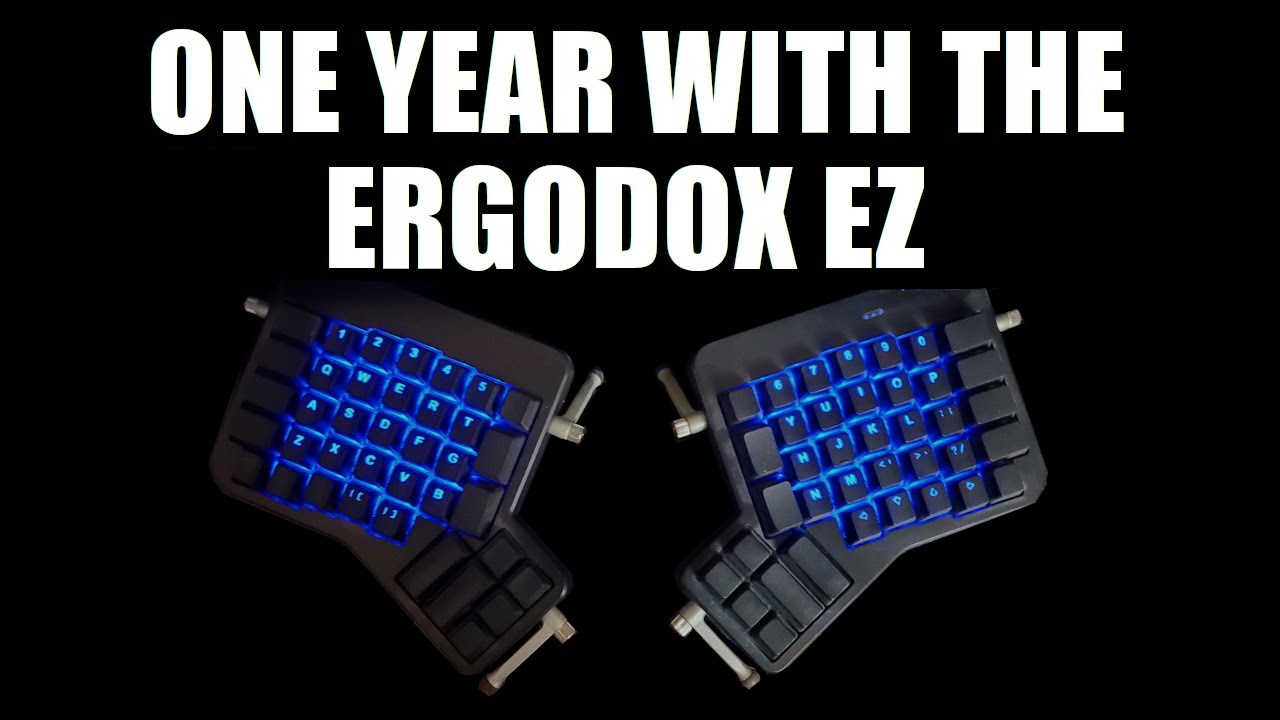
My Thoughts After One Year With The ErgoDox EZ DistroTube
video description
Date: 2022-03-30
Related videos




Comments and reviews: 10
Joseph
-DistroTube I've had mine for a few years. I optimized my layout for vim usage. Here are some suggestions, maybe they will serve you!
1.) Add arrow keys to hjkl on Layer 2. You won't have to bring your hand down to the bottom keys to use arrows. Instead, with your pinky you hold semicolon down and use hjkl (index for hj)
2.) Now you freed up the (Up) arrow key (at 4:27) at the right hand bottom where the column 7 is. Make that a Layer 1 key. Now use your thumb to hold down layer 1 and you're free to type numbers. Change 0 and put it where asterisk is (at 4:39) on layer 1. This felt the most comfortable since it's easy to slide your pinky to the 0.
3.) Since typing numbers is better with the keypad and I'm a vim user, flip all numbers at the top so they are shifted, therefore you don't have to press shift to get !-#$%-&-
4.) The 3 brackets sets on ERDFCV are great, but take the right arrow key (at 4:27) and make that the Layer 1 switch. This way you can use your thumb. It's way more comfortable and you avoid RSI with your pinky.
5.) Put Delete (at 4:27) and put it anywhere else, and put Esc there. That's in my opinion, the optimal position for anyone who uses the terminal/vim, since it's a similar motion that you're probably used to.
6.) For #2 and #4 to be comfortable, since you're using your thumbs, search around the corners of the ergodox for a key that is angled steeply and that you probably won't use much. Put them on these new layer activation keys at an angle that conforms to your thumb better. It's weird using your thumbs to hold down modifiers at first but once you get used to, man it's great.
I have a few more suggestions regarding super, alt, and shift but I'll leave it at that for now. Hope this helps.
reply
-DistroTube I've had mine for a few years. I optimized my layout for vim usage. Here are some suggestions, maybe they will serve you!
1.) Add arrow keys to hjkl on Layer 2. You won't have to bring your hand down to the bottom keys to use arrows. Instead, with your pinky you hold semicolon down and use hjkl (index for hj)
2.) Now you freed up the (Up) arrow key (at 4:27) at the right hand bottom where the column 7 is. Make that a Layer 1 key. Now use your thumb to hold down layer 1 and you're free to type numbers. Change 0 and put it where asterisk is (at 4:39) on layer 1. This felt the most comfortable since it's easy to slide your pinky to the 0.
3.) Since typing numbers is better with the keypad and I'm a vim user, flip all numbers at the top so they are shifted, therefore you don't have to press shift to get !-#$%-&-
4.) The 3 brackets sets on ERDFCV are great, but take the right arrow key (at 4:27) and make that the Layer 1 switch. This way you can use your thumb. It's way more comfortable and you avoid RSI with your pinky.
5.) Put Delete (at 4:27) and put it anywhere else, and put Esc there. That's in my opinion, the optimal position for anyone who uses the terminal/vim, since it's a similar motion that you're probably used to.
6.) For #2 and #4 to be comfortable, since you're using your thumbs, search around the corners of the ergodox for a key that is angled steeply and that you probably won't use much. Put them on these new layer activation keys at an angle that conforms to your thumb better. It's weird using your thumbs to hold down modifiers at first but once you get used to, man it's great.
I have a few more suggestions regarding super, alt, and shift but I'll leave it at that for now. Hope this helps.
reply
Liokardo
Waiting for an Iris. I want to use Xah Fly Keys so number key row is necessary.
I want to try many different ergonomic keyboards.
The various kinds of thumb clusters. Single unit or large keys? Iris has single unit thumb keys.
For the bowl shape Dactyl, ErgoDox type? or ManuForm type? Troy Fletcher's Signum 3 design is interesting.
I've come to hate the standard keyboard. The row stagger hurts my soul, and my hands.
One of the reasons i want to have ergo keyboard, is for proper keybinding in games. Do you know how painful it is to press a bottom row key in FPS?
reply
Waiting for an Iris. I want to use Xah Fly Keys so number key row is necessary.
I want to try many different ergonomic keyboards.
The various kinds of thumb clusters. Single unit or large keys? Iris has single unit thumb keys.
For the bowl shape Dactyl, ErgoDox type? or ManuForm type? Troy Fletcher's Signum 3 design is interesting.
I've come to hate the standard keyboard. The row stagger hurts my soul, and my hands.
One of the reasons i want to have ergo keyboard, is for proper keybinding in games. Do you know how painful it is to press a bottom row key in FPS?
reply
Beat
i just ordered the moonlander and i hate it. In case anyones interested in that for -200 bucks just hit me up.
I disliked the thumb cluster, they felt so weird and unnatural, and that's basically it about what I didn't like about it but for me reason enough to get rid of it. I ordered parts for a Sofle keyboard instead which looks exactly what I was looking for.
reply
i just ordered the moonlander and i hate it. In case anyones interested in that for -200 bucks just hit me up.
I disliked the thumb cluster, they felt so weird and unnatural, and that's basically it about what I didn't like about it but for me reason enough to get rid of it. I ordered parts for a Sofle keyboard instead which looks exactly what I was looking for.
reply
Musical
So - 2 years in... are you just as happy?!? I'm asking because I just started a new job and I get to work remotely and I've been thinking about buying a new keyboard... and while this one is pricey - I do admit that your keyboard really is the most important device on your computer, as it's how you interface with it!
reply
So - 2 years in... are you just as happy?!? I'm asking because I just started a new job and I get to work remotely and I've been thinking about buying a new keyboard... and while this one is pricey - I do admit that your keyboard really is the most important device on your computer, as it's how you interface with it!
reply
Isosceles
I went with the moonlander, I am getting used to the ortho linear nature of the keyboard, but I do like how the ergodox has larger keys on the outer most columns, it took me a while to have shift as such a small key. Either way I am seeing the benefits of orther linear my fingers don't have to travel far at all.
reply
I went with the moonlander, I am getting used to the ortho linear nature of the keyboard, but I do like how the ergodox has larger keys on the outer most columns, it took me a while to have shift as such a small key. Either way I am seeing the benefits of orther linear my fingers don't have to travel far at all.
reply
Amol
I use the microsoft ergonomic keyboard, and it has many of the same benefits at a tenth of the price, albeit little less ergonimic and not that customizable. Everything you said about the learning curve still applies. It gets rid of the angled wrist position that can lead to carpel tunnel.
reply
I use the microsoft ergonomic keyboard, and it has many of the same benefits at a tenth of the price, albeit little less ergonimic and not that customizable. Everything you said about the learning curve still applies. It gets rid of the angled wrist position that can lead to carpel tunnel.
reply
GUIHTD
Personally, I've been rocking the Iris rev 4 for six months now. I'm never looking back.
Split keyboards are the best. They make so much more sense than traditional keyboards.
Mine was around $150 after shipping and all that jazz. Some assembly was required, but not too difficult.
reply
Personally, I've been rocking the Iris rev 4 for six months now. I'm never looking back.
Split keyboards are the best. They make so much more sense than traditional keyboards.
Mine was around $150 after shipping and all that jazz. Some assembly was required, but not too difficult.
reply
itech
Ergodox EZ is simply the best keyboard that is ergonomic you can find. Spent over $3k on keyboards and mouse and finally settling with it. Only thing it lacks is that the arrow keys need to be triggered from a different layer. Other than that, it is perfect. Finally, pain free typing!!!!
reply
Ergodox EZ is simply the best keyboard that is ergonomic you can find. Spent over $3k on keyboards and mouse and finally settling with it. Only thing it lacks is that the arrow keys need to be triggered from a different layer. Other than that, it is perfect. Finally, pain free typing!!!!
reply
Axel
Thank you for your detailed thoughts. Would you consider the successor Moonlander nowadays? And what do you think about the Kinesis Advantage (2) if tested? Would be great to hear this from someone using such a keyboard for a longer period of time already.
reply
Thank you for your detailed thoughts. Would you consider the successor Moonlander nowadays? And what do you think about the Kinesis Advantage (2) if tested? Would be great to hear this from someone using such a keyboard for a longer period of time already.
reply
Conrado
Hey DT, you forgot to talk about the straight columns layout, is it also confortable? Was it hard to get used? I have an UHK and love it too but it have the standard column layout and sometimes I think about the straight column like with your keyboard
reply
Hey DT, you forgot to talk about the straight columns layout, is it also confortable? Was it hard to get used? I have an UHK and love it too but it have the standard column layout and sometimes I think about the straight column like with your keyboard
reply
Add a review, comment
Other channel videos