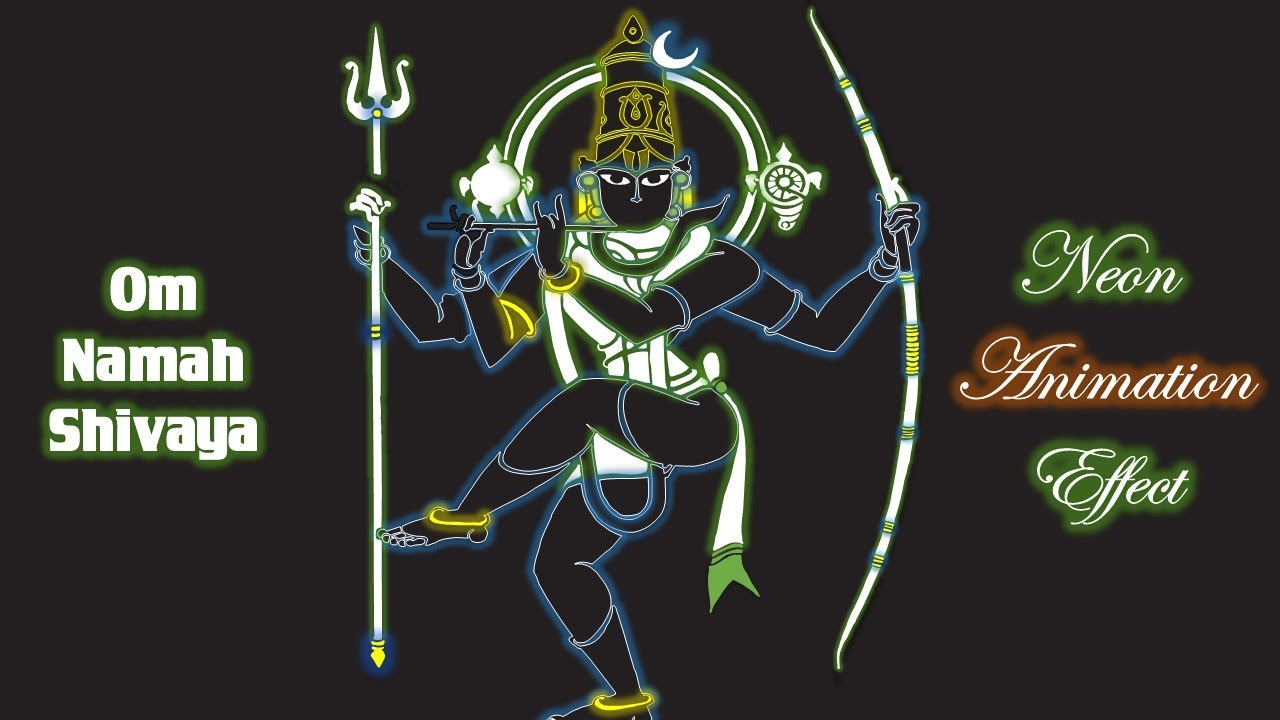
Neon Effect Animation in PowerPoint Lord Shiva Animation - The Teacher
FBTwitterReddit
video description
Rating: 4.0; Vote: 1
Neon Effect Animation in PowerPoint Lord Shiva Animation - The Teacher
In this Microsoft PowerPoint Tutorial, you will learn to create the Neon Text Animation Effect using ready-made SVG Vector Files. You can jump to 9:00 to skip the introduction about Vector Files.
- Learn More and Download Neon Animation Presentation (PPT) -
https://www.theteacherpoint.com/neon-animation-in-powerpoint-tutorial/
The technique is simple and easy. You only need a clipart that you want to animate and for this tutorial, we are downloading a ready-made Vector File from clipartmania.com.
Then we converted that vector file to SVG format because PowerPoint only supports WMF, EMF, and SVG vector formats. After converting and inserting the SVG File into your slide, you can ungroup and then regroup objects as required.
Later, you can make as many duplicate slides as you want and then add Fill and Glow Options to the objects you want to create Neon Animation.
- Image Credits From FreePik.com
http://www.clipartsmania.com
- Recommended Videos
How To Make Animation in PowerPoint Using Vector Files - Power Of PowerPoint and Adobe Illustrator
https://youtu.be/7PADtgKFgNA
How To Use Selection Pane in MS PowerPoint
https://youtu.be/rOPyQw2LDBA
How to Use Shape Tools in Microsoft PowerPoint (Playlist - 7 Videos)
http://bit.ly/ShapeTools-in-PowerPoint
Laxmi: Out of 5 svg I tried, only one worked after all the steps you said.. Others distorted their shapes even after Ai. Finally tried radhakrishna one... isnt perfect but turned out good. AMAZING WORK, I APPRECIATE EVERY VIDEO YOU MAKE :D THANK YOU VERY MUCH FOR THIS TUTORIAL Date: 2022-03-31