Use the Microsoft Edge Read Aloud Feature to Have Web Pages Read to You - OnlineComputerTips
FBTwitterReddit
video description
Rating: 4.0; Vote: 1
Use the Microsoft Edge Read Aloud Feature to Have Web Pages Read to You - OnlineComputerTips
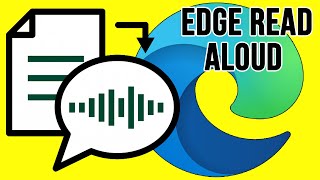
The Microsoft Edge web browser has a feature where it will read web pages for you out loud in case you are having trouble reading them yourself or need assistance. You can skip backward and forward between paragraphs with the back and forward buttons or by clicking with you mouse where you want it to read from. You can also change the speed of the reading as well as the reader's voice Date: 2022-03-31




 5:18
5:18