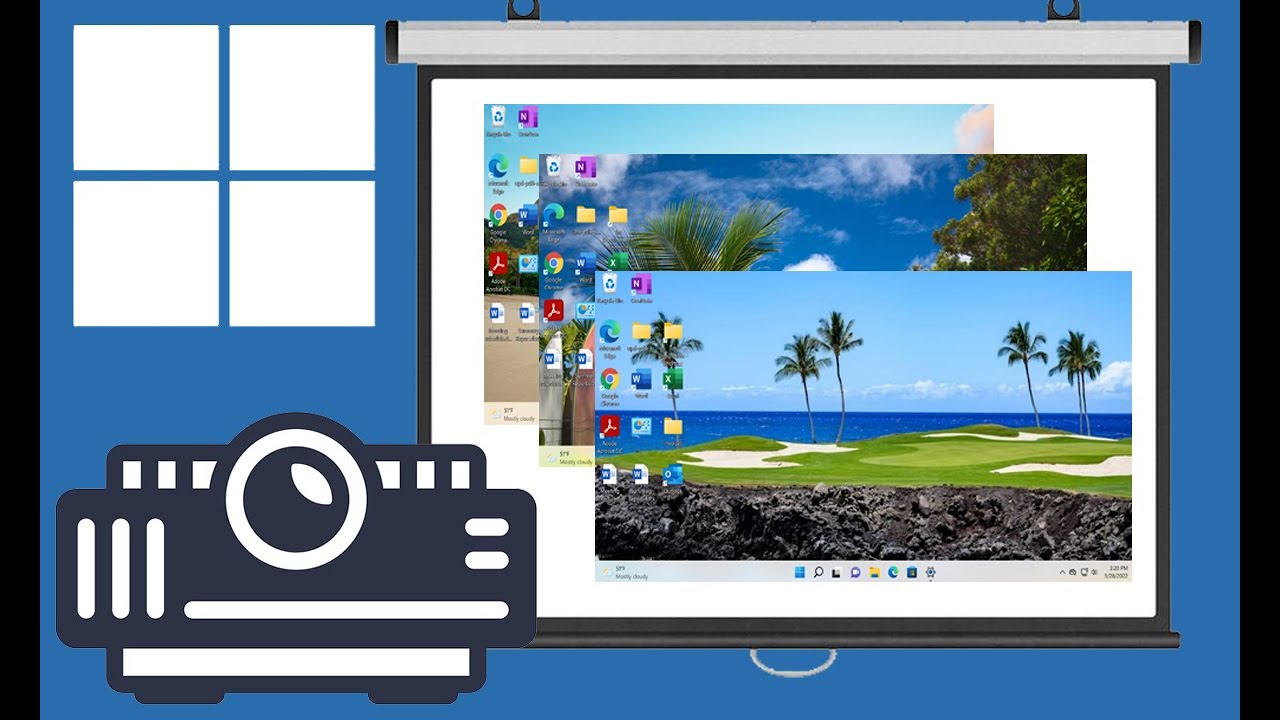
How to Configure the Desktop Wallpaper Slideshow Feature in Windows 11 - OnlineComputerTips
FBTwitterReddit
video description
Rating: 4.0; Vote: 1
How to Configure the Desktop Wallpaper Slideshow Feature in Windows 11 - OnlineComputerTips
Windows 11 has a cool feature where you can configure your desktop background to use personal photos that rotate as a slideshow. This way you get a different background image every so often rather than have to look at the same one all day.
This feature was available in Windows 10 as well and works the same for Windows 11. You can set the picture change interval from as little as 1 minute to as long as 1 day Date: 2022-03-31