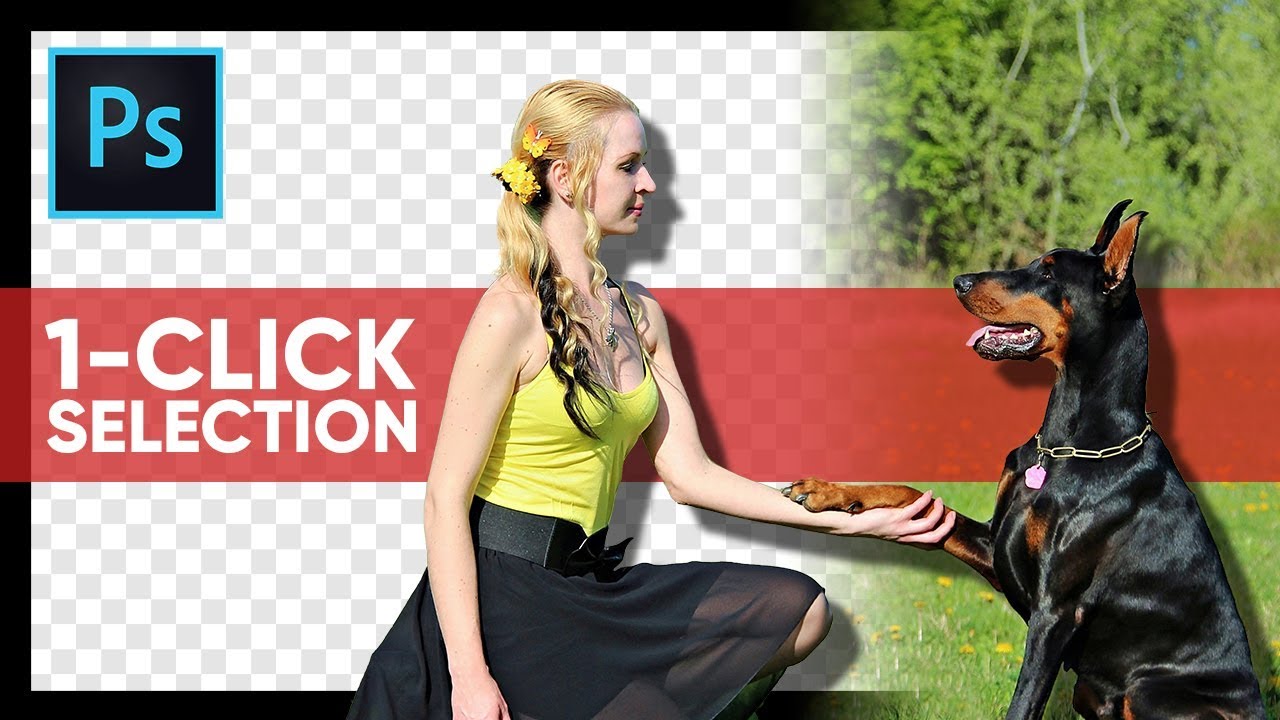
Select Subject in One Click? Testing This INSANE Photoshop Feature!
video description
Date: 2022-07-19
Related videos


Comments and reviews: 20
Snooby66
JUST ONE CLICK to Mask Subjects Using this Brand New Feature in Photoshop CC 2018 called Select Subject!
Yup, just one click. once you've completed clicking all the other stuff first.
Want to save a file to external hard-drive in one click?
OK, click file, click save as, click browse, click external hard drive, click folder to save in, now. WITH JUST ONE CLICK.
Please, stop doing this.
reply
JUST ONE CLICK to Mask Subjects Using this Brand New Feature in Photoshop CC 2018 called Select Subject!
Yup, just one click. once you've completed clicking all the other stuff first.
Want to save a file to external hard-drive in one click?
OK, click file, click save as, click browse, click external hard drive, click folder to save in, now. WITH JUST ONE CLICK.
Please, stop doing this.
reply
Steve
Great tutorial as usual. Weird though. I have an image like the very first one in this video - very good contrast. I select the rectangle selection tool, and then click on select and mask which puts me into the Select and Mask tool but there was no select subject button to click! I'm running PS version 19 (just upgraded yesterday. I wonder if Adobe removed this feature. Anyone else have this issue?
reply
Great tutorial as usual. Weird though. I have an image like the very first one in this video - very good contrast. I select the rectangle selection tool, and then click on select and mask which puts me into the Select and Mask tool but there was no select subject button to click! I'm running PS version 19 (just upgraded yesterday. I wonder if Adobe removed this feature. Anyone else have this issue?
reply
Hovik
Hi Master Of Art, as usual, you make a great tutorial, I'm using Photoshop CC 2015 after open select and mask, but I couldn't see appears SELECT SUBJECT option beside Sample all layers above, my picture is a coffee cup with background, is that anything I do wrong or first I have to select the cup then go to Select and mask. appreciate solving this problem
Thank you
reply
Hi Master Of Art, as usual, you make a great tutorial, I'm using Photoshop CC 2015 after open select and mask, but I couldn't see appears SELECT SUBJECT option beside Sample all layers above, my picture is a coffee cup with background, is that anything I do wrong or first I have to select the cup then go to Select and mask. appreciate solving this problem
Thank you
reply
Lianda
I have a wedding photo where the couple is on a black background. His suit is black and his hair is black. Should I work with curves first to try and make a difference in the level of black and then use the select subject? I only want to put about a pixel of a lighter color around them to be able to make them stand out from the background.
reply
I have a wedding photo where the couple is on a black background. His suit is black and his hair is black. Should I work with curves first to try and make a difference in the level of black and then use the select subject? I only want to put about a pixel of a lighter color around them to be able to make them stand out from the background.
reply
3DCGdesign
Great job on this video! You are great! - but their select subject feature while at first gets your hopes up actually doesn't work for a professional level subject selection. I guess if my mother or four year old needed to select subject, it would work ok for them?
reply
Great job on this video! You are great! - but their select subject feature while at first gets your hopes up actually doesn't work for a professional level subject selection. I guess if my mother or four year old needed to select subject, it would work ok for them?
reply
Dice
I reaaally love your work!
BUT maybe because of the way you learnt some terms - you take SUBJECT to mean HUMAN BEING when it just means anything of focus in an image. That's why the motorbike was selected, because it IS the subject in that photo.
reply
I reaaally love your work!
BUT maybe because of the way you learnt some terms - you take SUBJECT to mean HUMAN BEING when it just means anything of focus in an image. That's why the motorbike was selected, because it IS the subject in that photo.
reply
surabhi
What laptop do you use sir, when I'm selecting select and mask my photoshop gets crashed, I've tried several times but it doesn't do what I want to do.
How do I fix this? And I wanna know if this issue happens bcz of laptop or the software?
reply
What laptop do you use sir, when I'm selecting select and mask my photoshop gets crashed, I've tried several times but it doesn't do what I want to do.
How do I fix this? And I wanna know if this issue happens bcz of laptop or the software?
reply
bmizzle010
Your amazed at the fact that it chose the right things in the images to select? Your using images where it's pretty obvious what to select, its the only thing in the image thats in focus.
reply
Your amazed at the fact that it chose the right things in the images to select? Your using images where it's pretty obvious what to select, its the only thing in the image thats in focus.
reply
myPalabok
at 7: 38 why is it that in my PhotoShop CC 2019, it doesn't work the way you showed it? i thought all this steps are the same no matter what version of PhotoShop is being used?
reply
at 7: 38 why is it that in my PhotoShop CC 2019, it doesn't work the way you showed it? i thought all this steps are the same no matter what version of PhotoShop is being used?
reply
Denise
WoW! you are amazing! thank you for being so educating! I needed this. I have been learning compositing and sometimes cutting out the subject is really frustrating. Thank you!
reply
WoW! you are amazing! thank you for being so educating! I needed this. I have been learning compositing and sometimes cutting out the subject is really frustrating. Thank you!
reply
Danny
When subject is complete how do I send to email as png, so I can easily use adobe mix to add a background. I still get a white background with subject instead of subject only.
reply
When subject is complete how do I send to email as png, so I can easily use adobe mix to add a background. I still get a white background with subject instead of subject only.
reply
Steve
Ah, just figured it out. I had the refine edge tool selected. When I selected the QuickSelect tool, the select subject option appeared. Learned something new.
reply
Ah, just figured it out. I had the refine edge tool selected. When I selected the QuickSelect tool, the select subject option appeared. Learned something new.
reply
ACB
I have to slow down your to listen and see where you're clicking, still have to play it over and over. Please HIGHLIGHT the Cursor to make it easier to follow.
reply
I have to slow down your to listen and see where you're clicking, still have to play it over and over. Please HIGHLIGHT the Cursor to make it easier to follow.
reply
Arslan
I have CC2020 version of Photoshop. The problem arises when i click on subject then a program error message appears and the subject isn't selected.
reply
I have CC2020 version of Photoshop. The problem arises when i click on subject then a program error message appears and the subject isn't selected.
reply
hadi
in this. the select object button is not shown in my photoshop cc 2017 can you please tell me how to show all option. shal be very thankfull to you
reply
in this. the select object button is not shown in my photoshop cc 2017 can you please tell me how to show all option. shal be very thankfull to you
reply
itech
The subject in an image is the focus, the sharpest point. So it doesn't necessarily need to be a human or a living being. Great tutorial anyways
reply
The subject in an image is the focus, the sharpest point. So it doesn't necessarily need to be a human or a living being. Great tutorial anyways
reply
Infrastructure
There is no select end mask or select subject option in Rectangle Marque Tool in my PS. So how can i select subject in one click?
reply
There is no select end mask or select subject option in Rectangle Marque Tool in my PS. So how can i select subject in one click?
reply
Samir
Hi sir, can we make use this for id photo croping in bulk, that means subject can be selected with fixed width and height. Please reply
reply
Hi sir, can we make use this for id photo croping in bulk, that means subject can be selected with fixed width and height. Please reply
reply
RoNI
Can you send me a link to download the photoshop version you use,
Because I can not use most of the tools you use, so please help.
reply
Can you send me a link to download the photoshop version you use,
Because I can not use most of the tools you use, so please help.
reply
hegemoncore
I've said it before, I'll say it again. YOU ARE A SUPERSTAR! THANK YOU SOOO MUCH FOR TAKING THE TIME TO SHARE YOUR KNOWLEDGE!
reply
I've said it before, I'll say it again. YOU ARE A SUPERSTAR! THANK YOU SOOO MUCH FOR TAKING THE TIME TO SHARE YOUR KNOWLEDGE!
reply
Add a review, comment
Other channel videos