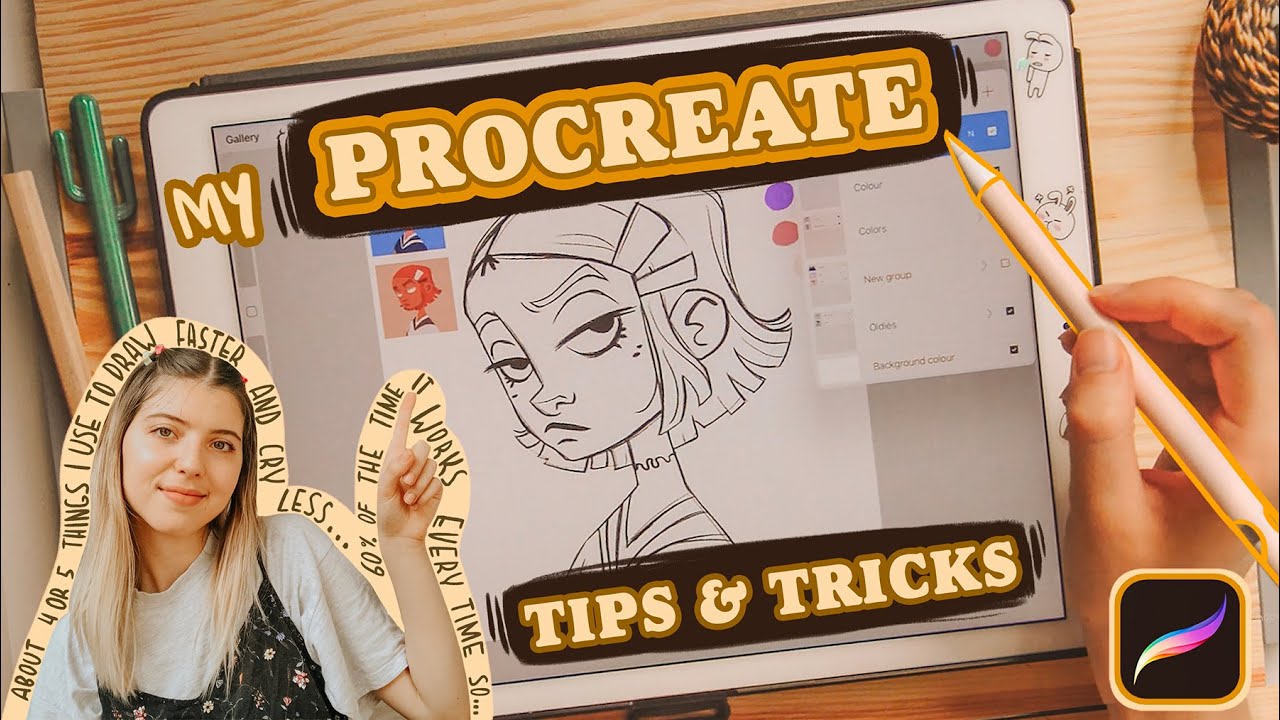
PROCREATE Tips & Tricks How I Draw Faster and Smarter 60% of the time it works every time
video description
Date: 2022-06-09
Related videos



Comments and reviews: 9
hansendesigns
You can erase a layer by rubbing three fingers back and forth. You can fill an unclosed shape and/or get rid of the white line around your fill by using the color drop threshold. Drag your color in, do not lift your stylus and drag right or left to change the threshold. Hope this helps: )
reply
You can erase a layer by rubbing three fingers back and forth. You can fill an unclosed shape and/or get rid of the white line around your fill by using the color drop threshold. Drag your color in, do not lift your stylus and drag right or left to change the threshold. Hope this helps: )
reply
CryingWatercolours
6: 00
Could have also used selection fill to instantly fill those eye whites! Also tapping the dot at the start of the selection will let you start a new selection
Ik this video is old but it came up while looking for tips to draw smarter and wanted to let anyone know: )
reply
6: 00
Could have also used selection fill to instantly fill those eye whites! Also tapping the dot at the start of the selection will let you start a new selection
Ik this video is old but it came up while looking for tips to draw smarter and wanted to let anyone know: )
reply
hooligan
For filling in the areas, the reason youre getting the white edges is because your colordrop size is too small. You can fix this by dropping the colour, but not let go of it, and slide your finger or stylus to the right to increase.
reply
For filling in the areas, the reason youre getting the white edges is because your colordrop size is too small. You can fix this by dropping the colour, but not let go of it, and slide your finger or stylus to the right to increase.
reply
Alexa
3: 20 reminds me of my 6th grade graphic design class and someone figured out the fill option on indesign and tried to kill the teacher for making us spend like 5 hours doing the color when we could have done that. It was fun
reply
3: 20 reminds me of my 6th grade graphic design class and someone figured out the fill option on indesign and tried to kill the teacher for making us spend like 5 hours doing the color when we could have done that. It was fun
reply
Jamaile
1: 00 Oh she's showing us menu's I know about the toolbar n' stuff
1: 15 She summons a whole menu with a single tap
Me: surprised Pikachu face THAT EXIST!
reply
1: 00 Oh she's showing us menu's I know about the toolbar n' stuff
1: 15 She summons a whole menu with a single tap
Me: surprised Pikachu face THAT EXIST!
reply
Jessica
Why do people have smaller versions of their drawing on the screen? Am I missing something? How is this done? And why? I see it all the time
reply
Why do people have smaller versions of their drawing on the screen? Am I missing something? How is this done? And why? I see it all the time
reply
Uplifting
I'm a traditional artist, but I'm totally hypnotized by your drawings and this accent! Oh my god, I just want to keep listening forever
reply
I'm a traditional artist, but I'm totally hypnotized by your drawings and this accent! Oh my god, I just want to keep listening forever
reply
Nereida
Thats super helpful! And I got another question how do you do to have a previous colours on the colour palette? I cant get mines!
reply
Thats super helpful! And I got another question how do you do to have a previous colours on the colour palette? I cant get mines!
reply
emo
The reference color drop was SO helpful! I was upset that Procreate didn't have a traditional bucket fill tool, but now it does! Yay!
reply
The reference color drop was SO helpful! I was upset that Procreate didn't have a traditional bucket fill tool, but now it does! Yay!
reply
Add a review, comment
Other channel videos