How to Add Headers & Footers in Google Docs How to Edit or Remove Headers & Footers in Google Docs
FBTwitterReddit
video description
Rating: 4.0; Vote: 1
well be showing you how to insert a header & footer in Google Docs.
Headers and footers offer space at the top and bottom of a document that applies to every page. If you want create a header and footer in Docs, well show you how to do it! Lets create a header and footer in this Doc.
1. To create a header or footer, click Insert at the top - Headers & footers - Header or Footer. Lets start with the header.
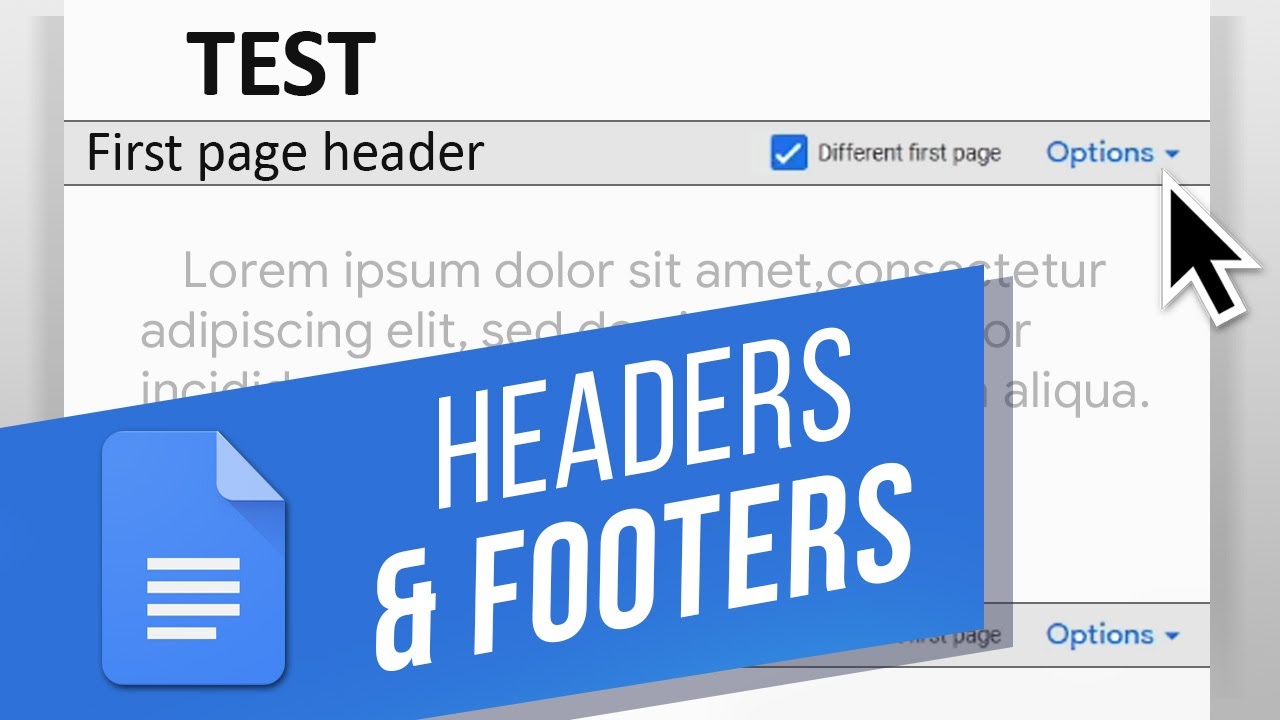
2. Above our pages text, we have this top section that we can now type in. Anything in here will be applied to every page unless you check the Different first page box.
3. To exit header editing mode, click outside of the header or press Escape.
4. To quickly edit the header or insert one, you can also double-click at the top of the document.
5. The same rules and process apply to the footer.
6. There are also further Options for the headers and footers such as page numbers and formatting.
You can create headers and footers in Docs!
What is your favorite word processor? Date: 2023-07-08