Filling Text Effect in PowerPoint Tutorial - The Teacher
FBTwitterReddit
video description
Rating: 4.0; Vote: 1
Filling Text Effect in PowerPoint Tutorial - The Teacher
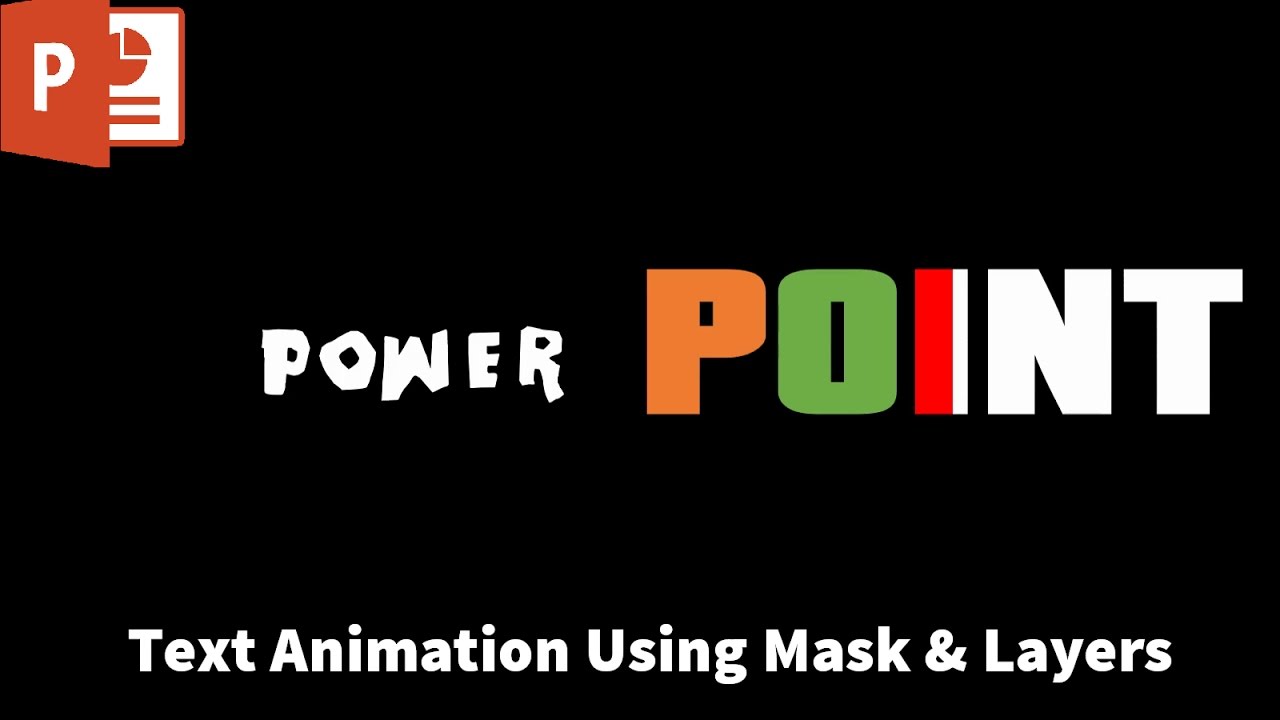
In this PowerPoint Text Animation tutorial, we used layers to create the Mask effect. This tutorial is totally inspired by one of -Easy After Effectstutorials Text Animation Using Mask.
- About the Filling Text Animation
We've used Merge Shape - Subtract command over a Rectangle + WordArt to crop the text from a rectangle and then we moved different color rectangles which are hidden behind the main rectangle. You can use Selection Pane to manage the layers easily
Maxim: It allows you to use only the simple color backgrounds, but not pictures or something. Cant believe powerpoint still doesnt support conventional mask tools Date: 2022-03-31