How To Make Animated Backgrounds in PowerPoint Using Simple Shapes The Teacher
FBTwitterReddit
video description
Rating: 4.0; Vote: 1
How To Make Animated Backgrounds in PowerPoint Using Simple Shapes The Teacher
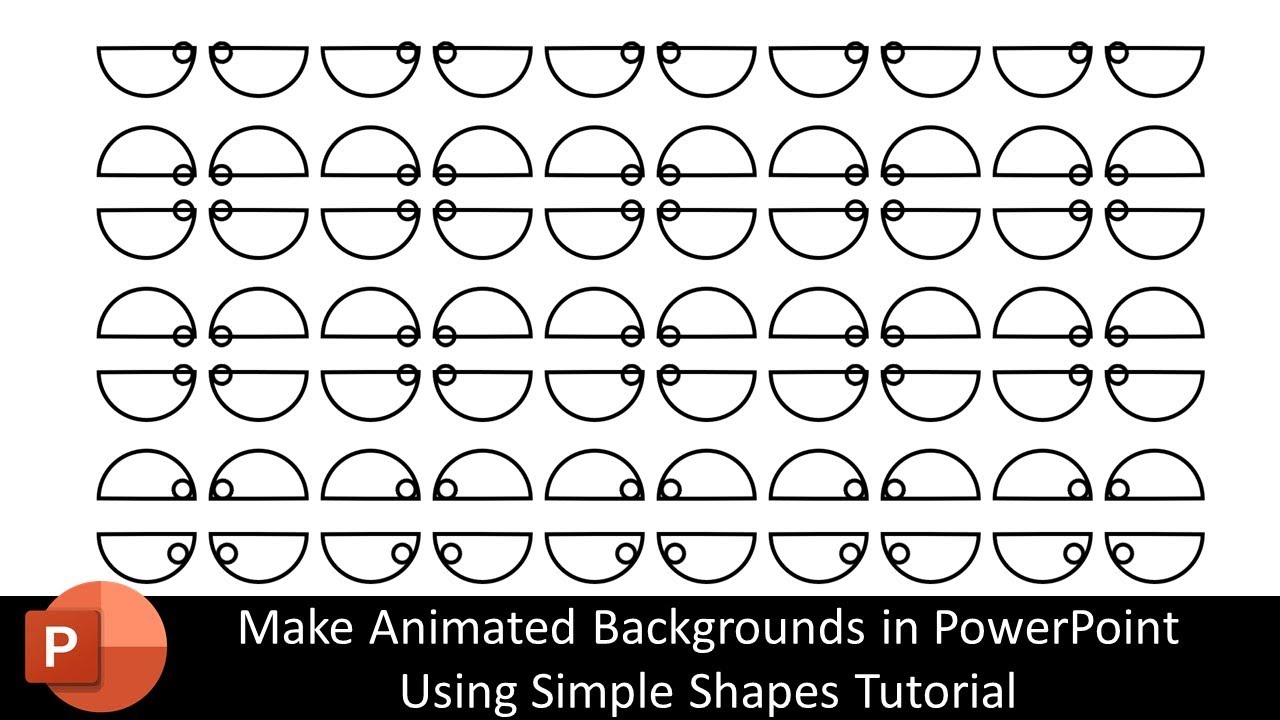
In this PowerPoint Animation Tutorial, we are using the Spin effect on simple oval shapes to create an illusionary animated background.
- About the Distraction Animated Background PowerPoint Tutorial
We are basically using 3 oval shapes, where one is partial circle and a small circle rotating inside that partial circle. But we also made another oval which is hidden and has been grouped with the small oval that we are rotating. Then we used the Spin effect with 180 Degree rotation.
Then we duplicate the same ovals below and just changed the rotation to anticlockwise and added a short time delay. Watch the tutorial to learn more Date: 2022-03-31






 6:57
6:57 55:40
55:40