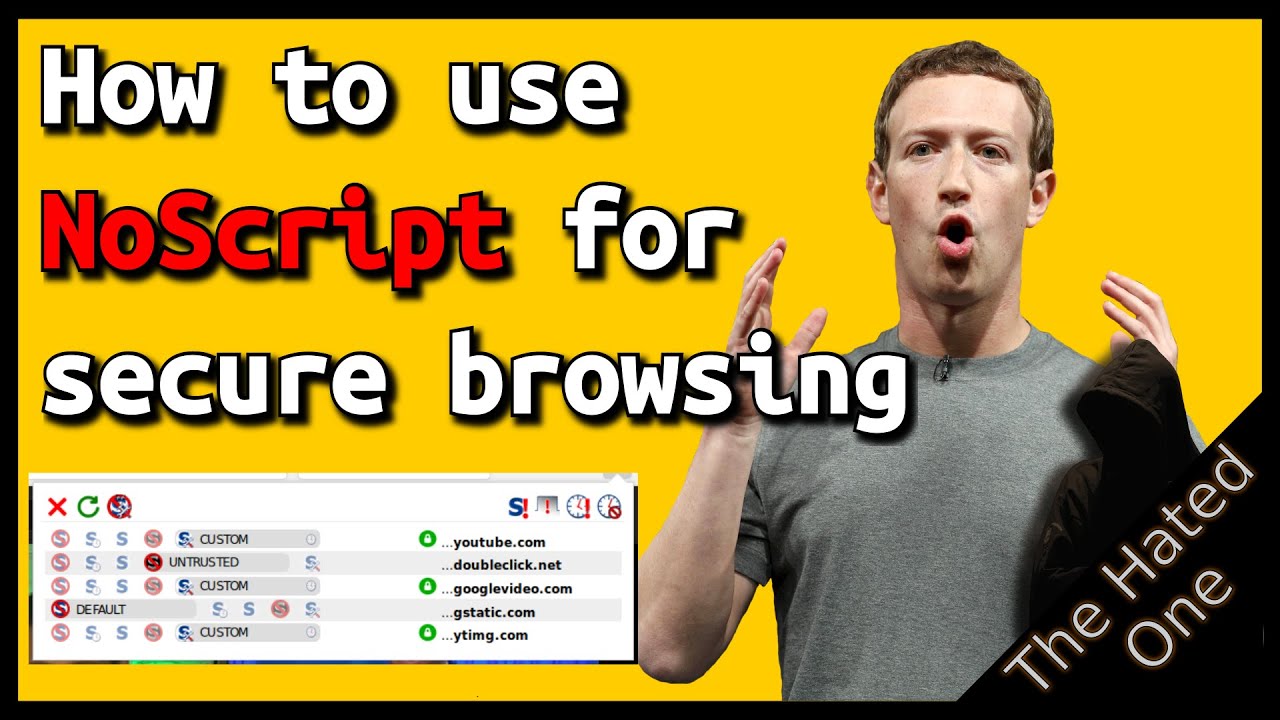
Get MAXIMUM online privacy and security with Noscript - How to use NoScript tutorial - The Hated One
video description
Date: 2022-03-20
Related videos




Comments and reviews: 10
Matt
NoScript is better than nothing, though I'd recommend uMatrix (from the same developers that made uBlock, the adblocker) over NoScript any day. uMatrix enables you to allow/block content based on the type (such as cookies, scripts, XSS, iframes, etc. So if you want to enable scripts for a given website, but not cookies, you can, where AFAIK this isn't possible for NoScript. It's all or nothing. uMatrix also allows you to define a scope for those rules. So you can, for instance, still use facebook while preventing it from tracking you on the web by blocking its scripts and cookies globally, but adding an exception when you're directly visiting the website whereas IIRC such configuration wouldn't be possible using NoScript. uMatrix also comes with some nice defaults, automatically blocking all content from known trackers and ad servers, effectively replacing the need for an adblocker.
NoScript has a history of hypocrisy in terms of privacy. The developer has, in the past, discretely included code that disabled Adblock Plus and Ghostery (an anti web-tracking extension) from functioning as intended on his personal website.
reply
NoScript is better than nothing, though I'd recommend uMatrix (from the same developers that made uBlock, the adblocker) over NoScript any day. uMatrix enables you to allow/block content based on the type (such as cookies, scripts, XSS, iframes, etc. So if you want to enable scripts for a given website, but not cookies, you can, where AFAIK this isn't possible for NoScript. It's all or nothing. uMatrix also allows you to define a scope for those rules. So you can, for instance, still use facebook while preventing it from tracking you on the web by blocking its scripts and cookies globally, but adding an exception when you're directly visiting the website whereas IIRC such configuration wouldn't be possible using NoScript. uMatrix also comes with some nice defaults, automatically blocking all content from known trackers and ad servers, effectively replacing the need for an adblocker.
NoScript has a history of hypocrisy in terms of privacy. The developer has, in the past, discretely included code that disabled Adblock Plus and Ghostery (an anti web-tracking extension) from functioning as intended on his personal website.
reply
Ferdinand
Tor browser has noscript built-in and is based on firefox and has the power of tor which truly anonimizes your data unlike vpn's which you need to trust them by their word of not collecting any data. Tor browser is know for deep web explorations but it's a browser, what do you expect a browser to do? Yeah right browse the internet. I suggest using tor browser to truly anonimize your internet activity. Or if you're a little more paranoid use the full blown tor to anonimize all internet traffic from your computer.
reply
Tor browser has noscript built-in and is based on firefox and has the power of tor which truly anonimizes your data unlike vpn's which you need to trust them by their word of not collecting any data. Tor browser is know for deep web explorations but it's a browser, what do you expect a browser to do? Yeah right browse the internet. I suggest using tor browser to truly anonimize your internet activity. Or if you're a little more paranoid use the full blown tor to anonimize all internet traffic from your computer.
reply
Maciej
As always, awesome content-thanks, -The Hated One! Would you consider a video that would show how YOU use the privacy/security tools for yourself? It would be extremely helpful to see the flow of setting up all the tools in combination and relationship to each other. That's the tricky part. I understand (more or less) how to use them separately but knowing how to configure them so they work together most efficiently (not blocking them same things, for example) would be most helpful and practical. Thanks, again!
reply
As always, awesome content-thanks, -The Hated One! Would you consider a video that would show how YOU use the privacy/security tools for yourself? It would be extremely helpful to see the flow of setting up all the tools in combination and relationship to each other. That's the tricky part. I understand (more or less) how to use them separately but knowing how to configure them so they work together most efficiently (not blocking them same things, for example) would be most helpful and practical. Thanks, again!
reply
bora
How am I supposed to figure out which item on a long list is blocking a particular video functionality? Many times the descriptions are not obviously associated with this type of function and I would prefer to not have to go through dozens of scripts to temporarily enable and refresh to see if allowing that one did the trick.
reply
How am I supposed to figure out which item on a long list is blocking a particular video functionality? Many times the descriptions are not obviously associated with this type of function and I would prefer to not have to go through dozens of scripts to temporarily enable and refresh to see if allowing that one did the trick.
reply
Edouard
For such a popular add-on, the UI is remarkably bad. Why not have a switch or button that says -Scripts on-, -Scripts off-. The whole. click the button, go to a drop down, select a site, click again, there! Buried in 5 contextual menus. That's how you turn it off. Making a 7-step mess out of what should be very simple.
reply
For such a popular add-on, the UI is remarkably bad. Why not have a switch or button that says -Scripts on-, -Scripts off-. The whole. click the button, go to a drop down, select a site, click again, there! Buried in 5 contextual menus. That's how you turn it off. Making a 7-step mess out of what should be very simple.
reply
Jim
I very much like the content of your videos. I just cannot stand more than 5 minutes because you speak so fast I get dizzy. And then I must take a break. Can you please consider speaking in a way so that normal people can follow through all the way.
reply
I very much like the content of your videos. I just cannot stand more than 5 minutes because you speak so fast I get dizzy. And then I must take a break. Can you please consider speaking in a way so that normal people can follow through all the way.
reply
Joel
Wow, I needed this. Was trying to use a website I have accessed fine before I started using it. It was blocking the sign up page and I didn't know what to do. With a bit of tweaking, I figured it out. And I kept unnecessary stuff untrutusted too!
reply
Wow, I needed this. Was trying to use a website I have accessed fine before I started using it. It was blocking the sign up page and I didn't know what to do. With a bit of tweaking, I figured it out. And I kept unnecessary stuff untrutusted too!
reply
LEO
What is the difference between Ublock and NoScript? I am using Ublock on a very high security level. Do these two work differently should I use them together? If I'm using the above is Decentraleyes necessary?
reply
What is the difference between Ublock and NoScript? I am using Ublock on a very high security level. Do these two work differently should I use them together? If I'm using the above is Decentraleyes necessary?
reply
Berengario
If i already use advanced Ublock Origin do i still should use NoScript? Most of the time it feels that using both is redundant and only makes -unbraking- much more of a hassle.
reply
If i already use advanced Ublock Origin do i still should use NoScript? Most of the time it feels that using both is redundant and only makes -unbraking- much more of a hassle.
reply
Max
With noscript, why can I not allow scripts from a domain on certain websites only? When I set google to allow for example, on youtube, it then allows that script to run globally.
reply
With noscript, why can I not allow scripts from a domain on certain websites only? When I set google to allow for example, on youtube, it then allows that script to run globally.
reply
Add a review, comment
Other channel videos


 14:8
14:8