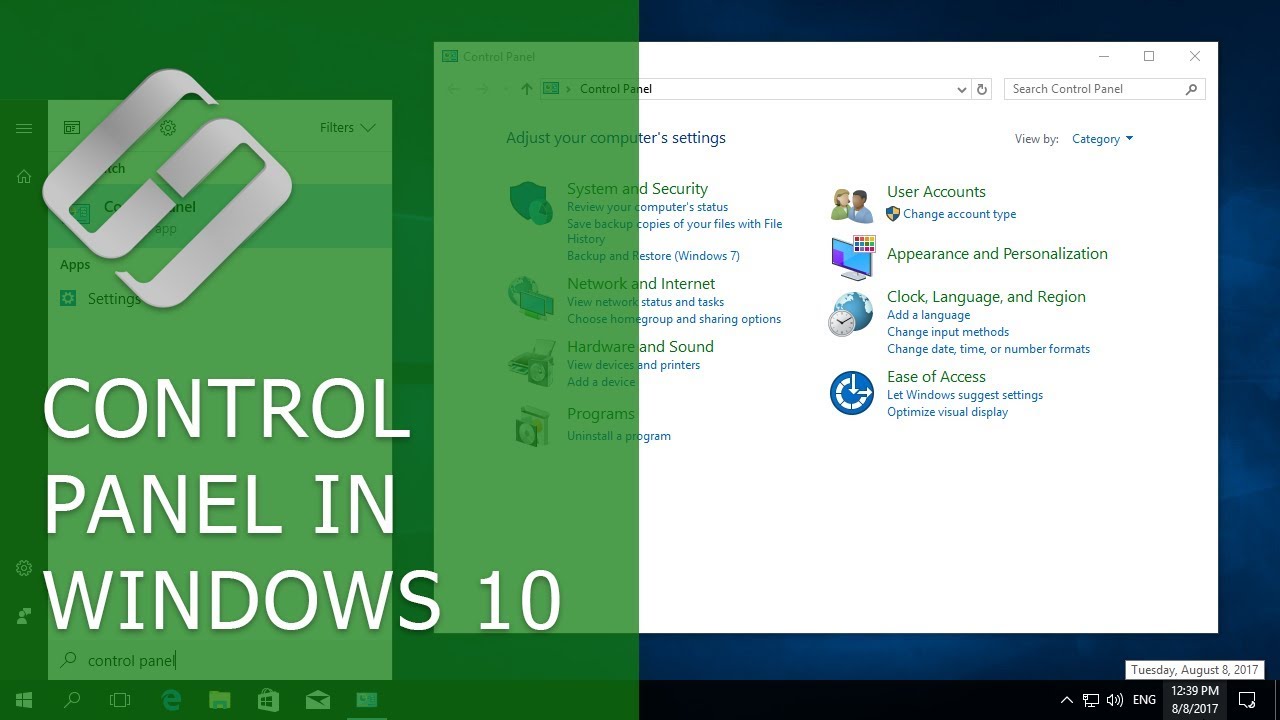
How to Open Control Panel in Windows 10 and Bring it Back to the Start Menu Hetman Software
video description
Date: 2022-03-28
Related videos


Comments and reviews: 7
David
Thank you very, comprehensive and well explained. I did discover a while ago that I could get control panel by doing search within settings on W10, but I don't understand why MS hides it for such basic functions as deleting programs.
I did try to get your shortcut for your hyperlink in your description, but comes up as .rar file rather than being labelled shortcut. I pasted it anyway within Group 2 and rebooted computer, but doesn't show up in settings list (Win+X). I presume I am doing something wrong.
Thanks again.
reply
Thank you very, comprehensive and well explained. I did discover a while ago that I could get control panel by doing search within settings on W10, but I don't understand why MS hides it for such basic functions as deleting programs.
I did try to get your shortcut for your hyperlink in your description, but comes up as .rar file rather than being labelled shortcut. I pasted it anyway within Group 2 and rebooted computer, but doesn't show up in settings list (Win+X). I presume I am doing something wrong.
Thanks again.
reply
David
At 3:50 my root doesn't have most of those folders/names. I assume -hiddden- folders. -Max- is unique. I learned a few things but not how to put a Control Panel back in the Start Menu.
reply
At 3:50 my root doesn't have most of those folders/names. I assume -hiddden- folders. -Max- is unique. I learned a few things but not how to put a Control Panel back in the Start Menu.
reply
Wilker
Hello, And how to put a shortcut to the control panel in the taskbar? When I do this, the link becomes a simple link to Windows Explorer. Thanks.
reply
Hello, And how to put a shortcut to the control panel in the taskbar? When I do this, the link becomes a simple link to Windows Explorer. Thanks.
reply
Gristly
False advertisement I didn't ask for twenty minutes on windows seven or eight. Next time don't wast my time with this obsolete crap
reply
False advertisement I didn't ask for twenty minutes on windows seven or eight. Next time don't wast my time with this obsolete crap
reply
Manny
your presentation far to fast!!!!!!!!!!!!!!!!! found useless--what are you doing showing off on how fast you can move and click?????
reply
your presentation far to fast!!!!!!!!!!!!!!!!! found useless--what are you doing showing off on how fast you can move and click?????
reply
craig
Dear Sir..You are wonderful, professional, and truly helpful to your audience... Thank you so much .before this i was totally lost
reply
Dear Sir..You are wonderful, professional, and truly helpful to your audience... Thank you so much .before this i was totally lost
reply
david
I am trying do a system restore my pc does not have any of the stuff being shown if it did I would not be asking useless .
reply
I am trying do a system restore my pc does not have any of the stuff being shown if it did I would not be asking useless .
reply
Add a review, comment
Other channel videos